
Fixing “WordPress Admin Login Not Working” Issue
WordPress admin login not working? Diagnose cookies, plugins, URLs, hosting issues, and malware with practical steps to restore access to your website fast.
Why WordPress Site is Redirecting only on Google Visits
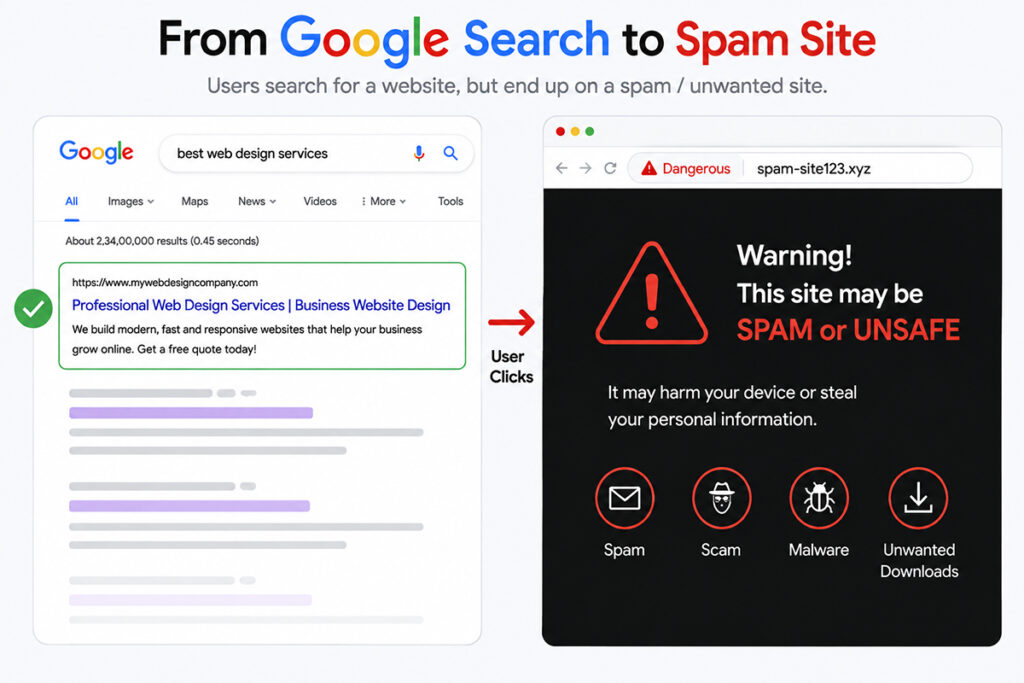
Why Is WordPress Redirecting Only on Google Visits? A customer finds your business through Google, clicks your result, and lands on an unrelated website, spam page, or suspicious offer. Yet when you type your URL directly into the browser, your website appears normal. If you are asking, “why is my WordPress website redirecting only on Google visits?”, treat it as a security issue until proven otherwise. This behavior is commonly caused by a conditional redirect. It is designed to avoid detection by site owners while targeting search visitors, who are often your highest-intent prospects. For a business website, that can mean lost inquiries, wasted ad spend, damaged trust, and a potential drop in organic visibility. Why the Redirect Happens Only After a Google Click A normal WordPress redirect affects every visitor. A conditional redirect behaves differently. Malicious code checks information associated with a visitor, then decides whether to send that person elsewhere. The most common trigger is the referrer. When someone clicks your site from Google Search, the browser may pass information showing that the visit originated from Google. A malicious script can detect this and activate the redirect. When you enter the domain directly, that referrer is absent, so the malicious behavior stays hidden. Attackers may also target specific conditions, including mobile devices, selected countries, first-time visitors, visitors who arrive through an ad, or people who are not logged into WordPress. This is why a website owner can test the site several times and still conclude that everything is working properly. The Most Likely Cause: A Hacked WordPress Site In most cases, Google-only redirection points to malware or unauthorized code on the website, server, or marketing stack. It does not necessarily mean WordPress itself is at fault. The weakness may come from an outdated plugin, an abandoned theme, a stolen administrator password, insecure hosting access, or a vulnerable third-party script. #1 Malicious Code in a Theme, Plugin, or Core File Attackers often inject code into places that are easy to overlook. This may include a theme’s functions file, a plugin file, WordPress core files, or a must-use plugin that loads automatically. The code may be heavily disguised, split across multiple files, or written to restore itself after a partial cleanup. A redirect plugin is not automatically suspicious. Many legitimate websites use redirects for old pages, campaign landing pages, and URL changes. The concern is a redirect rule or script you did not create, especially one that sends Google users to unrelated domains. #2 Database Injections and Hidden WordPress Admin Accounts Not every infection sits in a file. Malicious JavaScript can be inserted into posts, widgets, site options, theme settings, or database entries used by page builders. A compromised site may also contain an unfamiliar administrator account, allowing an attacker to re-enter after you remove visible code. Check every administrator-level user carefully. Do not assume a generic name, an old staff account, or an unfamiliar email address is harmless. #3 Server, CDN, or Tag Manager-Level Redirects Sometimes WordPress is clean, but the redirect occurs elsewhere. The source could be a modified server configuration file, a hosting control panel rule, compromised DNS settings, a CDN rule, or a third-party tag management container. This matters because reinstalling WordPress will not remove a redirect that lives outside WordPress. A proper investigation needs to cover the full path between the visitor’s click and your website content. What to Do When Your WordPress Site Redirects From Google Do not just clear your cache and hope the issue has disappeared. Caching can temporarily hide symptoms while malicious code remains active. The right response is a controlled cleanup that removes the source and closes the security gap that allowed it in. A practical recovery process should include these steps: Put a current backup aside before editing files or deleting data. Keep it for investigation, but do not assume it is safe to restore. Change WordPress administrator, hosting, FTP or SFTP, database, CDN, and domain account passwords. Enable two-factor authentication wherever available. Review and remove unrecognized WordPress users, plugins, themes, scheduled tasks, and redirect rules. Scan WordPress files and the database for unfamiliar code, recently modified files, suspicious scripts, and injected links or iframes. Replace WordPress core files with clean copies, then update WordPress, active plugins, and themes to supported versions. Review server configuration files, CDN settings, DNS records, and third-party scripts such as analytics or tag manager code. The order matters. If you remove malware but leave a compromised admin account active, the attacker can return. If you update plugins without removing injected code, the redirect may continue. If you restore a backup from after the compromise, you can bring the infection back with it. How To Prevent Google-only Redirects A Google-only redirect is not merely a technical inconvenience. It places your best acquisition channel at risk. Search visitors are actively looking for a service, product, or answer. Sending them elsewhere can increase lost leads before your team even knows a problem exists. After cleanup, test key pages from Google Search again, review site forms and checkout flows, and monitor traffic quality closely. Watch for unusual referral sources, sudden drops in organic conversions, or reports from customers who see a different destination than your team does. For businesses without an in-house technical team, professional malware removal and ongoing WordPress maintenance can be more cost-effective than repeated trial-and-error fixes. Innomedia can provide you the best website support & help assess conditional redirects, remove malicious code, secure the website, and keep critical updates monitored so your Google traffic reaches the business you worked to build.
Fixing “WordPress Admin Login Not Working” Issue
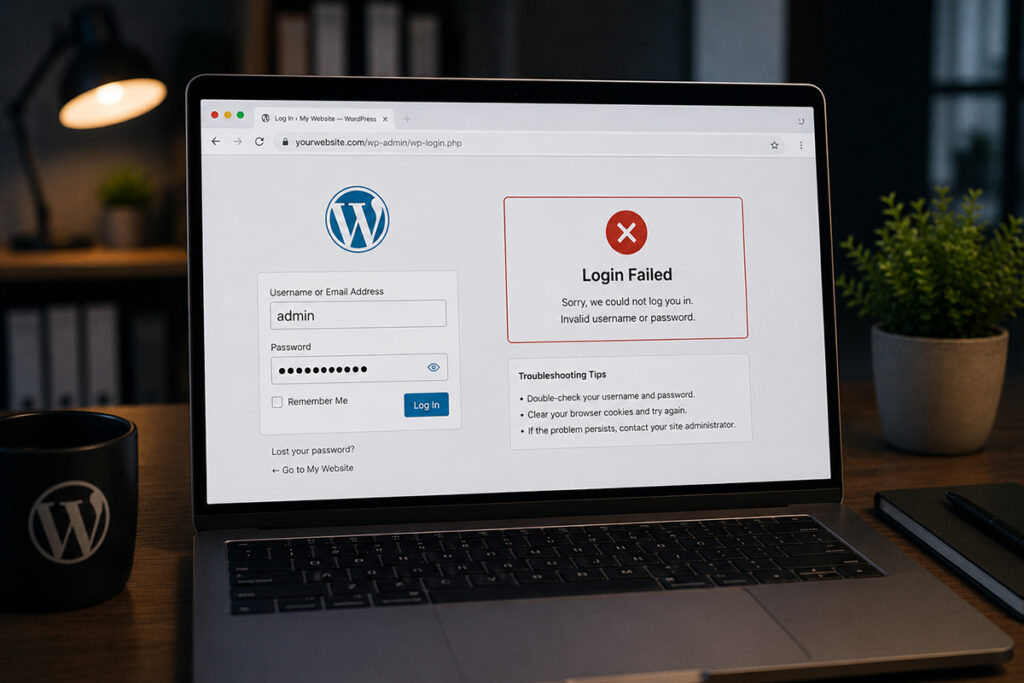
WordPress admin login not working? Diagnose cookies, plugins, URLs, hosting issues, and malware with practical steps to restore access to your website fast.
Fix the WordPress Too Many Redirects Error
WordPress contact form not sending email? Find the common causes, test each layer, and restore reliable lead delivery before inquiries disappear quietly.
Fix a WooCommerce Cart Critical Error Fast
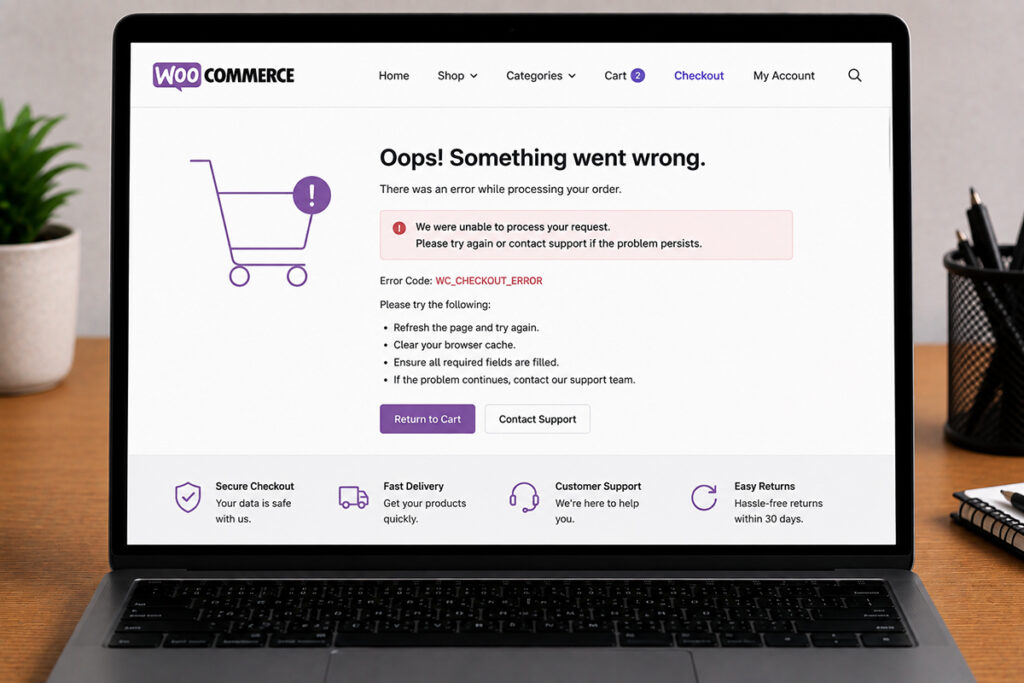
WordPress contact form not sending email? Find the common causes, test each layer, and restore reliable lead delivery before inquiries disappear quietly.
How can outdated WordPress plugins get your website hacked?

Is your WordPress site infected with malware? Do you suspect some spam files & folders have been installed on your server? Here’s how to identify those spam files and remove them.
Securing Your WordPress Website After Malware Removal

Learn how to secure a WordPress site after malware removal with practical steps to close security gaps, protect leads, and prevent repeat attacks fast.
WordPress Malware Removal Cost & Timeframe

Is your WordPress site infected with malware? Do you suspect some spam files & folders have been installed on your server? Here’s how to identify those spam files and remove them.
WordPress Contact Form Not Sending Email? Fix It
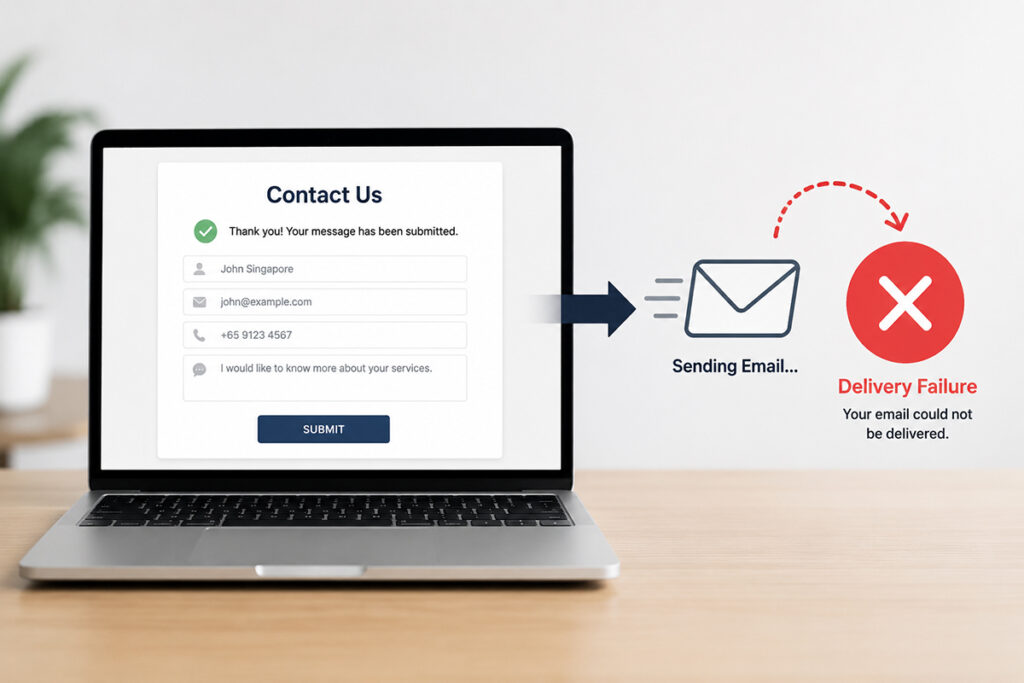
WordPress contact form not sending email? Find the common causes, test each layer, and restore reliable lead delivery before inquiries disappear quietly.
Identify & Remove Suspicious Files From Your WordPress Website

Is your WordPress site infected with malware? Do you suspect some spam files & folders have been installed on your server? Here’s how to identify those spam files and remove them.