
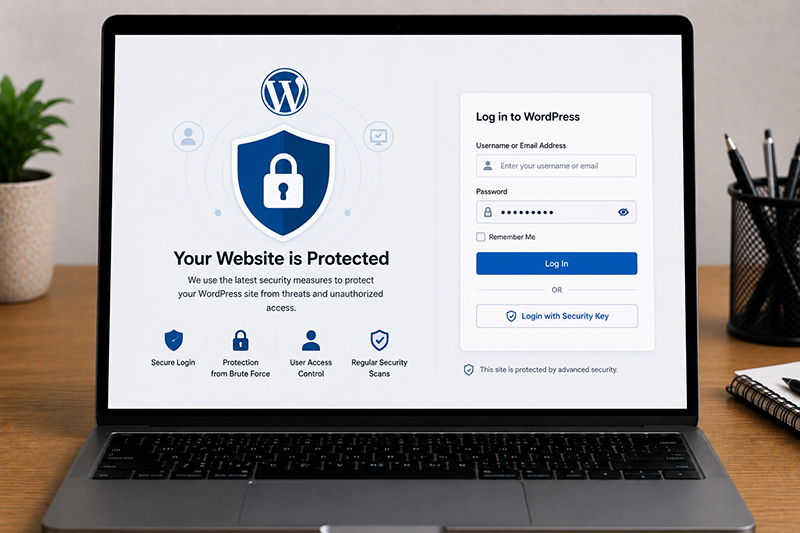
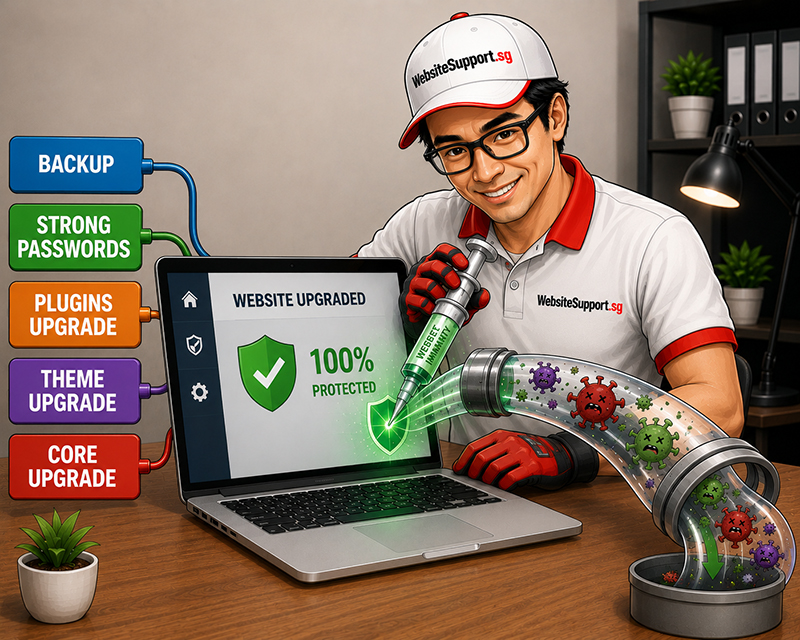
Was the malware removed, but you are still wondering whether it will come back? Did Google flag your site, customers see a warning, or did your admin login suddenly develop a life of its own? Malware removal is the emergency room visit. Securing the site afterward is the recovery plan – and skipping it is how businesses end up paying for the same cleanup twice.
Knowing how to secure a WordPress site after malware removal protects more than pages and plugins.
Do not assume a site is safe simply because it loads normally. Malware can hide in inactive plugins, database tables, scheduled tasks, upload folders, and administrator accounts. A proper post-cleanup review confirms that the infection is gone and identifies how it entered.
Ask your website support provider to check infected files, altered core files, suspicious user accounts, vulnerable plugins or themes, and any server-level issue discovered during the investigation. If no cause was identified, treat the site as potentially still exposed.
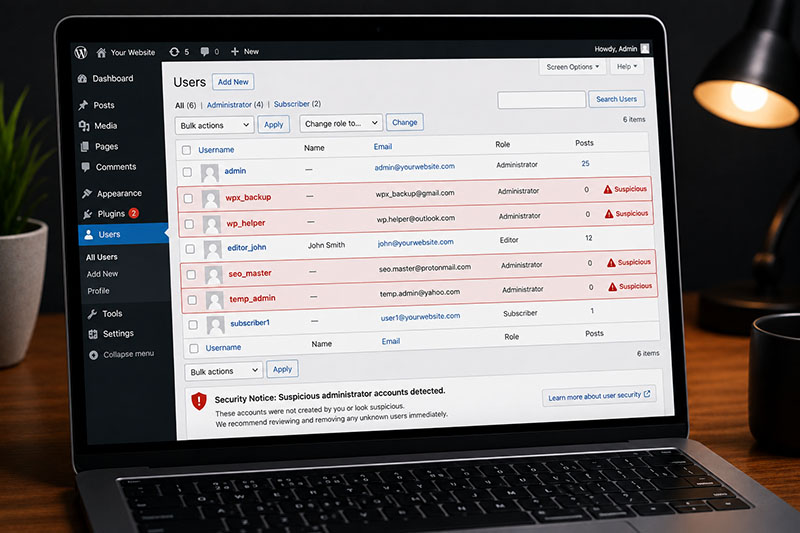
A malware scan is useful, but it should not be the only check. Review the areas attackers commonly use to maintain access:
Reset credentials for all users with access to the website and remove accounts that are no longer required. Use unique, long passwords generated by a password manager. Do not recycle passwords from email, social media, or another business system.
Prioritize these accounts:
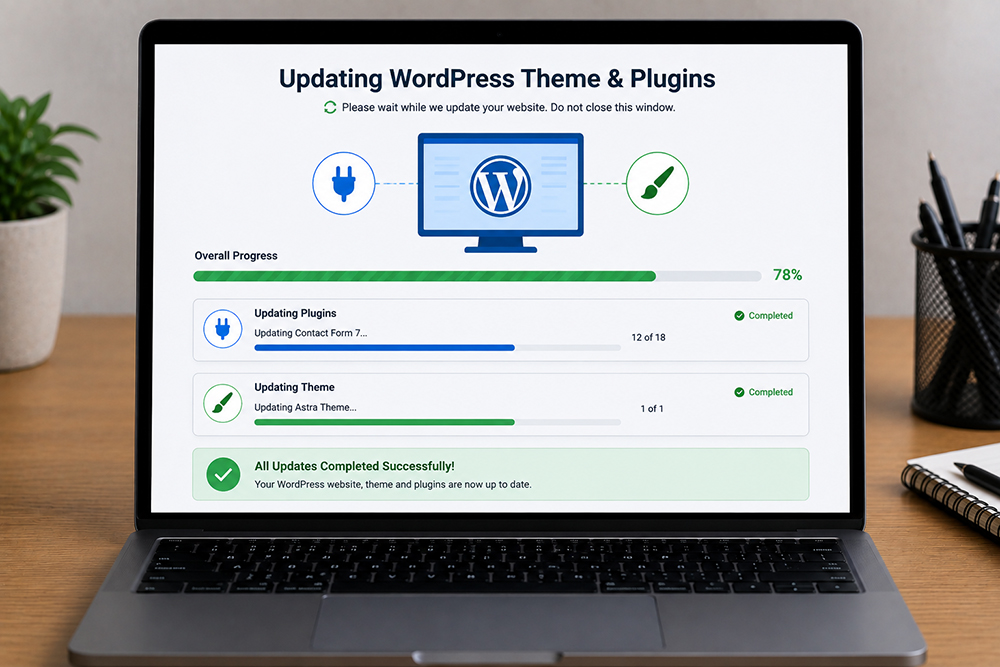
Outdated software is one of the most common reasons WordPress sites are compromised. Attackers actively scan for known weaknesses in old versions of WordPress, plugins, themes, PHP, and server software.
Update WordPress core, active plugins, active themes, and the PHP version supported by your host. Delete unused plugins and themes rather than leaving them inactive. An inactive plugin can still become a security risk if it remains installed and vulnerable.
Brute-force login attempts are constant. Limit repeated failed logins, add multi-factor authentication, and consider restricting administrator access by IP address if your team works from fixed locations.
Avoid using “admin” as a username. If it already exists, create a new administrator account with a unique username, verify it works, transfer ownership where needed, and remove the old account.
A web application firewall filters suspicious traffic before it reaches your site. It can block known malicious requests, bot attacks, login abuse, and common exploit attempts.
For many small and mid-sized businesses, a managed firewall is more practical than trying to tune complex security rules internally. The right setup depends on your hosting environment, traffic levels, and whether you run WooCommerce, memberships, or custom integrations.
Set sensible file permissions so attackers cannot write to folders they should not control. Disable direct editing of plugin and theme files from the WordPress dashboard. This does not replace proper security, but it reduces the damage a compromised admin account can cause.
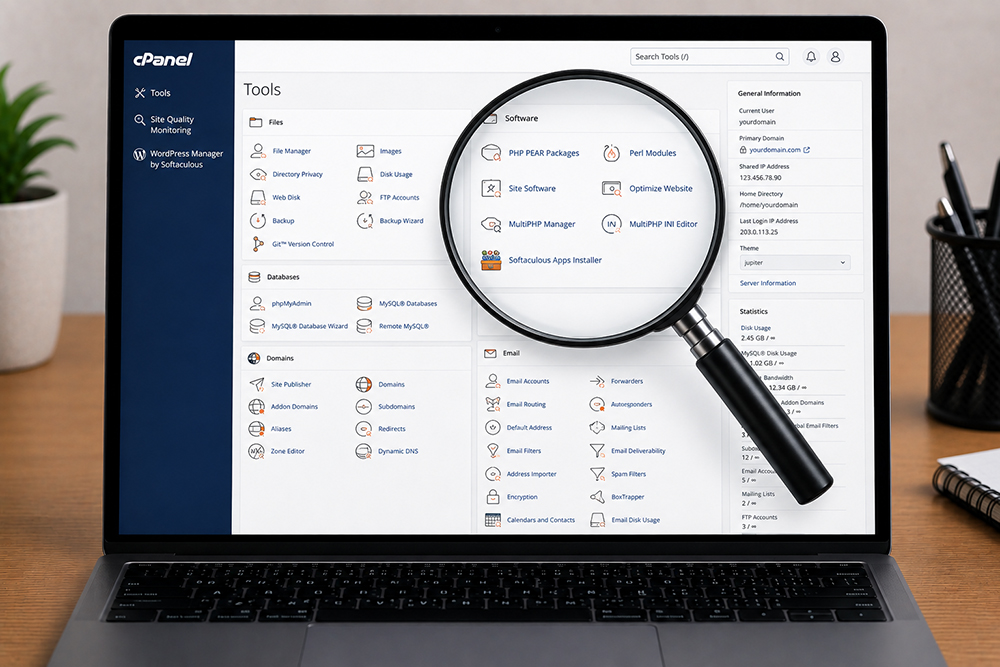
Confirm that the server uses supported PHP versions, SSL is active across the entire site, backups are protected, and suspicious server activity is monitored.
One-time cleanup is reactive. Ongoing web maintenance is what keeps vulnerabilities from piling up again. The best schedule depends on the size and complexity of your site, but every business should have a defined owner, a backup process, and a response plan.
A practical routine includes:
Automated updates can help, especially for minor WordPress core releases and trusted plugins. However, fully automatic updates are not ideal for every custom or eCommerce site. A failed update can affect transactions, inventory, or lead capture. Managed maintenance gives businesses the benefit of timely updates with testing and human oversight.


Get an affordable quote for services like website maintenance, website repair, website upgrade, & website malware removal.

WordPress website broken after a PHP upgrade? Learn how to fix critical errors, plugin conflicts and PHP compatibility issues. Get WordPress support in Singapore.
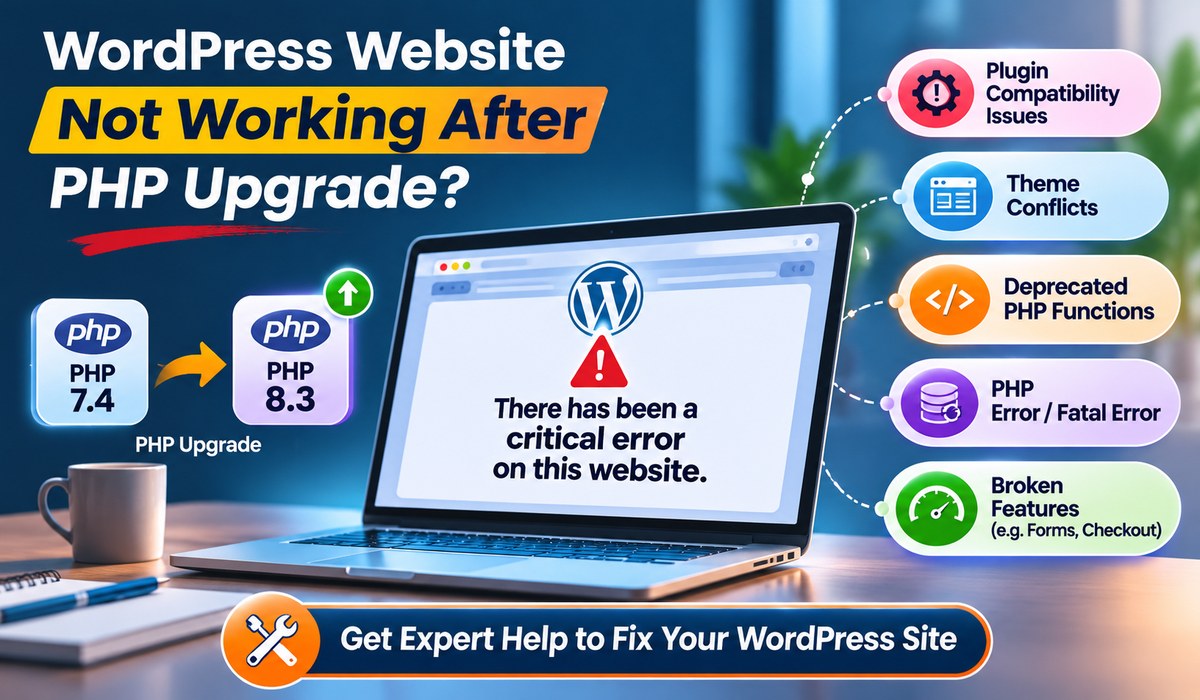
WordPress website broken after a PHP upgrade? Learn how to fix critical errors, plugin conflicts and PHP compatibility issues. Get WordPress support in Singapore.
Protect your business from cyberattacks with professional website maintenance, website support, malware removal, website security and website upgrade services in Singapore.
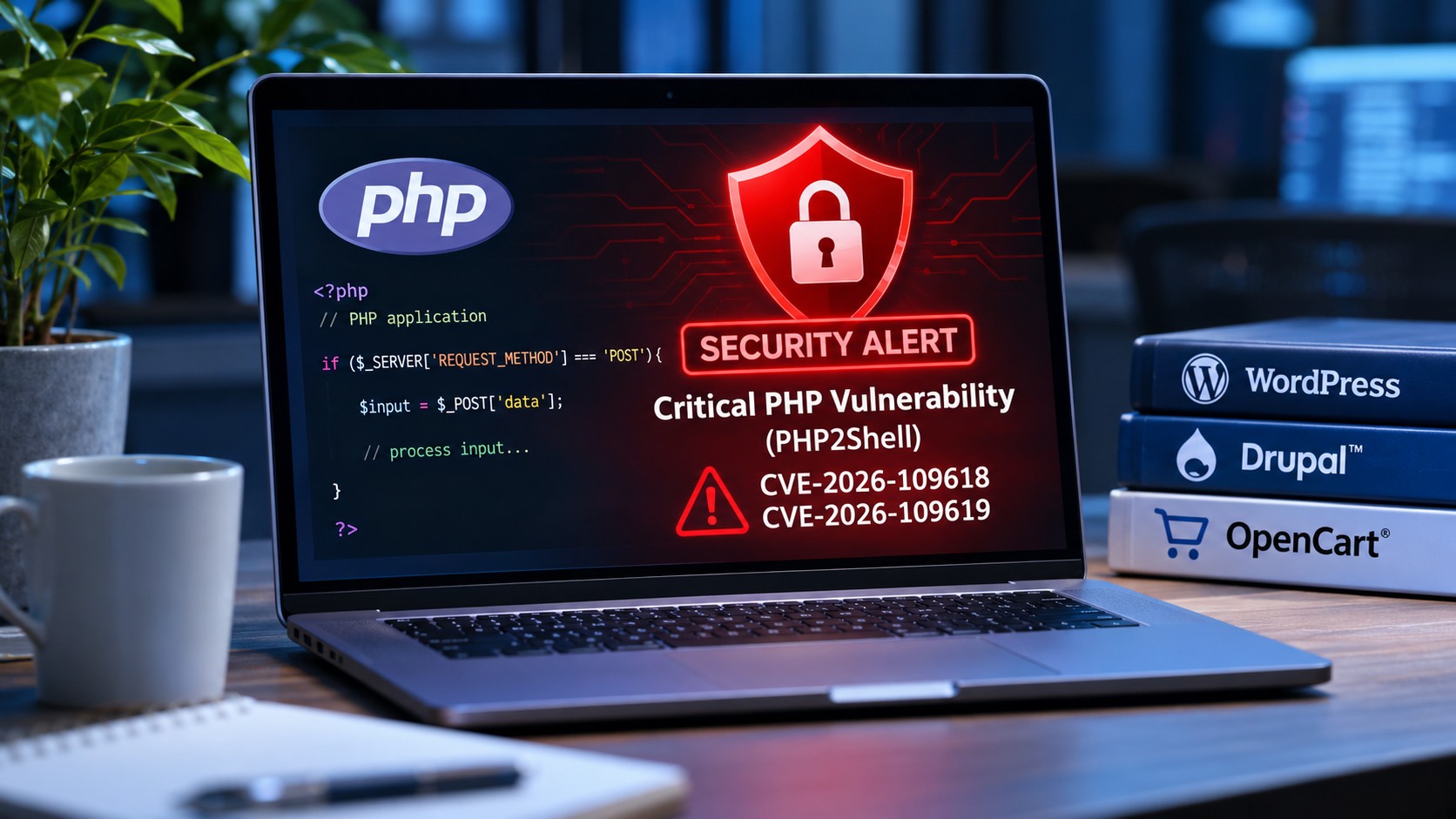
Discover how the latest PHP2Shell security vulnerabilities affect WordPress, Drupal and OpenCart websites, and what website owners should do to stay protected.
WhatsApp us