How can outdated WordPress plugins get your website hacked?
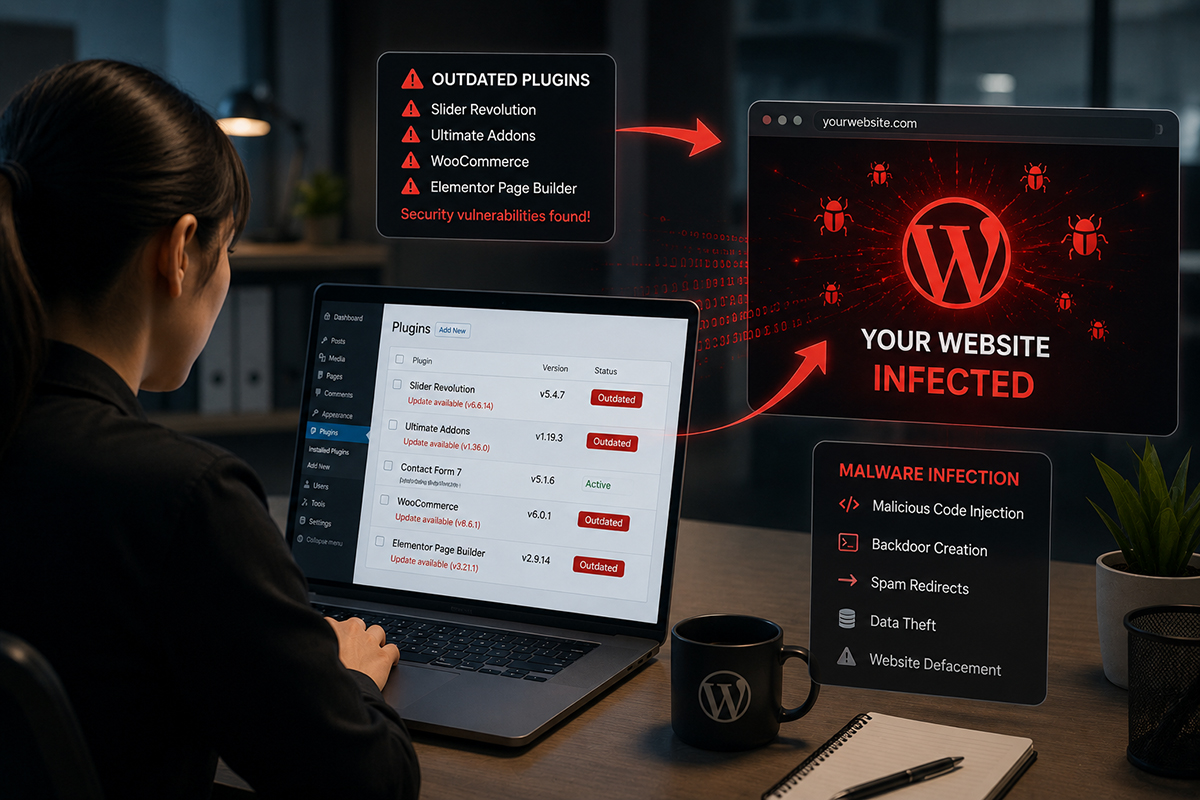
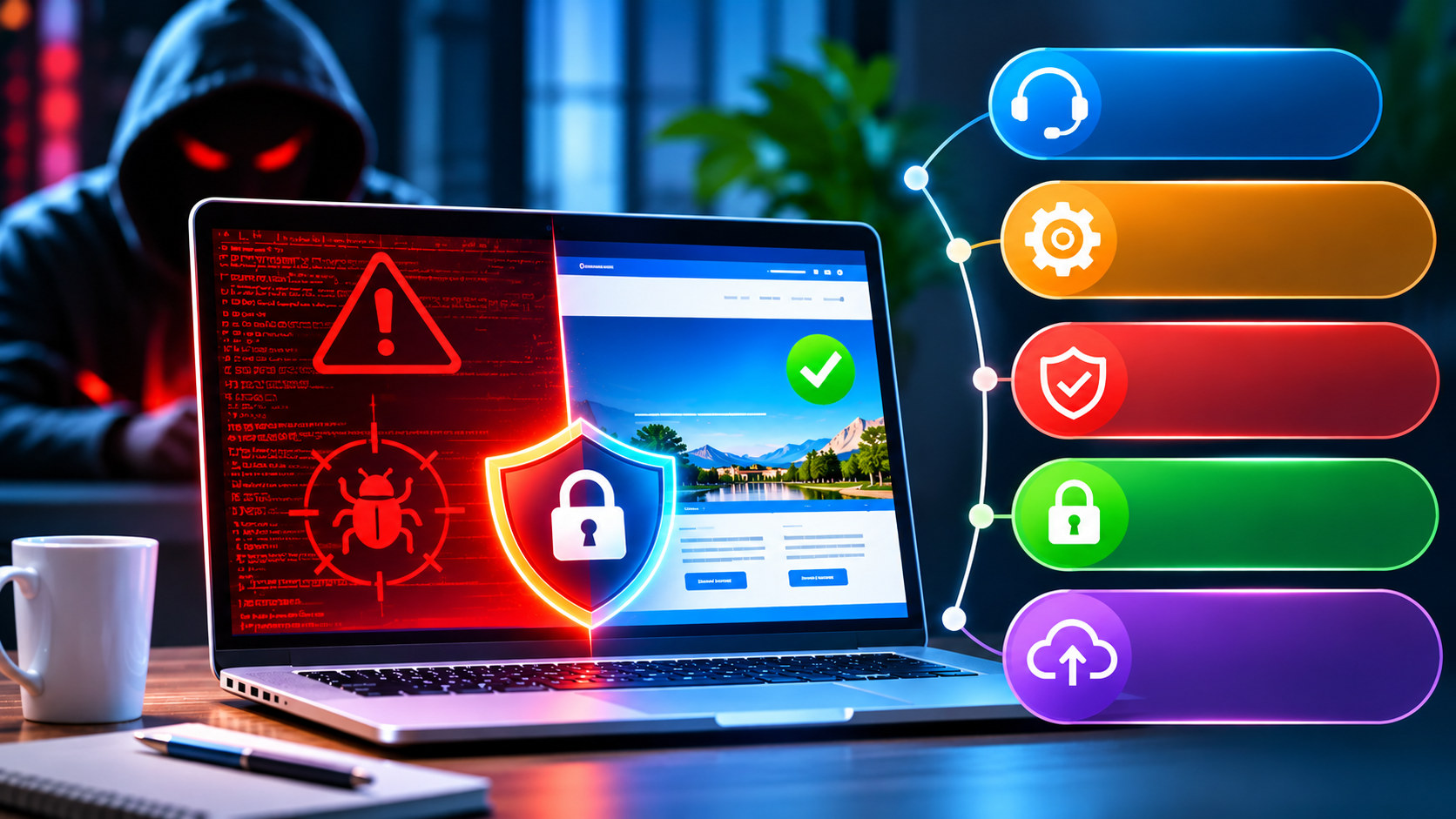
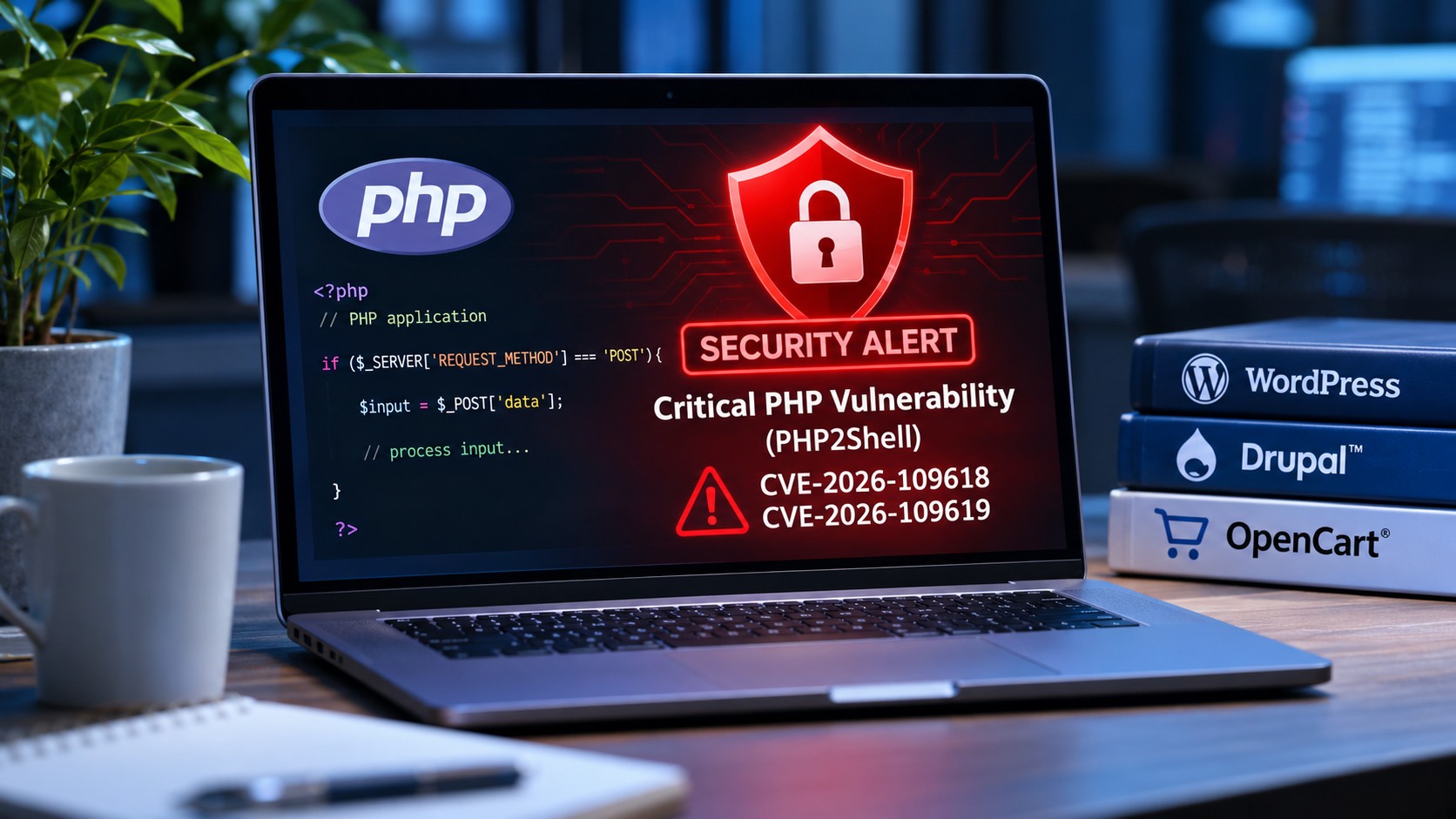
Can outdated WordPress plugins get your website hacked? Yes, and it can happen faster than most business owners expect. That small notification badge in WordPress may look harmless, but ignoring it can give attackers an easy way into your site.
For a business website, a compromised plugin is not just a technical nuisance. It can lead to spam pages, stolen customer data, broken checkout functions, search ranking losses, and an embarrassing message sent to customers from your own domain. The good news is that plugin-related security issues are preventable when maintenance is handled consistently.
Why outdated WordPress plugins are a security risk
Plugins extend what WordPress can do. They add contact forms, booking tools, SEO functions, payment gateways, image optimization, and hundreds of other useful features. Each plugin also adds code to your website. When that code has a known weakness, hackers can use it to gain unauthorized access.
Developers release updates for several reasons: new features, compatibility improvements, bug fixes, and security patches. A security patch closes a flaw that may allow an attacker to upload malicious files, create an administrator account, access website data, or inject unwanted content.
Once a vulnerability becomes publicly known, automated bots start scanning the web for websites using the affected version. Attackers are not always targeting your company personally. They are looking for any unprotected website they can exploit at scale.
What a vulnerable plugin can allow
The damage depends on the plugin and the weakness involved. In many cases, a hacker can:
- Add hidden administrator users and return even after a cleanup
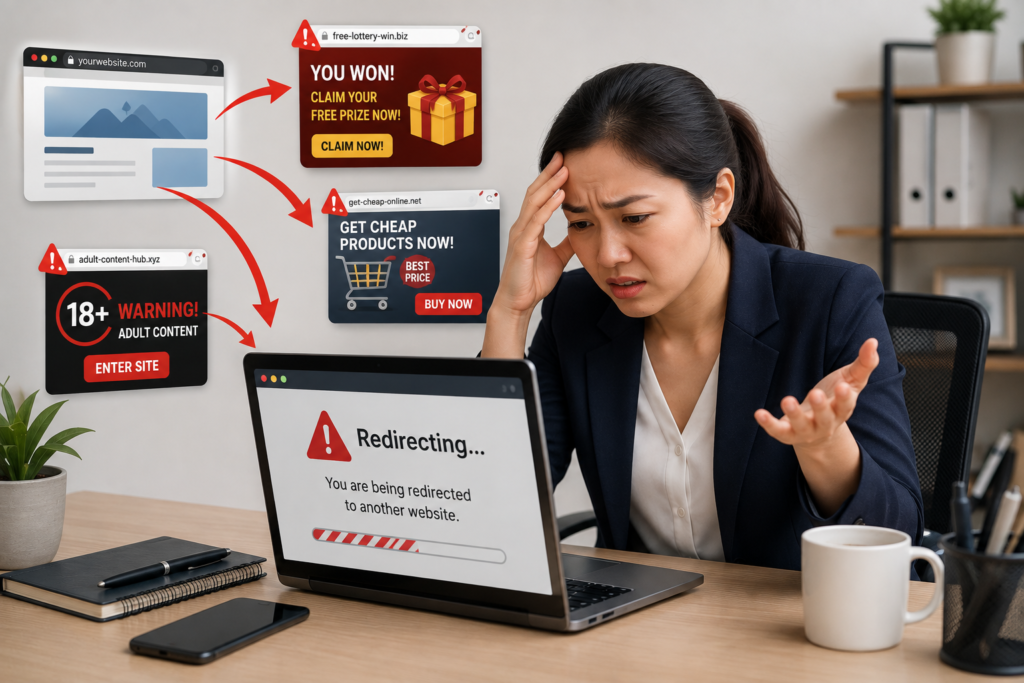
- Redirect visitors to scam, phishing, or malicious websites
- Insert spam pages that damage SEO performance and brand credibility
- Steal form submissions, customer details, or login information
- Deface your homepage or lock files for ransom
- Use your server to send spam emails or attack other websites
Can Outdated Plugins Get WordPress Hacked Even After Updating WordPress Core?
Yes. Keeping the WordPress core updated is essential, but it does not protect an outdated plugin with its own security flaw. Think of your website as an office building. Updating WordPress is like securing the main entrance. Leaving an old plugin unpatched can be like leaving a side door open with a welcome mat.
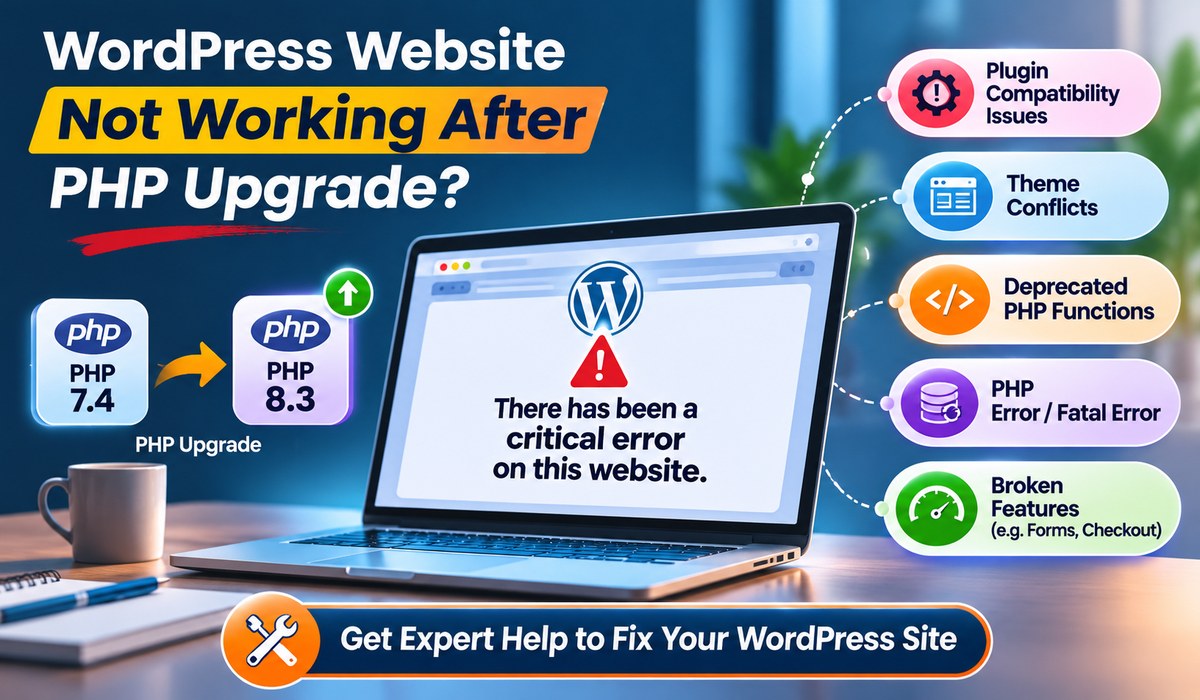
The same principle applies to themes. An outdated WordPress theme, particularly one with bundled plugins or custom code, can create a separate attack route. Businesses sometimes focus only on the visible dashboard updates and forget that their theme, PHP version, hosting environment, and inactive plugins also need attention.
A secure WordPress website requires the full setup to be maintained, not just one component.
Warning Signs Your WordPress Site May Be Compromised
WordPress malware can remain hidden for weeks before obvious problems appear. If you notice any of these warning signs, your website may require an immediate malware scan and security check.
- Unexpected Website Redirects – Visitors are redirected to spam or suspicious websites.
- Unknown Admin Users – Unfamiliar administrator accounts suddenly appear in WordPress.
- Sudden Website Slowdown – Malware consumes resources and affects website performance.
- Spam Pages in Google – Strange or unwanted pages appear in search results.
- Security Warnings – Google, browsers, or hosting providers flag your website.
- Suspicious Files or Code – Unknown files or malicious scripts appear within WordPress.
- Malware Keeps Returning – Malware infections reappear even after previous cleanup attempts.
These signs should not be ignored. A thorough WordPress malware removal and security check can identify the infection source, remove malicious code and backdoors, and help prevent your website from being hacked again.
How to update WordPress plugins safely
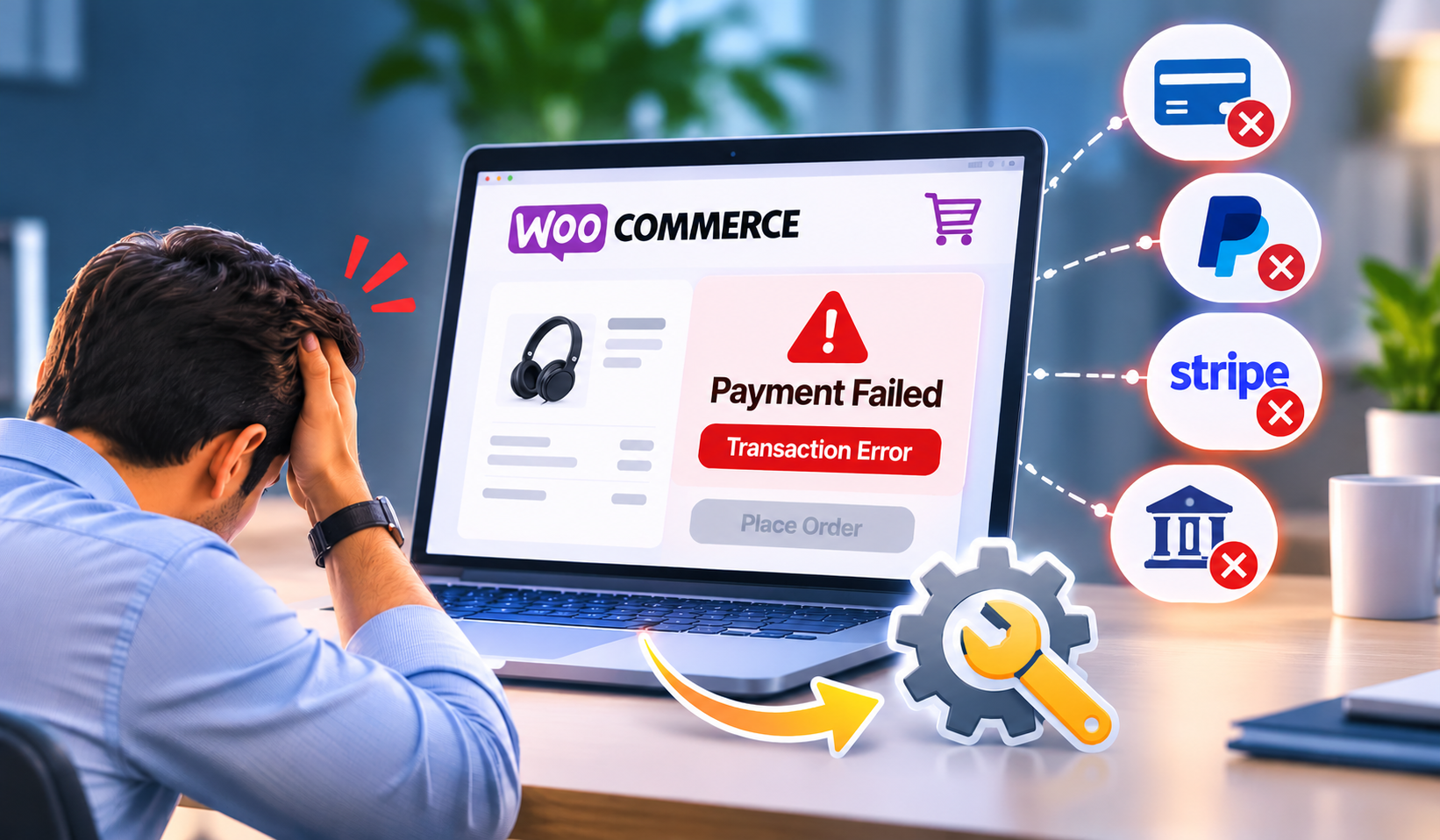
Clicking Update is usually straightforward, but business websites should not update blindly. A new plugin version can occasionally conflict with your theme, custom functionality, caching tools, or another plugin. On a brochure site, the risk may be a broken form. On a WooCommerce store, it could affect orders, payment processing, or inventory synchronization.
Use a sensible maintenance process:
- Back up the website files and database before making changes.
- Review the plugin changelog and confirm that the developer is still actively maintaining it.
- Update WordPress core, plugins, and themes in a controlled order.
- Test important functions afterward, including forms, logins, checkout, booking tools, and mobile pages.
- Remove inactive plugins and themes you no longer need.
- Check that your backups are stored securely and can actually be restored.
For a website with custom development or revenue-critical features, testing updates on a staging copy first is the safer choice. It adds a little time, but it can prevent an update from interrupting sales or lead generation.
Why Should You Hire a Website Support Provider?
Professional WordPress support can include updates, backups, uptime monitoring, malware scans, vulnerability checks, performance reviews, and hands-on troubleshooting when something breaks. For growing companies in Singapore, Innomedia can manage these ongoing tasks while also supporting website upgrades, malware removal, SEO, and digital campaigns.
A well-maintained website is easier to market, easier to scale, and far less likely to become an urgent cleanup project. Check your plugin list now, before a hacker turns an ignored update notice into an expensive business problem.