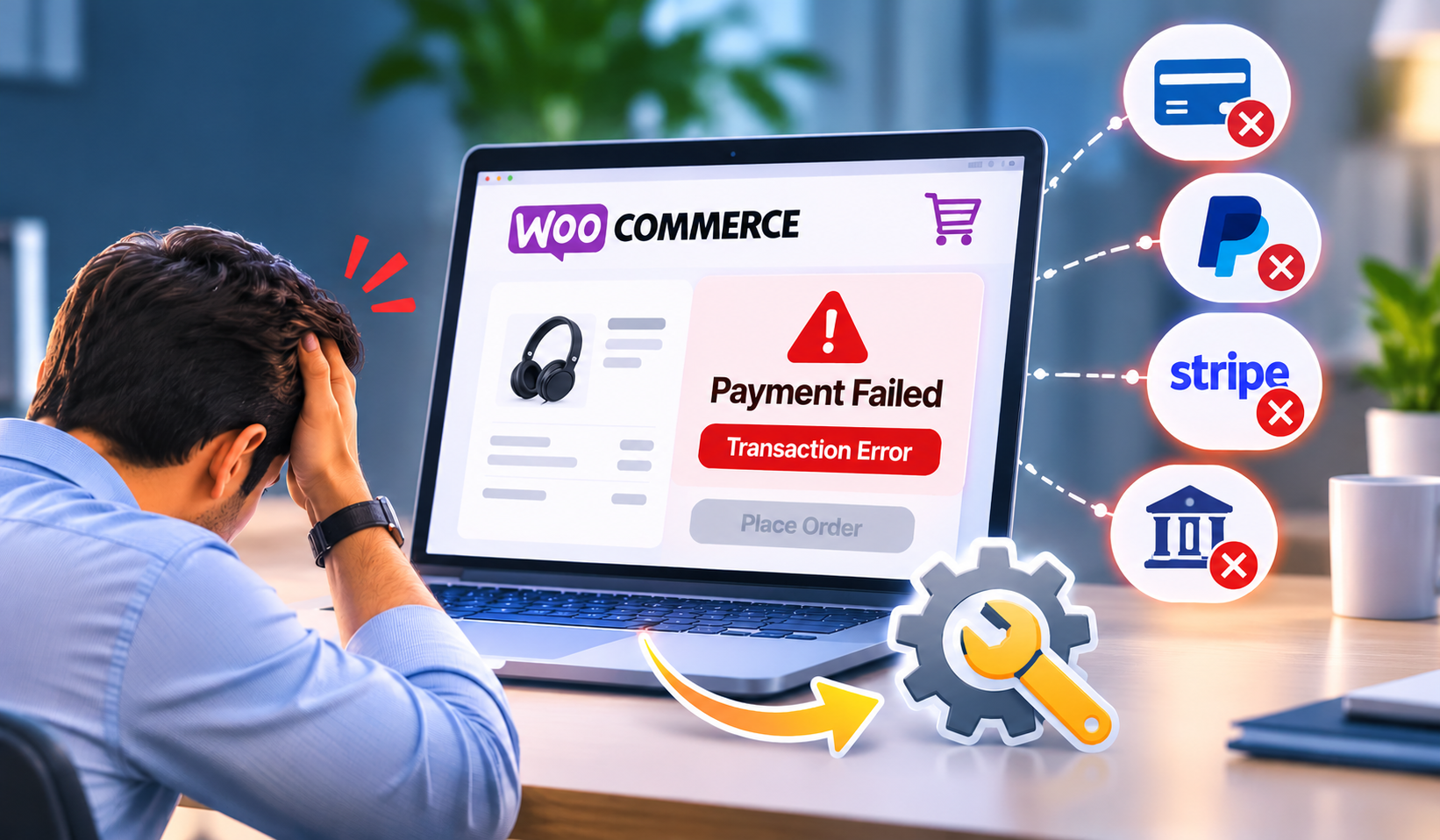
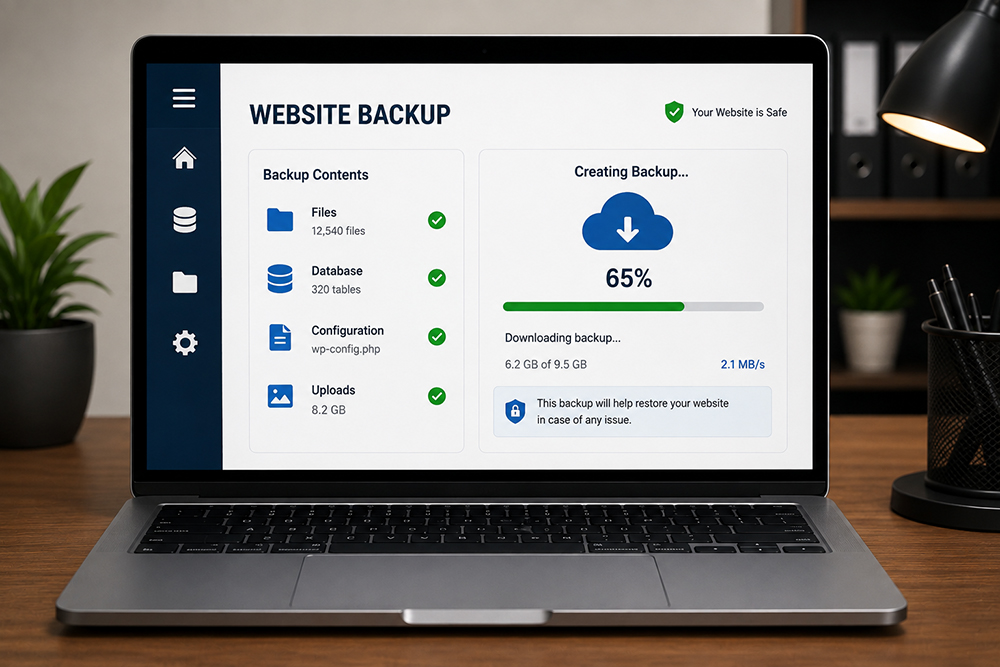
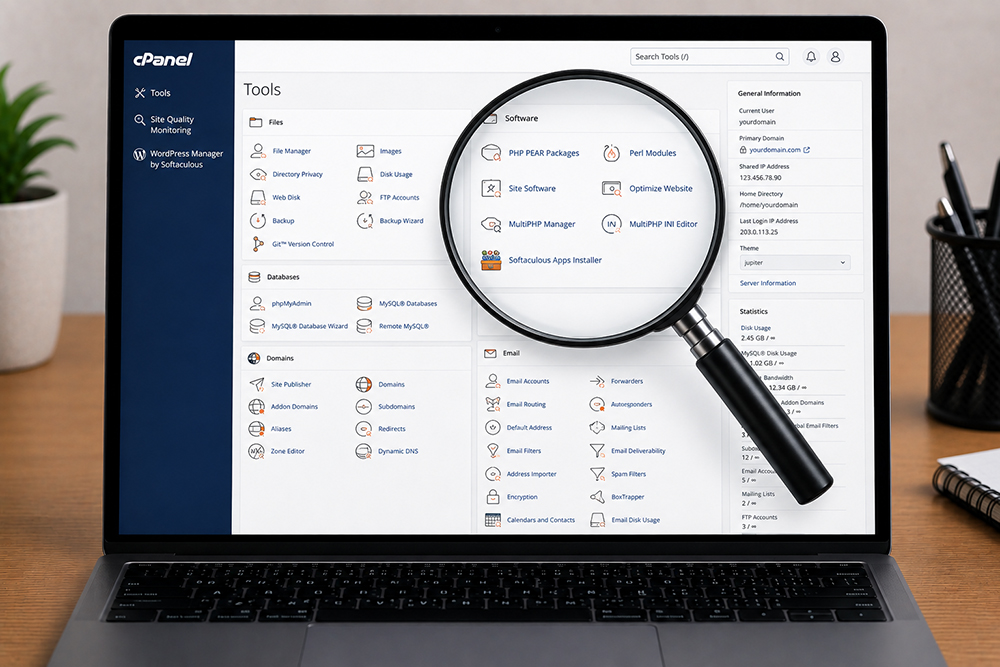
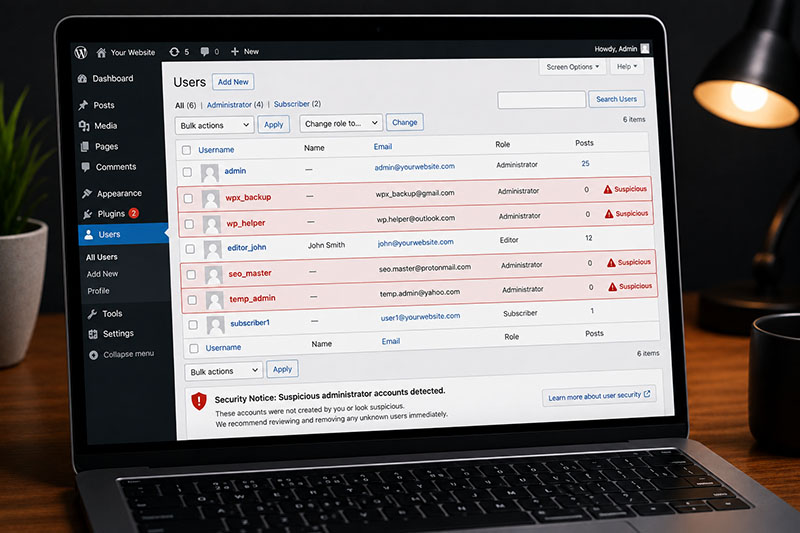
Is your WordPress dashboard acting strange? Are new admin users appearing, pages redirecting, or your hosting provider sending alarming emails? That is not WordPress being “creative.” It may be a security issue hiding in your site files.
This strange behaviour of your website could be because of suspicious files & folders on your server that needs to be checked & fixed carefully. Not every unfamiliar file is malware. WordPress plugins, themes, cache tools, and hosts create files that can look cryptic. The real goal is to identify what does not belong, remove it safely, and close the security gap that allowed it in.
Suspicious files and folders on a WordPress website: what to check
Start by understanding the normal WordPress file structure. A standard installation includes three major folders: wp-admin, wp-content, and wp-includes. You should also see core files such as wp-config.php, wp-login.php, and index.php in the main directory.
Files outside this structure are not automatically dangerous. However, they deserve a closer look when their names, location, or modification dates do not match your website activity.
#1 Unexpected files in core WordPress folders
The wp-admin and wp-includes folders should mostly contain WordPress core files. Be cautious if you find random PHP files with vague names such as:
- wp-update.php
- class-api.php
- old.php
- cache.php
- adminer.php
- Files made up of random letters and numbers
Attackers often use names that resemble legitimate WordPress files. A file named wp-login1.php or wp-config-old.php may look harmless at a glance but can be used to maintain unauthorized access.
#2 Strange PHP files inside uploads
The wp-content/uploads folder is meant for media such as images, PDFs, videos, and documents. PHP files do not normally belong there.
A PHP file in uploads can be a major warning sign because it may allow code to run directly from a publicly accessible directory. Check for files ending in .php, .phtml, .php5, or unusual double extensions such as image.jpg.php.
#3 Recently modified files you did not change
Review file modification dates using your hosting file manager, SFTP, or a WordPress security scanner. Focus on files changed when nobody on your team was working on the site.
Pay extra attention to modified versions of:
- wp-config.php
- .htaccess
- Theme functions.php files
- Plugin PHP files
- WordPress core files
#4 Unknown folders and hidden backdoors
Suspicious folders often have generic names designed to blend in, such as tmp, backup, old, test, images, or css. Those names can also be completely legitimate, which is why context matters.
Look for folders in unusual places, especially within wp-admin, wp-includes, or uploads. Also inspect old development folders, abandoned staging sites, and backup directories. A forgotten copy of WordPress with an outdated plugin can give an attacker a way back into the main website.
Fix the weakness that caused the infection
Cleaning suspicious files is only half the job. The website must be hardened to reduce the chance of the same issue returning next week.
Keep WordPress core, plugins, and themes updated on a scheduled basis. Delete inactive plugins and themes instead of leaving them installed. Every unused extension is another possible vulnerability.
Use a trusted security plugin, limit login attempts, enable a web application firewall where suitable, and block PHP execution in folders that should only contain media uploads.
Get professional website support if Google has flagged the site, visitors are being redirected, the infection returns after cleanup, your website processes payments, or your team is not comfortable working with server files and databases.