
Is Your WordPress website infected with Malware? Are you wondering how much is WordPress malware removal timeframe & cost in Singapore, the short answer is that many cleanups take one to three business days, while pricing depends on the severity of the infection, the site size, and whether the security gap is fixed properly afterward.
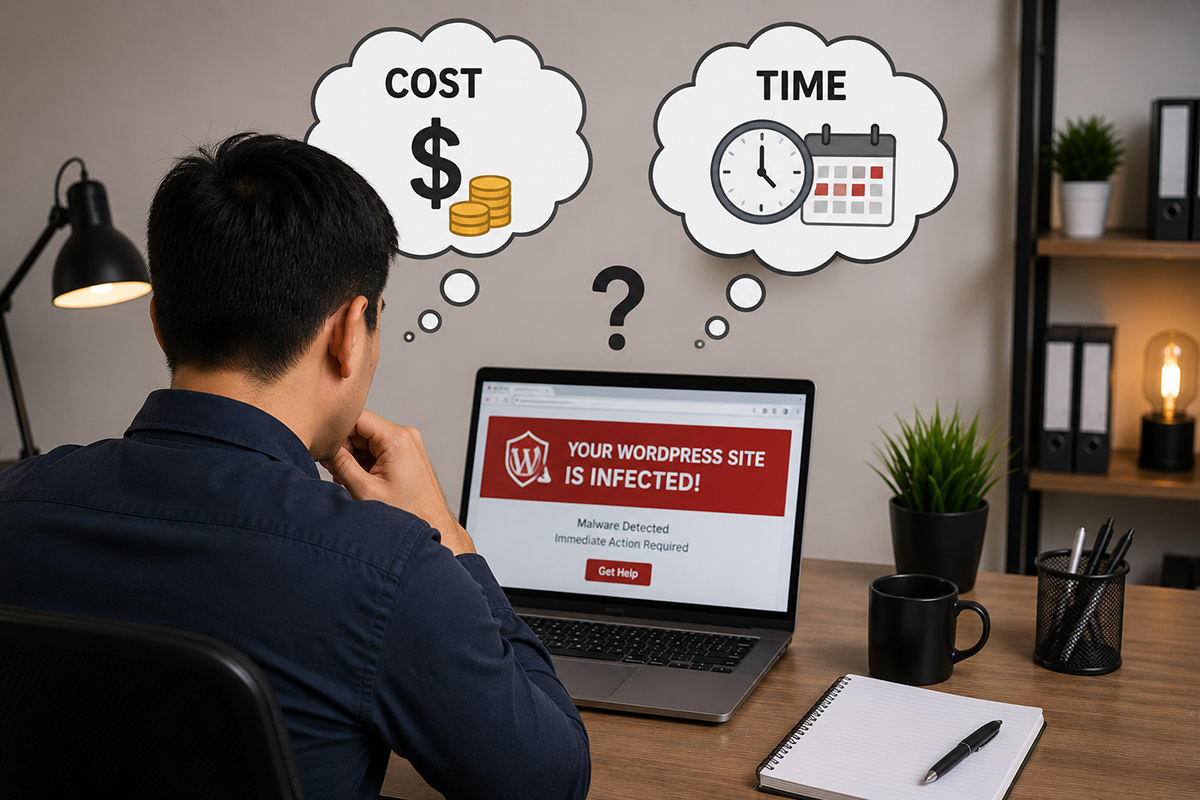
For a small business website with a limited number of pages and plugins, WordPress malware removal in Singapore may cost around S$300–S$500. This usually applies when the infection is relatively straightforward, such as malicious code introduced through one outdated plugin, suspicious files, or unwanted redirects.
The malware removal cost can remain affordable when the source is quickly identified. Cleanup should include malware scanning, infected file removal, plugin updates, password changes, and basic WordPress security checks.

A heavily hacked WordPress website requires more investigation and can cost approximately S$500–S$800 or more to clean. This may involve hidden backdoors, malicious PHP files, database injections, spam administrator accounts, hacked plugins, or malware spread across multiple directories.
Professional WordPress malware removal services in Singapore should inspect website files and databases rather than simply running an automated malware scanner. The final website malware removal cost depends on the infection severity, website size, and time required for recovery.
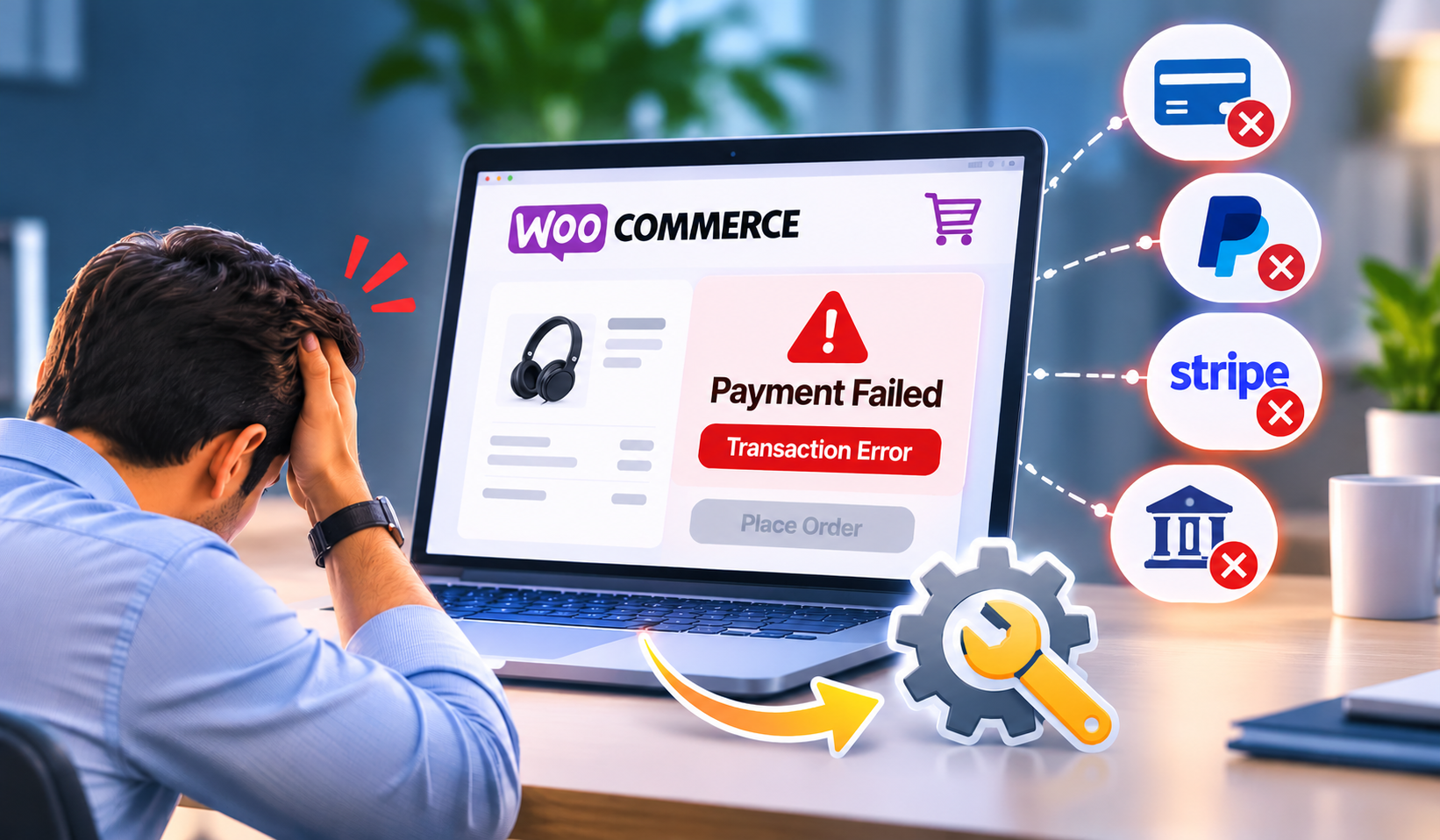
WooCommerce malware removal in Singapore can cost around S$700–S$1,200+, depending on the complexity of the online store and extent of the security breach. An eCommerce website may contain thousands of files, products, customer accounts, payment integrations, plugins, and database records that require careful inspection.
A hacked WooCommerce website may also need database cleanup, checkout testing, security hardening, and vulnerability checks. Larger online stores therefore generally have a higher WordPress malware cleanup cost than standard corporate websites.


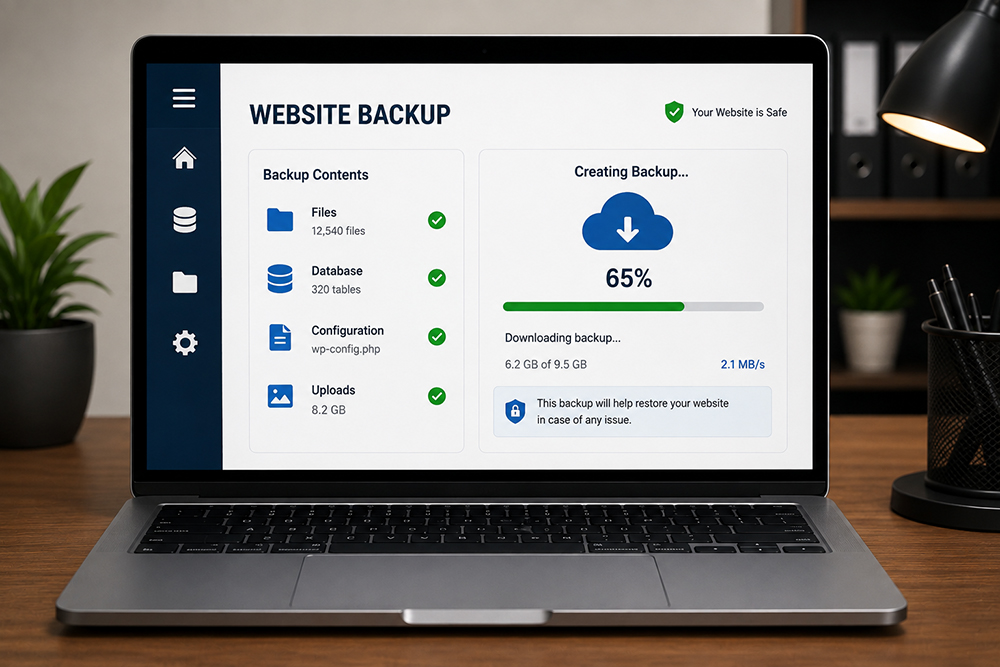
When malware causes website downtime, Google warnings, spam pages, redirects, or damaged files, hacked website recovery in Singapore may cost S$400–S$1,000+. A clean backup can reduce recovery time, but simply restoring WordPress from backup may not remove the vulnerability responsible for the attack.
Professional WordPress website recovery should include malware scanning, file and database checks, removal of suspicious users, password resets, plugin and theme updates, and investigation of the original security weakness before putting the website back online.
Businesses requiring emergency WordPress malware removal in Singapore should expect higher charges, typically S$500–S$1,500+, depending on urgency and complexity. Emergency support may be necessary when a hacked website is completely down, redirecting customers, displaying security warnings, affecting online sales, or damaging Google rankings.
After-hours and priority recovery can also increase the WordPress malware removal cost. Rather than choosing the cheapest service, compare what the malware cleanup includes, especially vulnerability fixing, WordPress security hardening, testing, and post-cleanup support.
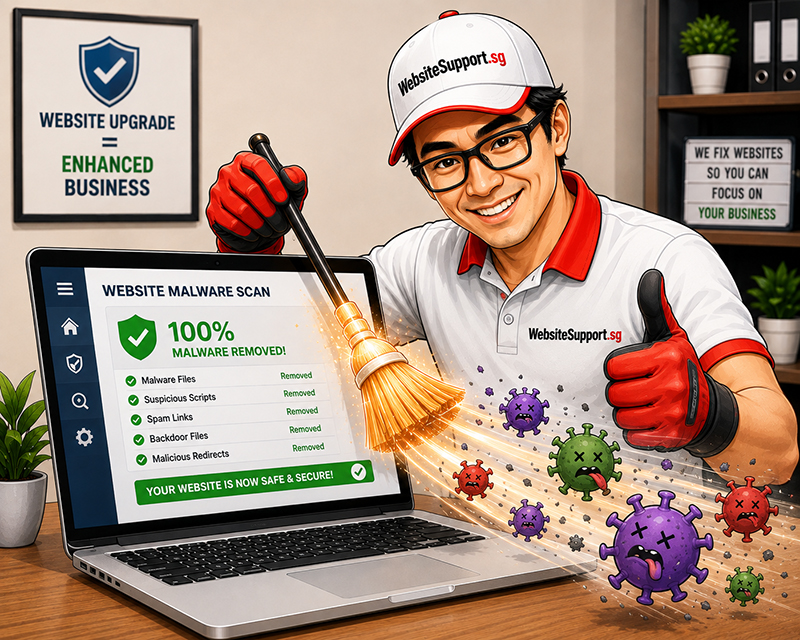
A standard WordPress malware cleanup usually takes 24 to 72 hours when the website is accessible, backups are available, and the infection is contained. Some straightforward cases can be stabilized within a few hours. However, a hacked eCommerce site, membership portal, or website with years of neglected plugins may require more investigation.
The goal is not simply to remove suspicious files. A proper cleanup identifies how the attacker entered, removes malicious code, restores affected functions, and closes the security weakness that made the attack possible.
Typical WordPress malware removal timeframes
A faster turnaround is possible when the website owner can promptly provide hosting access, WordPress administrator access, recent backups, and details about when the issue started. Waiting for login details while malware keeps spreading is a little like calling the fire department and then looking for the house keys.
Common signs of website malware infection include unexpected redirects, strange pop-ups, unknown admin users, spam pages, security warnings, slow performance, and unusual website changes.
WordPress malware removal in Singapore can cost approximately S$200–S$500 for a standard website, while complicated infections, eCommerce websites, database malware and multiple backdoors may cost S$500–S$1,200 or more. The final cost depends on the website size, severity of infection and amount of manual cleanup required.
A straightforward WordPress malware cleanup may be completed within several hours, while many professional services quote 24–48 hours. Deep infections involving databases, backdoors or multiple compromised files can take longer.
Yes. Some WordPress malware removal services in Singapore offer same-day or emergency cleanup for relatively straightforward infections. Whether your website can be completely restored the same day depends on the malware type, server access, website size and extent of the damage.
Professional malware removal involves more than deleting suspicious files. Technicians may need to inspect WordPress core files, plugins, themes, databases, administrator accounts and server files, locate hidden backdoors and identify how hackers entered the website. More extensive investigations increase the WordPress malware removal cost.
Yes. A small corporate WordPress website with a few pages and plugins is generally quicker to inspect than a WooCommerce store containing thousands of files, products, customer records and integrations. Larger and more complicated websites therefore tend to have higher website malware cleanup costs.
Usually, yes. Emergency WordPress malware removal may carry a premium because the technician prioritises your website and may work outside normal business hours. Emergency service can be worthwhile when malware is stopping enquiries, affecting sales, redirecting customers or causing Google/browser security warnings.
A hacked WooCommerce website can cost more to clean than a standard WordPress site because technicians may need to examine payment integrations, customer accounts, plugins, database records and checkout functionality. Severe infections and hacked eCommerce websites can reach S$500–S$1,200+, depending on complexity.
A recent clean backup can sometimes reduce the time required to restore a hacked WordPress website. However, simply restoring the backup may not fix the vulnerability that caused the infection. The website should still be checked for vulnerable plugins, compromised passwords, backdoors and other WordPress security issues.
Cleaning the WordPress website and removing Google’s security warning are separate processes. After malware has been removed and a review submitted, some Singapore security providers report that Google review can take approximately 1–3 days.
Yes, but ideally the provider should inspect the website first. Since two hacked WordPress websites can have completely different levels of infection, a preliminary malware scan or technical assessment helps determine the required work. Some Singapore providers explicitly provide pricing after assessing the affected website.
A professional WordPress malware removal service should normally cover the following work:
Get an affordable quote for services like website maintenance, website repair, website upgrade, & website malware removal.
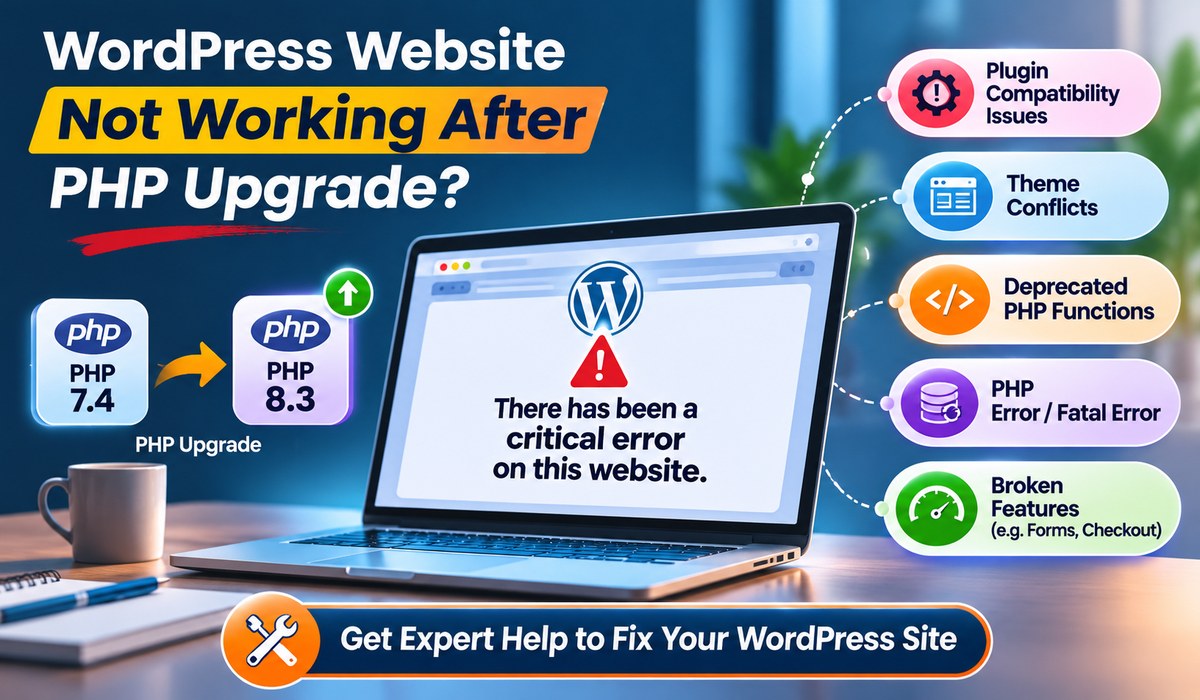
WordPress website broken after a PHP upgrade? Learn how to fix critical errors, plugin conflicts and PHP compatibility issues. Get WordPress support in Singapore.
WordPress website broken after a PHP upgrade? Learn how to fix critical errors, plugin conflicts and PHP compatibility issues. Get WordPress support in Singapore.
Protect your business from cyberattacks with professional website maintenance, website support, malware removal, website security and website upgrade services in Singapore.
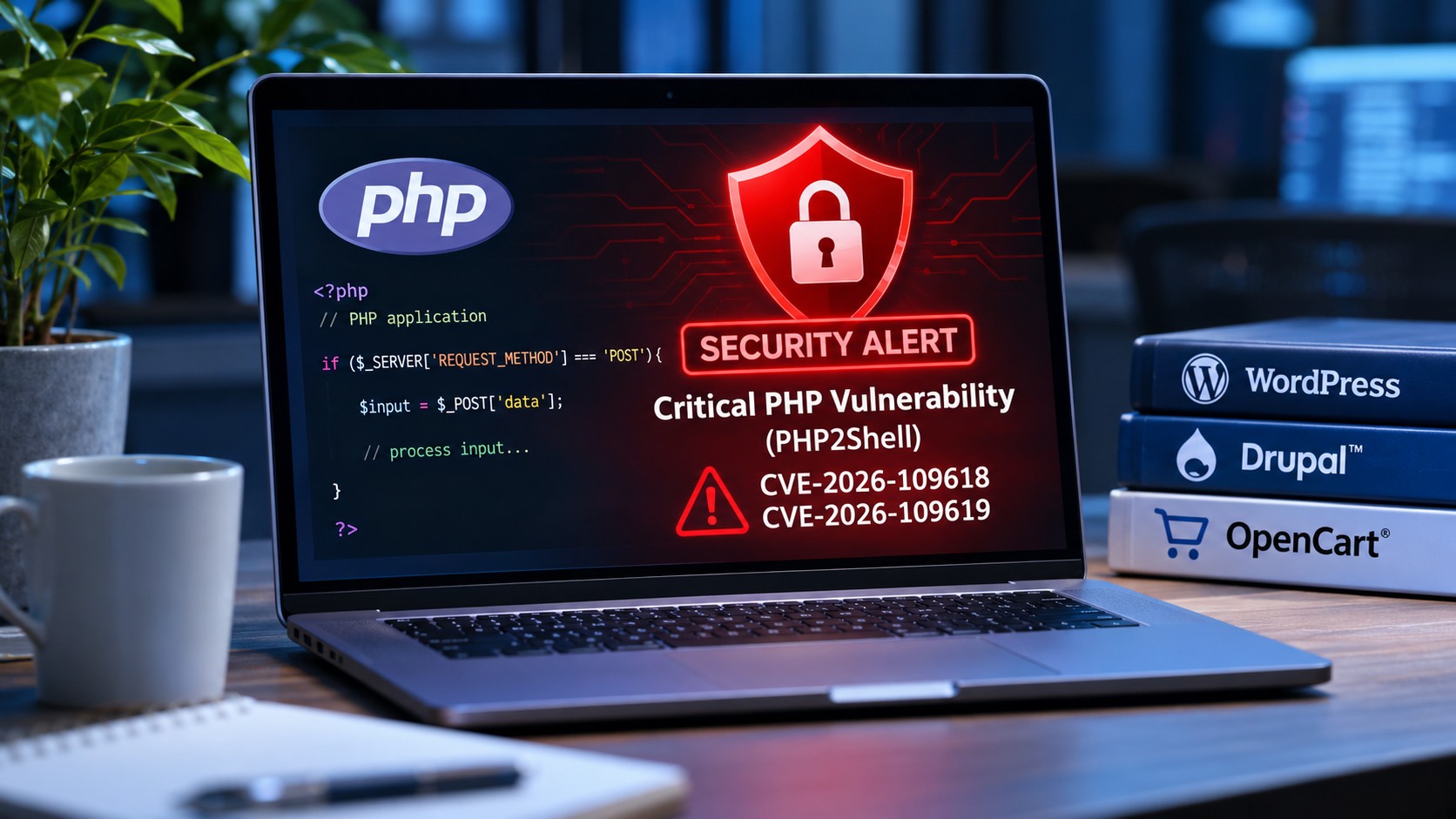
Discover how the latest PHP2Shell security vulnerabilities affect WordPress, Drupal and OpenCart websites, and what website owners should do to stay protected.
WhatsApp us