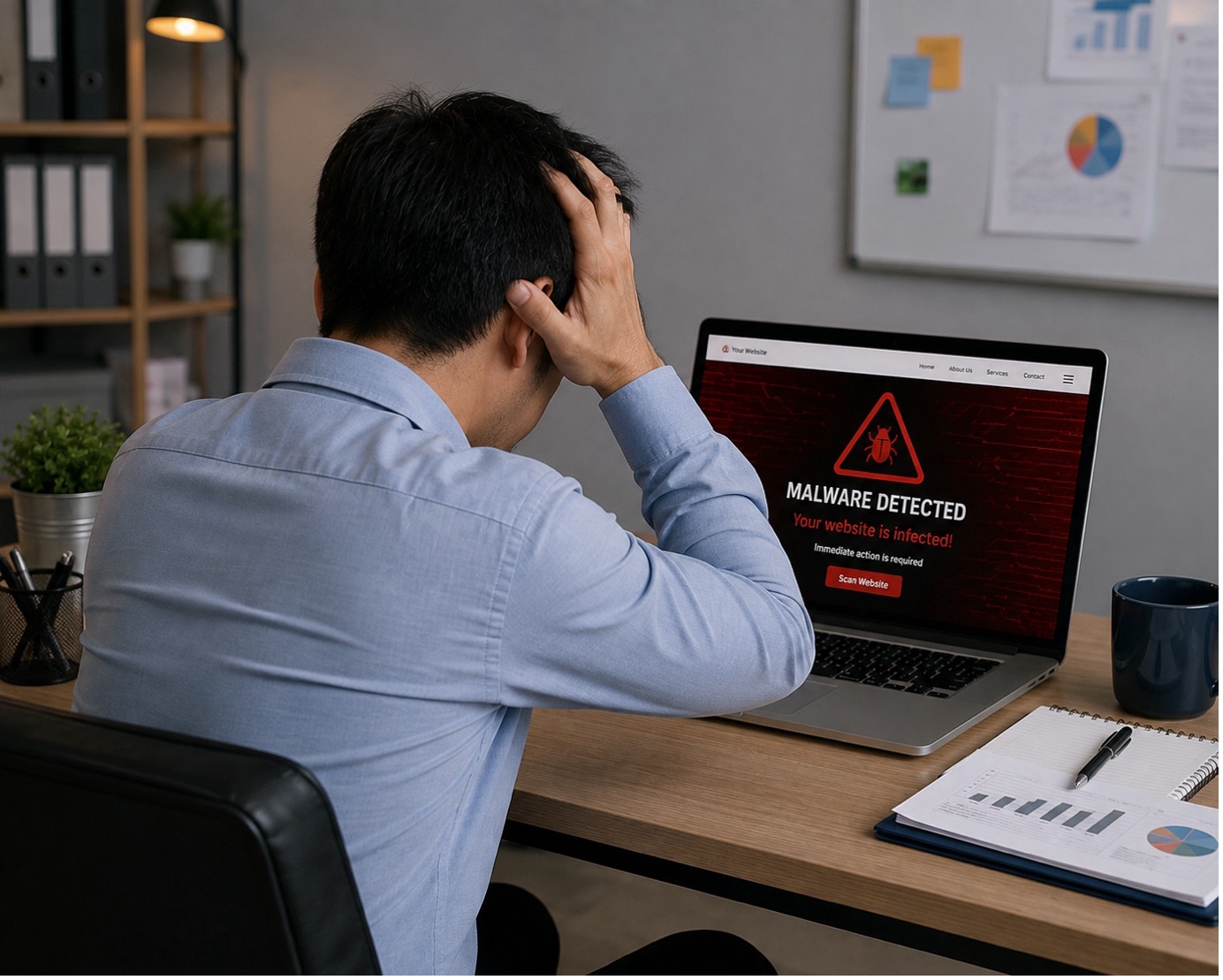
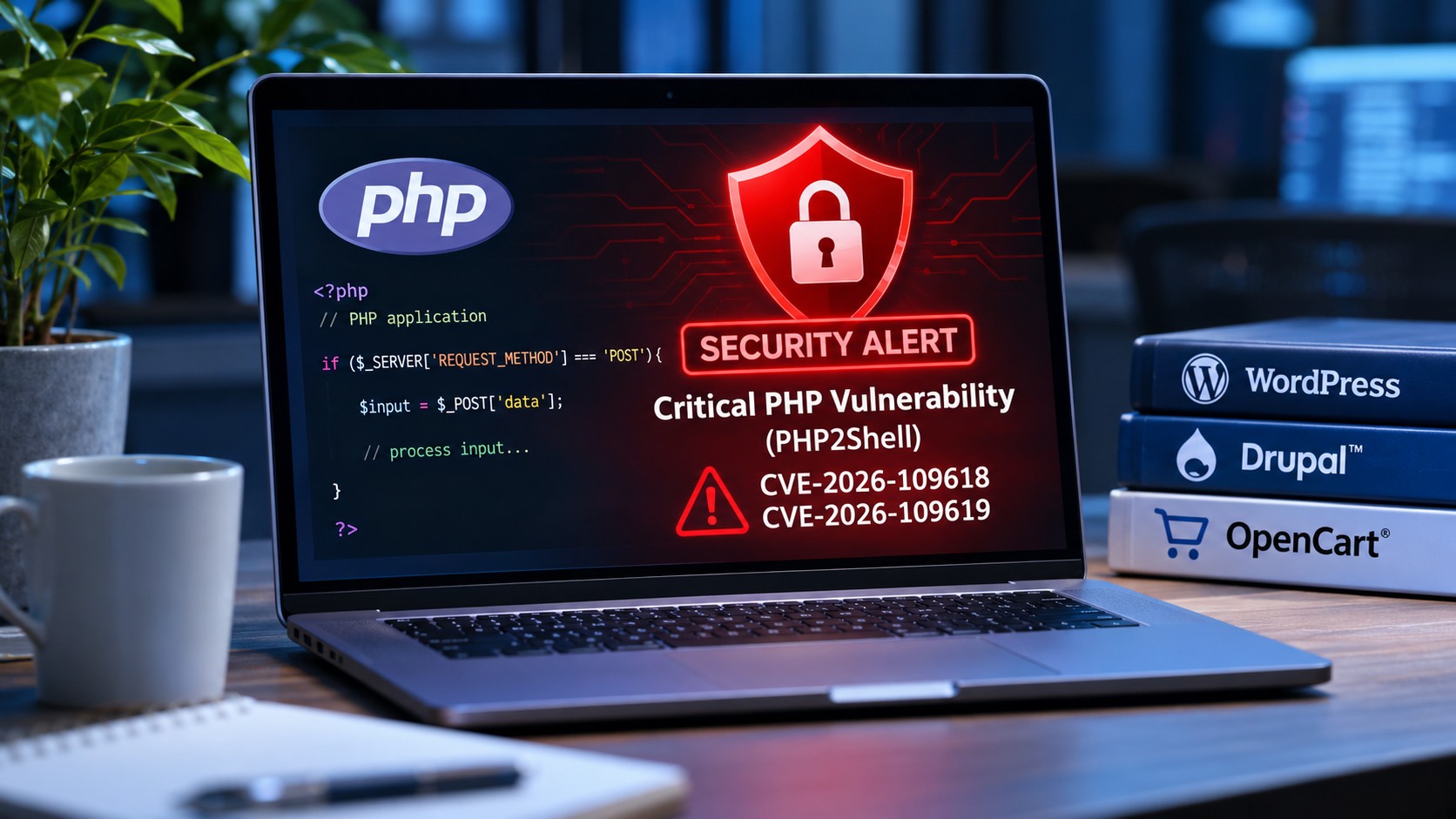
How To Check If Your WordPress Website Has Malware
WordPress is widely used because it is flexible, affordable, and easy to manage. That popularity also makes it a frequent target for automated attacks. Criminals look for outdated plugins, weak passwords, abandoned themes, and poorly secured hosting accounts.
Once inside, they may use your site to redirect visitors, send spam, steal information, show unwanted ads, or host malicious files. Sometimes the attack is obvious. Other times, the site appears normal to you while visitors from Google or mobile devices are sent somewhere else.
Consequences of malware on your website:
- Lost inquiries when visitors leave after receiving a security warning
- Lower search rankings or removal from search results
- Damaged brand credibility, especially for eCommerce, healthcare, finance, and professional services
- Stolen customer data, administrator credentials, or payment-related information
- Time and revenue are lost while your team investigates an issue that should have been prevented
A slow website is not always infected. Neither is a temporary hosting outage. But when unusual activity appears alongside performance issues or security alerts, treat it as a priority.
Signs Your WordPress Website May Be Infected With Malware
Malware does not always announce itself with a giant red warning sign. Many infections are designed to stay quiet for as long as possible. Check for these common symptoms.
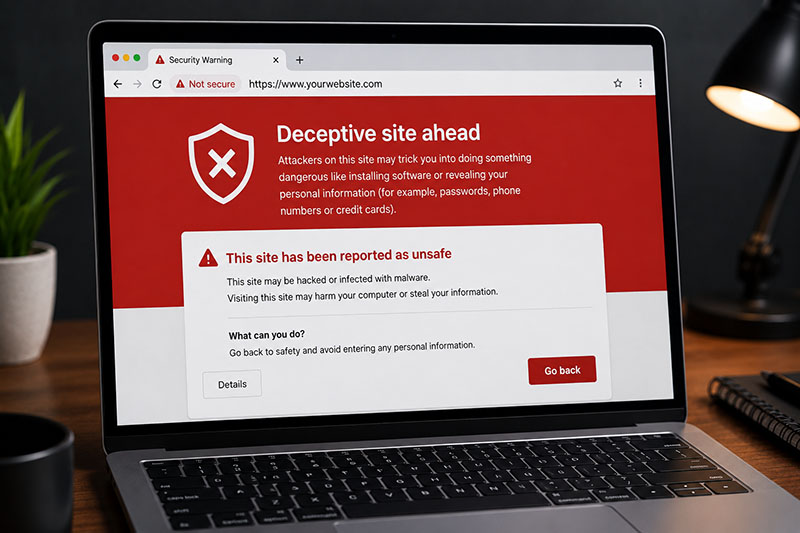
#1 Browser or Google Security Warnings
If Chrome, Safari, or another browser tells users that your website may be dangerous, act immediately.
Search engines and browser security systems usually show these warnings after detecting suspicious code, phishing pages, deceptive downloads, or harmful redirects.
Do not assume it is a false alarm simply because the homepage looks fine on your computer. Malware can be programmed to target visitors by location, device, traffic source, or browser.
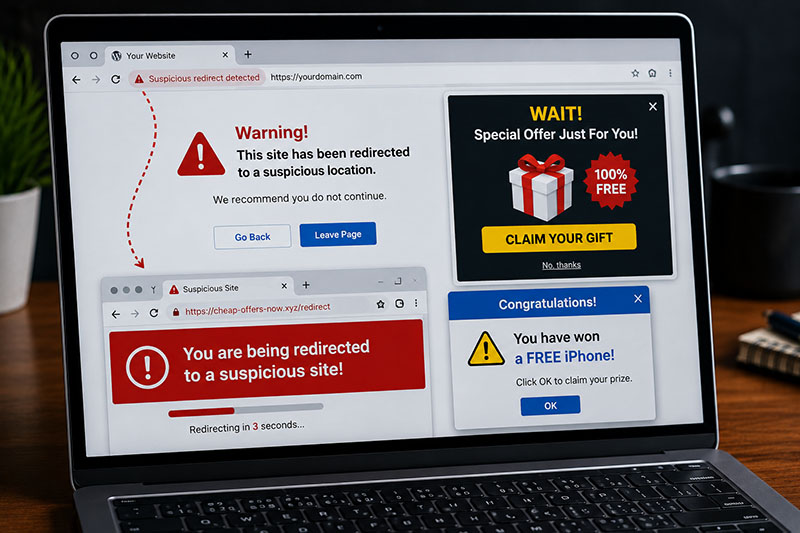
#2 Strange Redirects and Pop-Ups
A visitor clicks your website and lands on a gambling, dating, crypto, pharmaceutical, or fake prize page. That is a classic sign of a malicious redirect.
Test important pages using an incognito browser and a mobile device. Ask a colleague outside your office network to check as well. Some infections avoid showing malicious behavior to logged-in administrators.
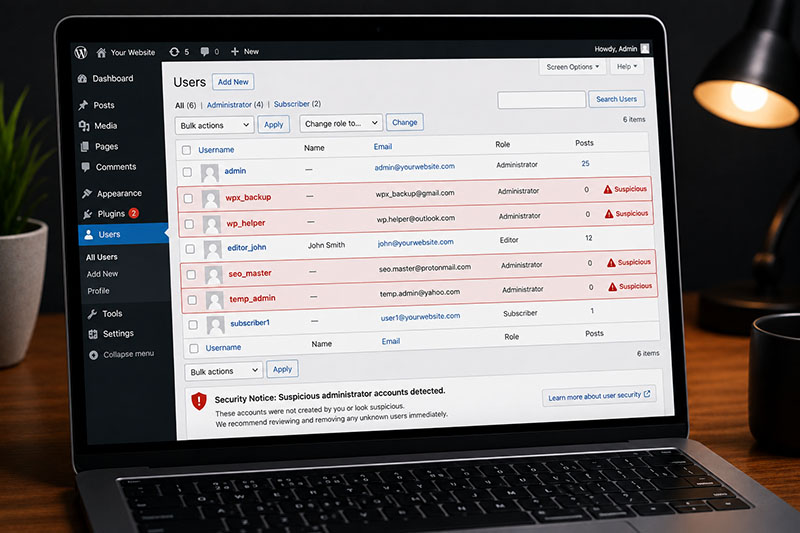
#3 New Admin Users You Did Not Create
Review your WordPress user list. Unknown administrator accounts, odd usernames, and unfamiliar email addresses deserve immediate attention.
Attackers often create backup accounts so they can regain access after a password change. Deleting only the visible infected file without removing unauthorized users leaves the door open.
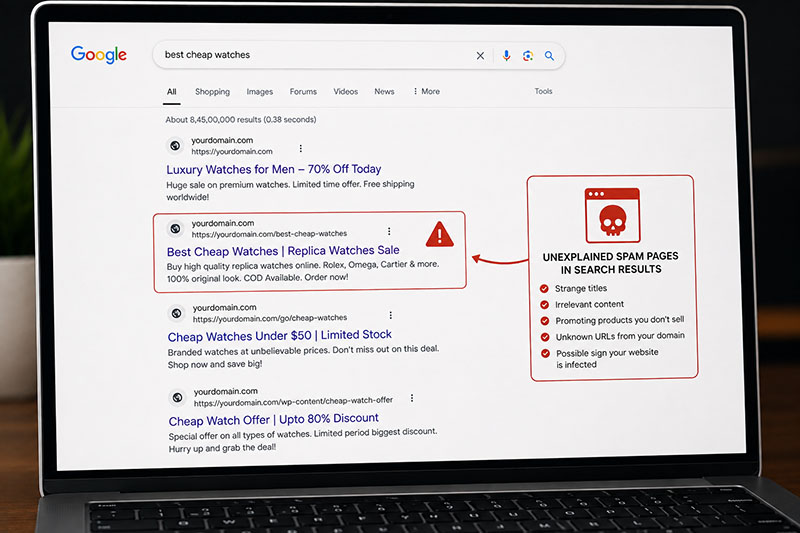
#4 Unexplained Spam Pages in Search Results
Search for your business name and domain. If results show pages for products or topics you do not sell, such as online casinos or counterfeit goods, your site may have been affected by SEO spam.
These hidden pages can siphon off your site authority and weaken the trust search engines place in your domain.
A clean-looking website can still have hundreds of spam URLs stored in its files or database.
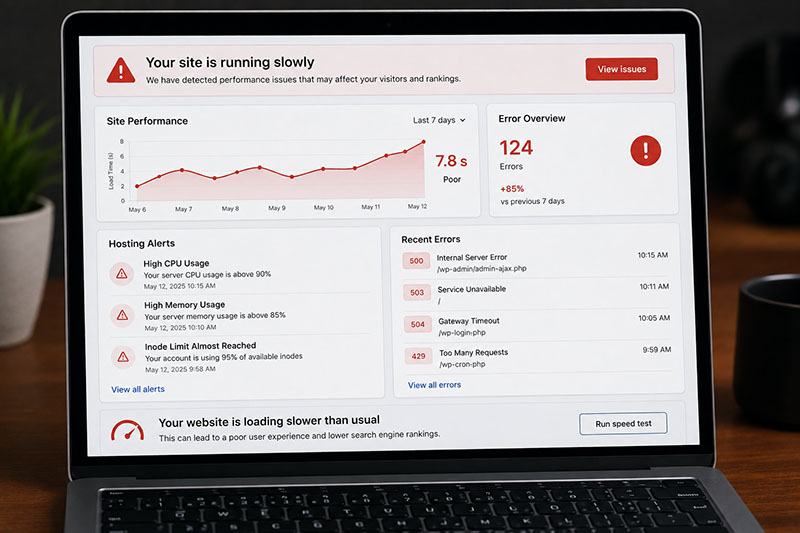
#5 Sudden Slowdowns, Errors, or Hosting Alerts
Unexpected server resource spikes, a surge in fake traffic, recurring 500 errors, and files that keep reappearing after deletion can point to an infection. Malware may use your server for spam emails, automated attacks, or unauthorized scripts.
These symptoms also have legitimate technical causes, so they need proper investigation. Avoid randomly deleting files if you are unsure what they do. WordPress core files, plugins, and themes depend on specific folders and code.
For a small business, the challenge is not just cleaning code. It is restoring a reliable sales and marketing asset quickly. A professional WordPress malware removal service should check the website thoroughly, confirm that malicious behavior is gone, close the security gap, and help restore normal visibility.
- A practical cleanup process typically covers:
- Website, database, and server-side malware scanning
- Removal of infected files, hidden backdoors, spam content, and unauthorized users
- WordPress, plugin, and theme updates
- Security hardening for logins, file permissions, and access controls
- Post-cleanup testing for redirects, forms, checkout functions, and key landing pages
- Help address browser or search engine security warnings after the site is clean
There is a difference between removing visible malware and securing a website for the next month. Businesses that depend on leads, bookings, or online orders need both.