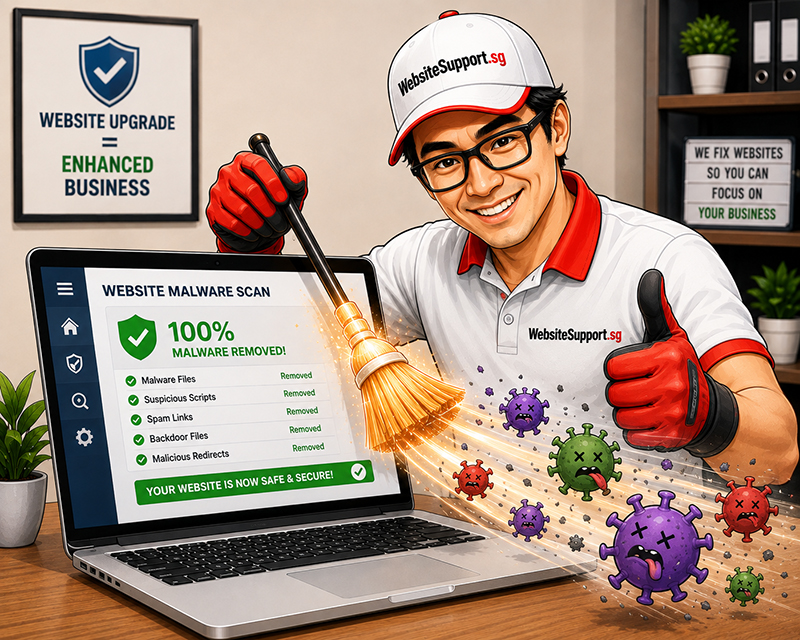
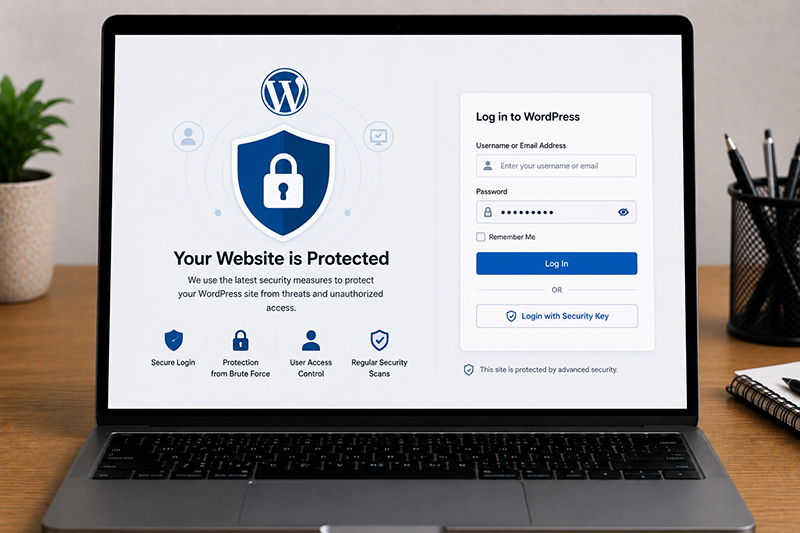

Is your WordPress site redirecting visitors to suspicious pages? You need to hire a website support technician who can help you remove malware from your website. If you are asking, “what do WordPress malware removal services include?” the short answer is much more than deleting a few strange files.
A proper WordPress malware removal service identifies the source of the infection, removes malicious code, restores safe site functionality, and closes the security gaps that allowed the attack.
A web support technician may look for:
The work normally starts with a detailed review of the website files, WordPress database, plugins, themes, user accounts, and server configuration. This helps determine what has been compromised and how far the issue has spread.
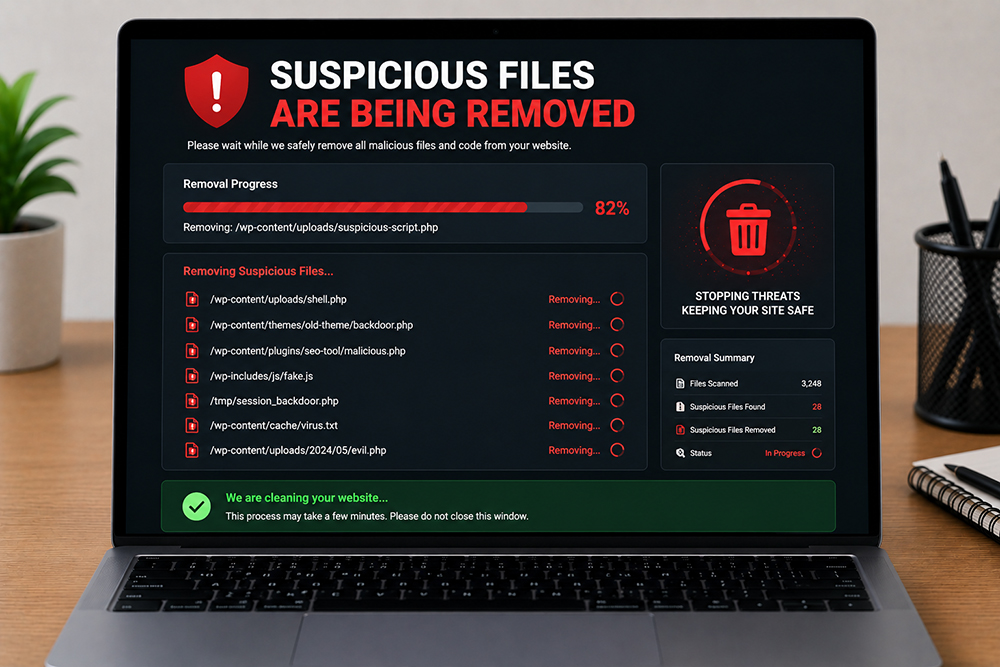
Once the infection is mapped, the cleanup process removes malicious files, injected scripts, and unauthorized modifications. This can include replacing compromised WordPress core files with clean versions, removing fake plugins, and repairing affected theme files.
Database cleanup is equally important. Hackers often insert malicious JavaScript, hidden links, spam content, or redirect rules directly into database tables. If this content remains, the website may look clean for a day or two before the problem returns.
Backdoors are one of the most overlooked parts of WordPress malware removal. They are hidden access points that let attackers regain control after the obvious malware has been deleted.
A website may appear normal after a quick cleanup, but a backdoor can restore spam pages or redirects without warning.
Professional malware removal should identify & remove these persistence mechanisms. Otherwise, you are paying for a temporary cosmetic fix rather than a real recovery.
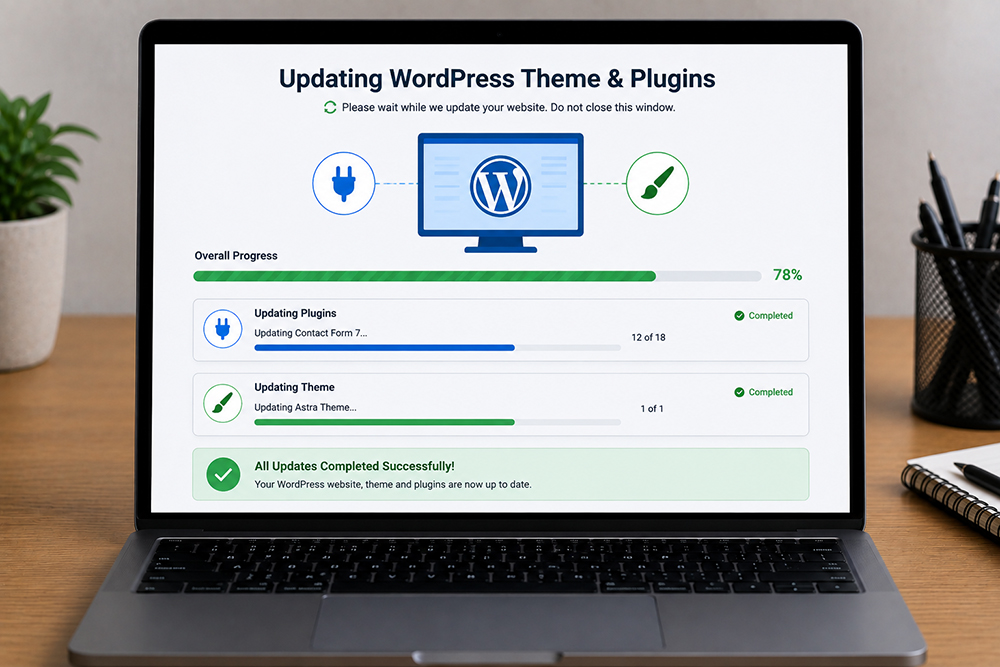
Outdated software is one of the most common routes into a WordPress website. After testing compatibility, a web support provider should update the WordPress core, active plugins, and themes to secure versions.
Unused plugins and themes should also be removed.
Updates should be handled carefully on eCommerce sites, membership websites, and sites with custom functionality. A rushed update can disrupt checkout flows, forms, integrations, or page layouts.
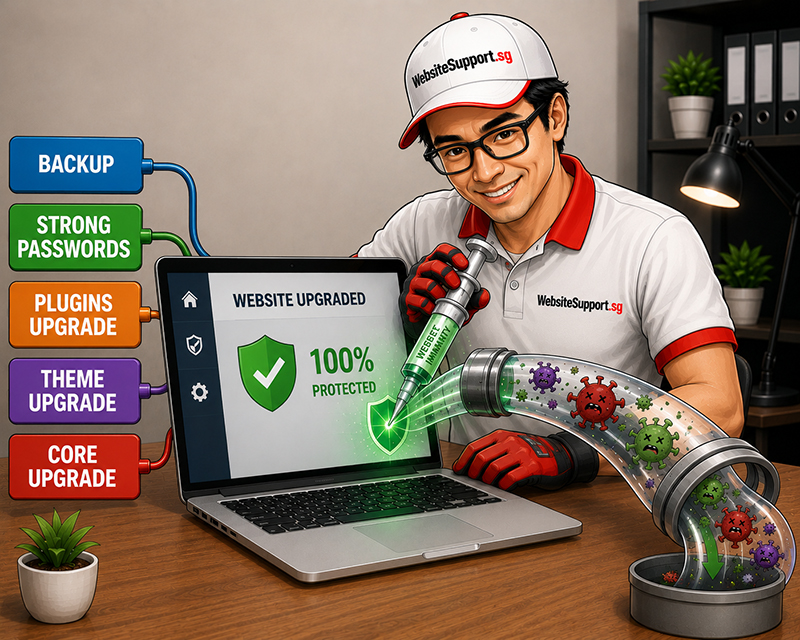
Malware incidents often involve compromised credentials. Removing harmful code is not enough if the attacker still has a valid WordPress login.
Security work may include resetting passwords, removing unknown users, reviewing user roles, and enforcing stronger login practices. For business sites, two-factor authentication and limited administrator access are sensible additions, particularly when multiple staff members or external vendors have access.
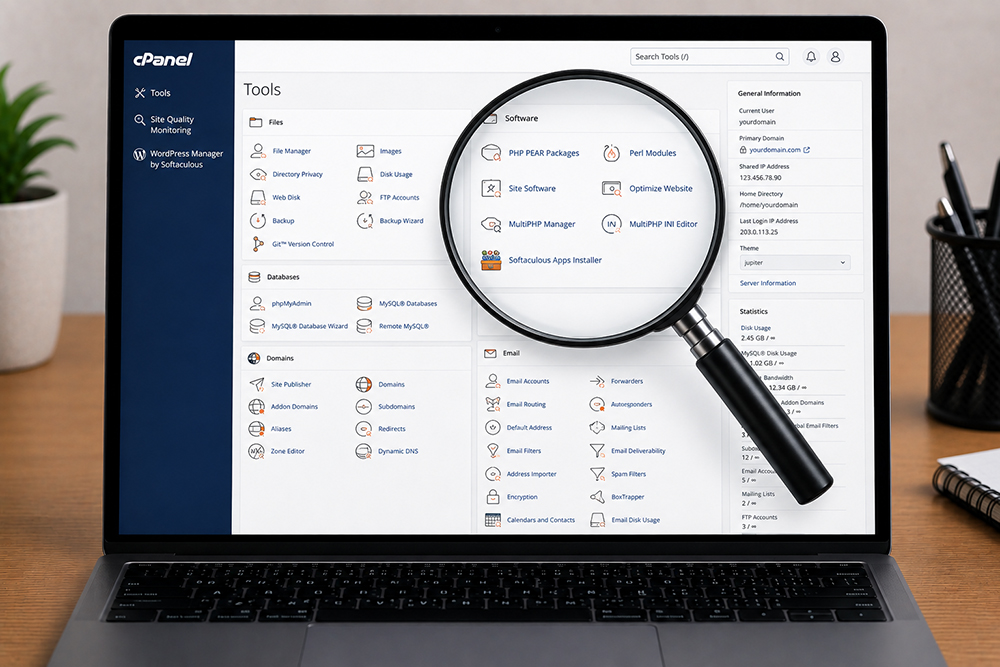
In some cases, the problem is not limited to WordPress. Weak hosting settings, outdated PHP versions, incorrect file permissions, or another infected site on the same account can create ongoing risk.
A complete WordPress hack cleanup may include a review of server logs, file permissions, PHP settings, and hosting account access. If the site has been infected repeatedly, moving to a better-managed hosting environment may be more cost-effective than repeatedly cleaning the same vulnerable setup.
It helps to clarify expectations before work begins. Malware removal does not automatically mean a full website redesign, speed optimization project, or hosting migration. Those services may be recommended if the site is outdated, unstable, or difficult to secure, but they are usually separate scopes of work.
Likewise, no security service can promise that a website will never be attacked again. WordPress is widely used, which makes it a frequent target. The realistic objective is to reduce risk through timely updates, secure access, monitored backups, and active maintenance.
The most affordable malware cleanup is the one you never need. Regular WordPress maintenance keeps the core platform, plugins, and themes updated while catching potential issues before they affect visitors.
For small and mid-sized businesses, ongoing support also removes the pressure of figuring out whether an update is safe, a plugin is abandoned, or a warning email needs urgent action. Instead of waiting until your site starts selling mystery pills or redirecting customers to somewhere unpleasant, you have a team monitoring the essentials.


Get an affordable quote for services like website maintenance, website repair, website upgrade, & website malware removal.

WordPress website broken after a PHP upgrade? Learn how to fix critical errors, plugin conflicts and PHP compatibility issues. Get WordPress support in Singapore.
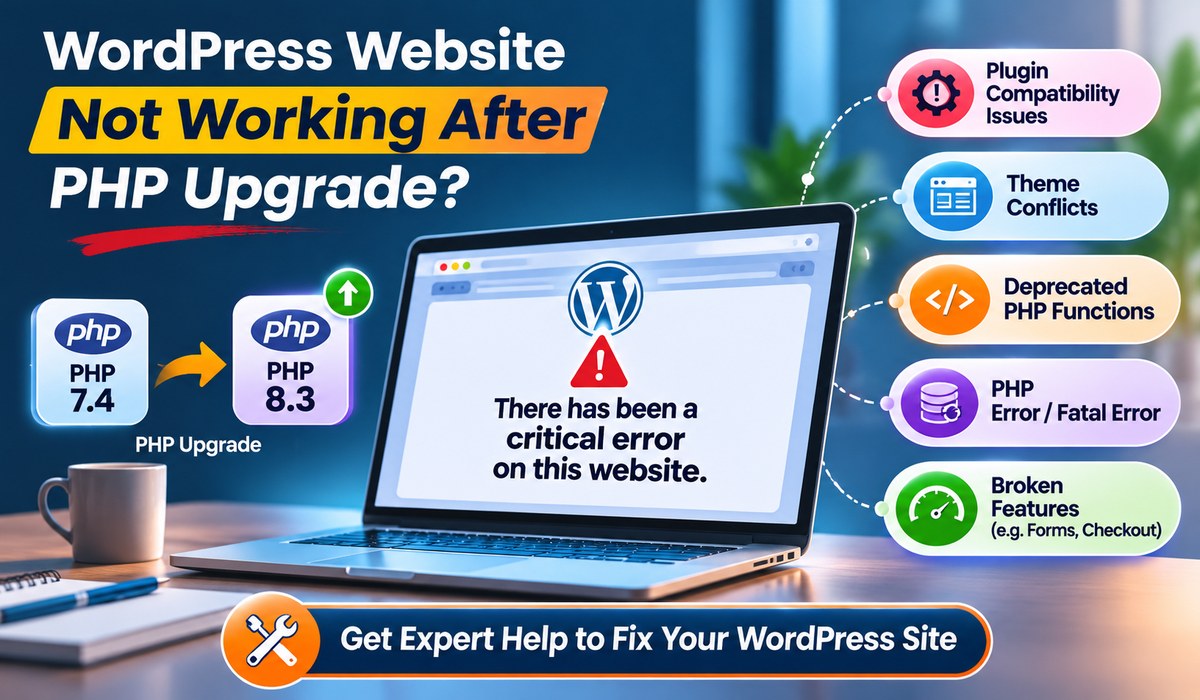
WordPress website broken after a PHP upgrade? Learn how to fix critical errors, plugin conflicts and PHP compatibility issues. Get WordPress support in Singapore.
Protect your business from cyberattacks with professional website maintenance, website support, malware removal, website security and website upgrade services in Singapore.
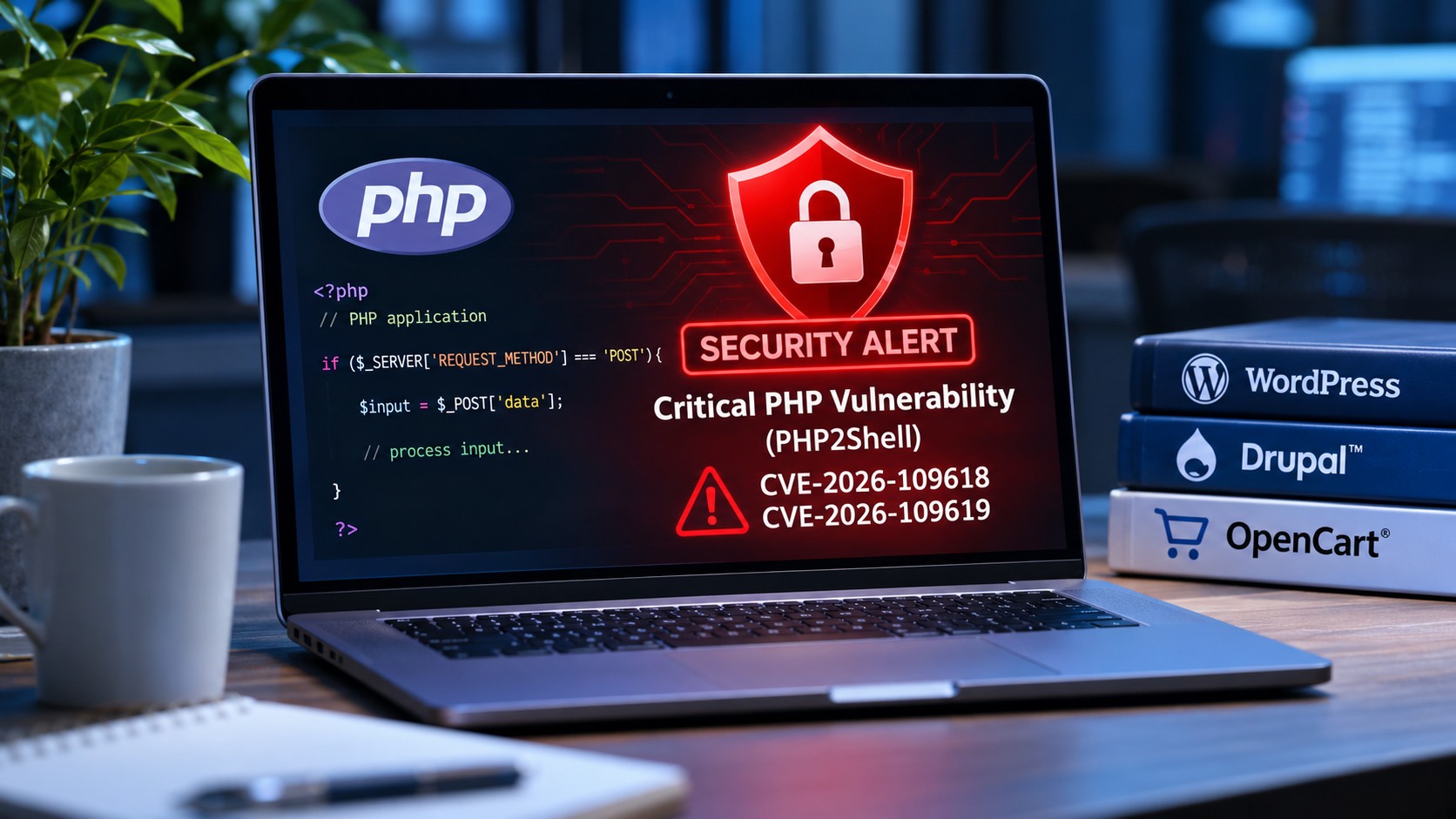
Discover how the latest PHP2Shell security vulnerabilities affect WordPress, Drupal and OpenCart websites, and what website owners should do to stay protected.
WhatsApp us