What Should You Do When Your WordPress Site Is Hacked?
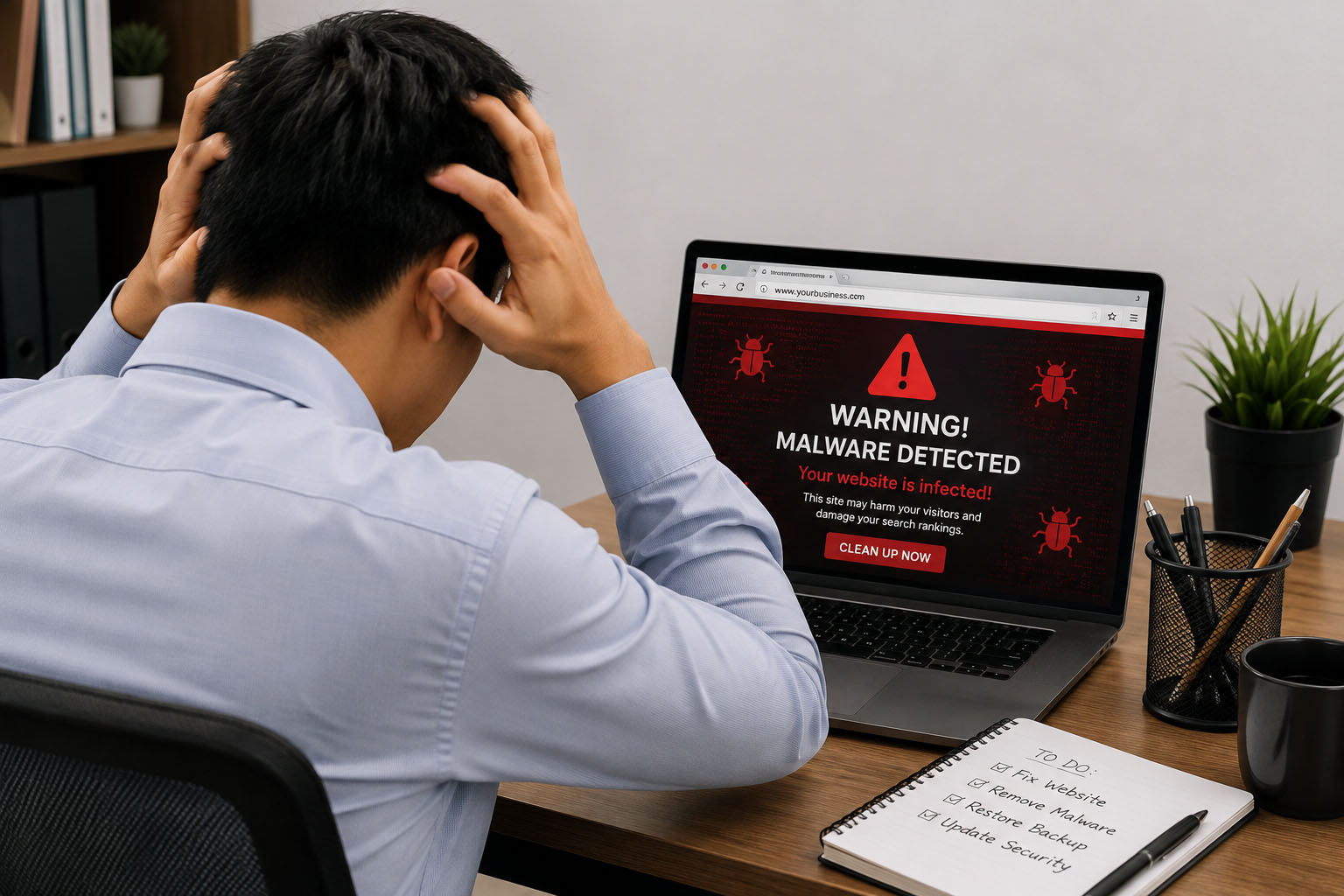
Is your website suddenly redirecting visitors to a spam site or a questionable casino site? Has Google put a warning label on your business website? Or did your WordPress site decide to start selling miracle supplements while you were asleep? If you are asking, what should you do when your WordPress site is hacked?, move quickly, but do not panic-click your way into a bigger problem.
A hacked website can cost a business leads, sales, search rankings, and customer confidence. The priority is to contain the attack, identify what changed, remove the infection completely, and prevent the hacker from returning through the same weak point.
The First Step When Your WordPress Site is Hacked
Your first job is to limit the damage. Avoid making random edits, deleting files, or restoring an old backup before you understand the situation. Those actions can remove useful evidence, overwrite clean content, or leave the original vulnerability open.

Start with these immediate actions:
- Put the site into maintenance mode if possible, especially if visitors are being redirected or shown suspicious content.
- Take a full backup of the current website files and database before cleanup begins. Even an infected backup can help identify when and how the compromise happened.
- Contact your web hosting provider and ask whether it has detected malware, unusual file activity, unauthorized logins, or suspicious server processes. If they confirm, consult a professional website developer to clean your website immediately.
- Change passwords for WordPress administrator accounts, hosting control panel access, FTP or SFTP accounts, databases, email accounts, and any connected services.
- Check whether other websites under the same hosting account have been affected. Cross-site infections are common in shared hosting environments.
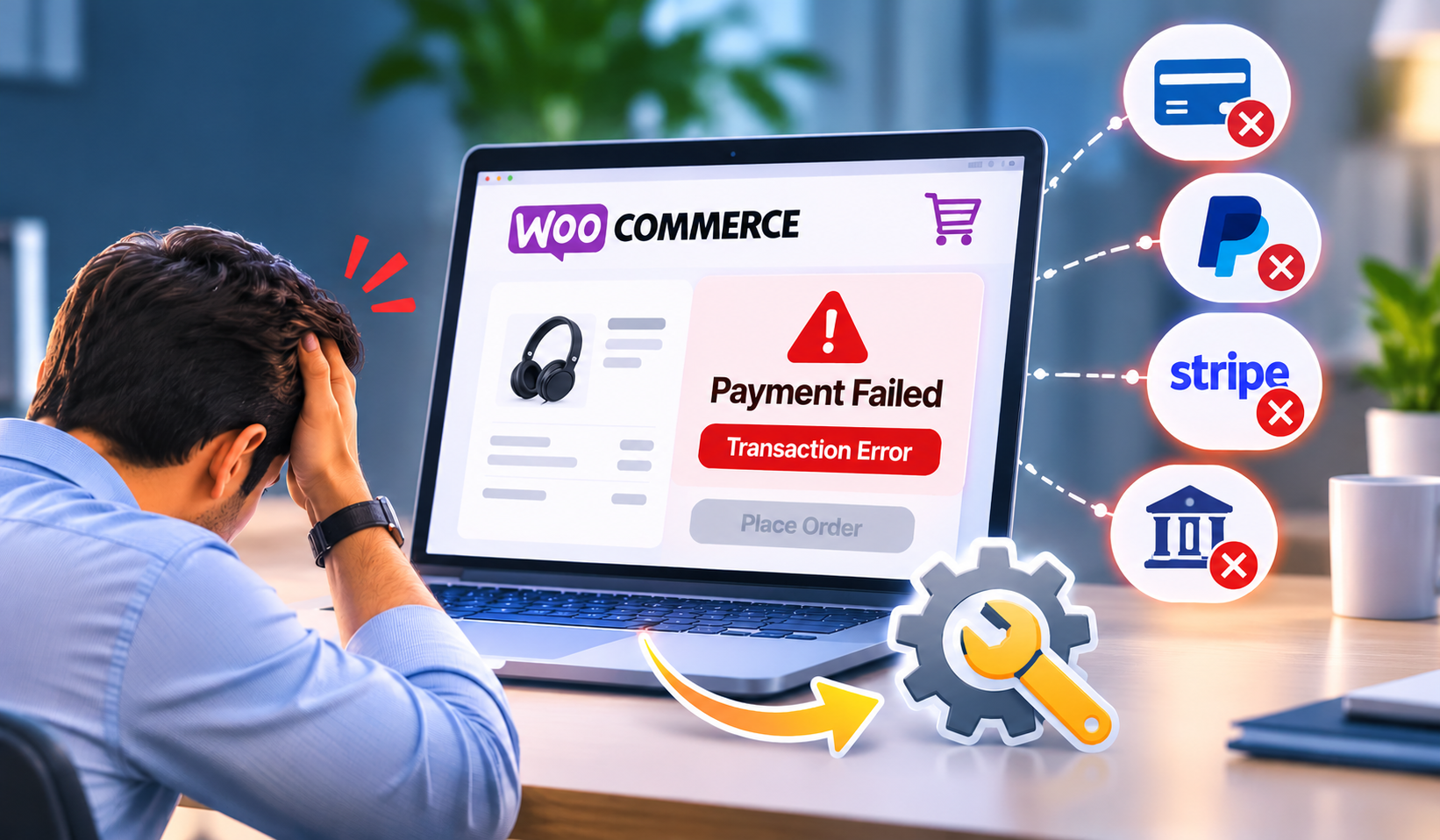
If you run an online store, do not ignore the possibility of customer data exposure. Temporarily disable checkout if there is any chance that payment forms, customer accounts, or order data have been tampered with. Inform your payment provider when the incident may involve card data or unauthorized transactions.
The Next Steps When Your WordPress Site is Hacked
Below are some practical steps that can help you respond to a hacked website, remove the immediate risks, and begin the recovery process. However, some of these steps require technical knowledge. If you’re unsure about what to do or don’t have the required technical experience, it’s best to consult a professional web developer before making any changes.
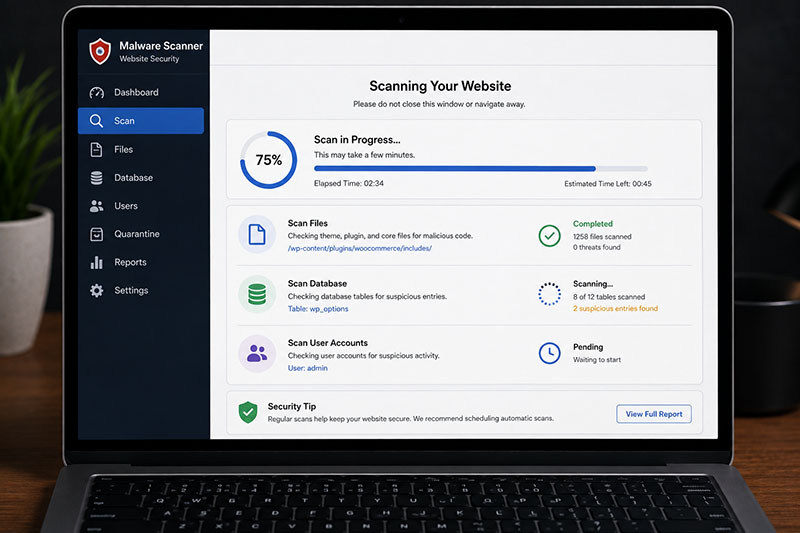
#1 Scan files, the database, and user accounts
Use a reputable WordPress security scanner to identify altered core files, known malware signatures, suspicious scripts, and vulnerable components.
Review these areas carefully:
- WordPress administrator users and their roles
- Installed plugins, themes, and inactive themes
- The uploads folder for executable files or unfamiliar scripts
- Database tables, especially posts, options, user accounts, and scheduled tasks
- The wp-config.php file, the .htaccess file, and the server-level configuration files
- Cron jobs and unfamiliar code that regenerates after deletion
2. Restore A Backup
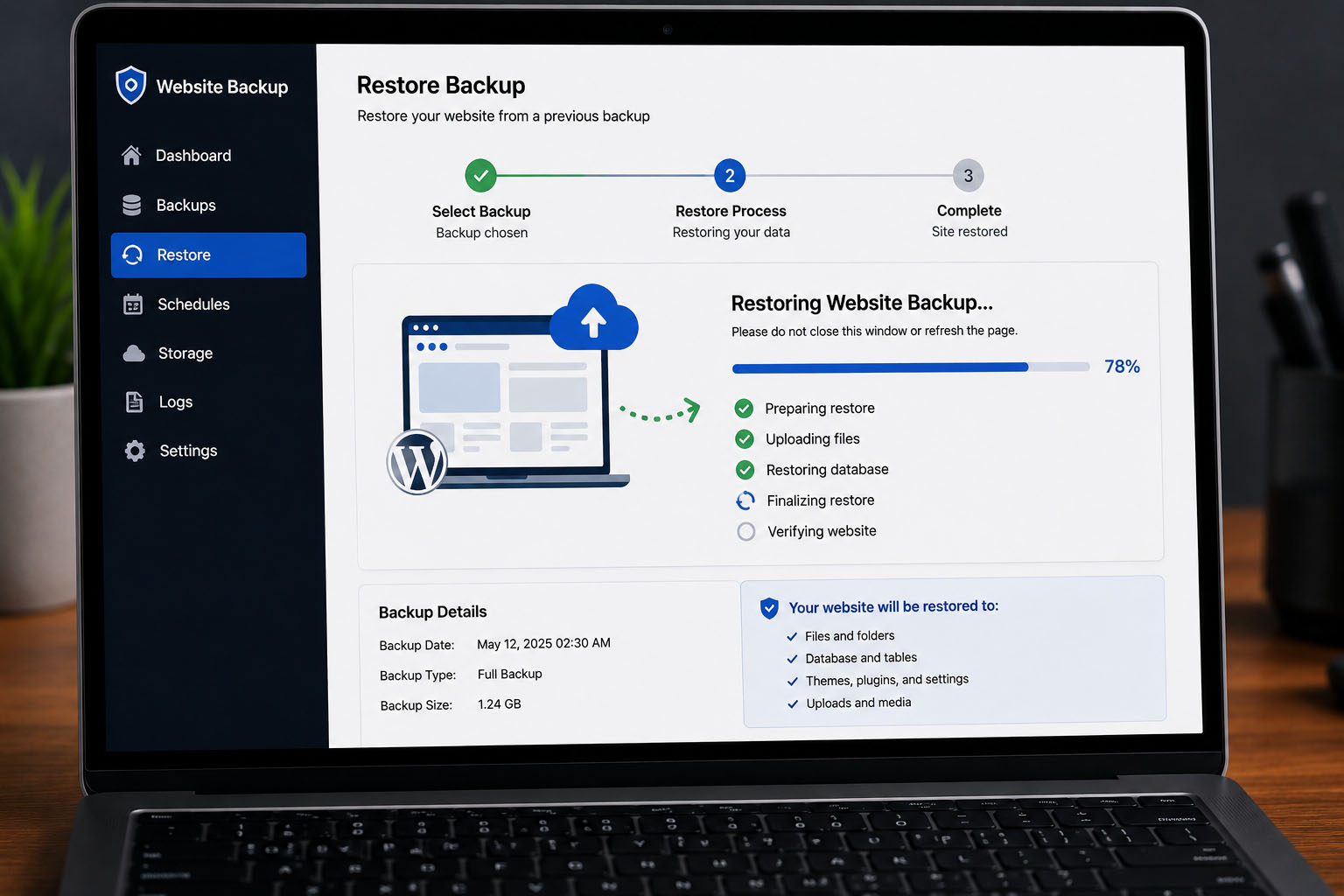
Restoring a backup can be faster than manually cleaning a heavily infected site, but only if the backup is from before the hack and has been checked for malware. Restoring last night’s backup is not helpful if the attacker gained access three months ago.
After restoration, immediately update WordPress, plugins, themes, and server software. Replace all credentials and security keys. Otherwise, the hacker may simply log back in or exploit the same outdated plugin again.
For complex WooCommerce websites, membership platforms, or sites with daily orders and form submissions, a full rollback may erase legitimate customer activity. In that case, targeted cleanup plus careful recovery of recent data may be the better option.
3. Strengthen access controls
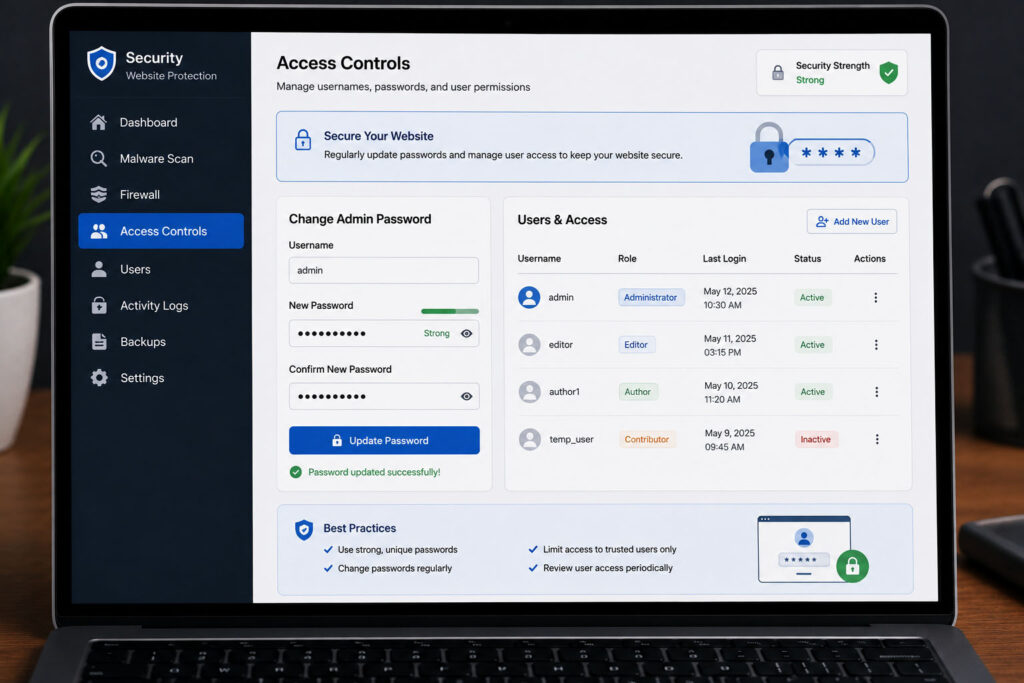
Use unique, long passwords for every website-related account and enable two-factor authentication for WordPress administrators and hosting access.
Remove former employees, agencies, and unused administrator accounts. Staff members who only publish content should not have full administrator permissions.
Change WordPress security salts to invalidate existing login sessions. Limit login attempts, use a web application firewall, and restrict access to sensitive files where your hosting setup allows it.
4. Schedule an Update
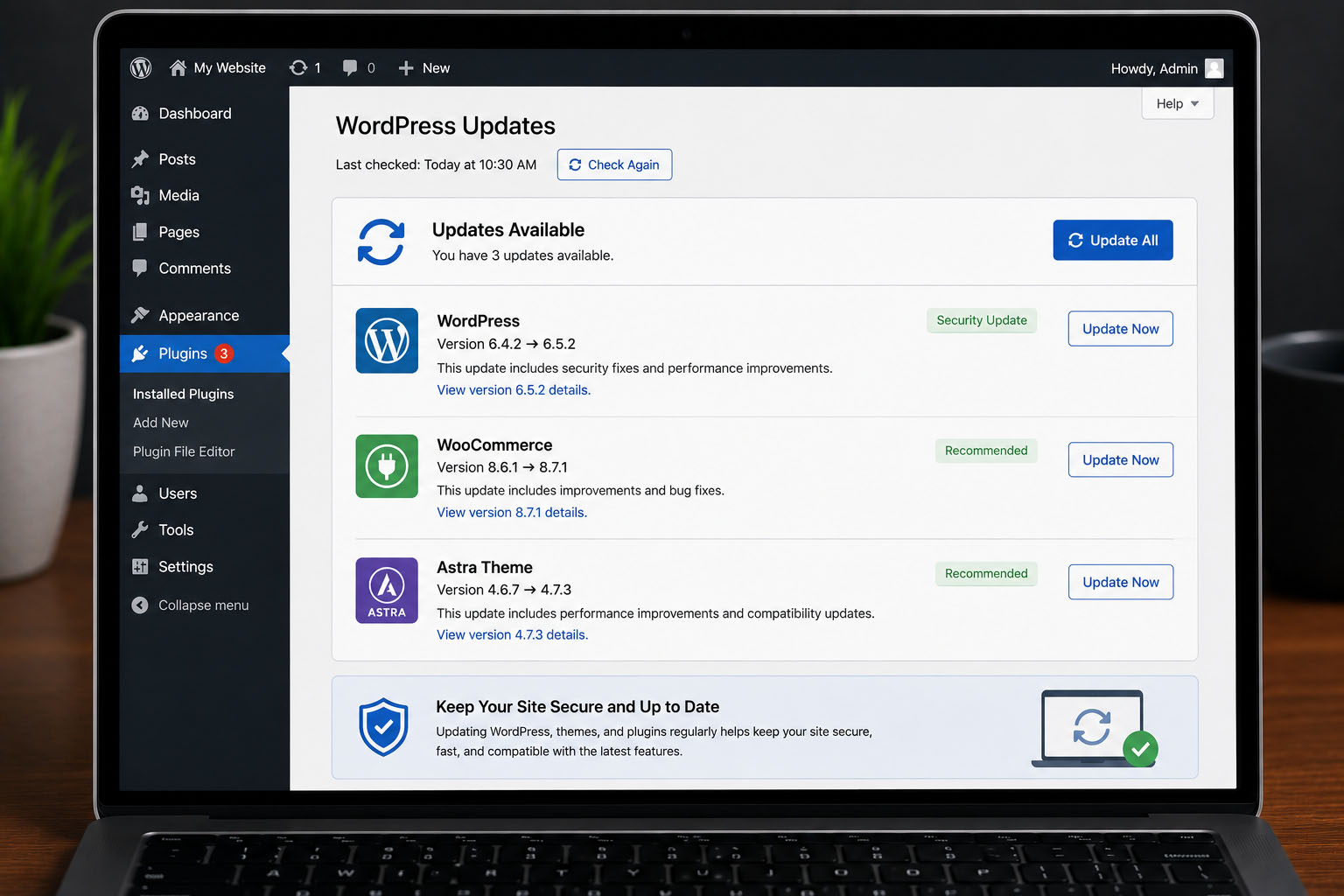
Regular updates are essential, but business websites should not blindly update everything during peak sales periods. Test major plugin, theme, and WordPress updates in a staging environment when possible. This reduces the risk of a security fix causing a broken checkout, contact form, or custom feature.
A reliable WordPress maintenance plan should include:
- Core, plugin, and theme updates
- Daily or scheduled off-site backups
- Malware scanning and firewall monitoring
- Uptime checks and error monitoring
- Database optimization and performance reviews
- Routine testing of forms, payments, and key conversion pages
For small and mid-sized businesses, this ongoing work is often more affordable than emergency recovery, lost ad spend, and a week of missed leads.
When To Hire A Malware Removal Expert?
You can handle a simple issue internally if you have a recent clean backup, know which plugin caused the problem, and can verify that every access point has been secured. However, professional help is sensible when malware keeps returning, Google has blacklisted the site, customer data may be affected, or your site has custom code and eCommerce functions.
A proper WordPress malware removal service should do more than run a scan and remove a few files. It should investigate the breach, clean files and database entries, remove backdoors, harden the installation, review server settings, and help restore search visibility.
A hacked website is stressful, but it is also a useful warning: your website needs the same protection as any other business asset. Act fast, verify the cleanup, and put a maintenance routine in place so your next urgent website request is about more sales, not more malware.