
Has your WordPress website been cleaned, restored, and then hacked again a few weeks later?
A hacked site that gets reinfected usually has one or more persistent weaknesses. Malware removal may have addressed the visible symptoms, while the attacker’s route back into the site remained open.
Common causes include:
The important point is that a WordPress cleanup and WordPress security hardening are two different jobs. One removes the infection. The other makes sure it cannot return through the same door.
A proper WordPress malware removal process should inspect more than the homepage and a few recently modified files. Recurring infections can hide in:
An abandoned plugin may contain a known vulnerability that attackers can scan for automatically.
What to review right now
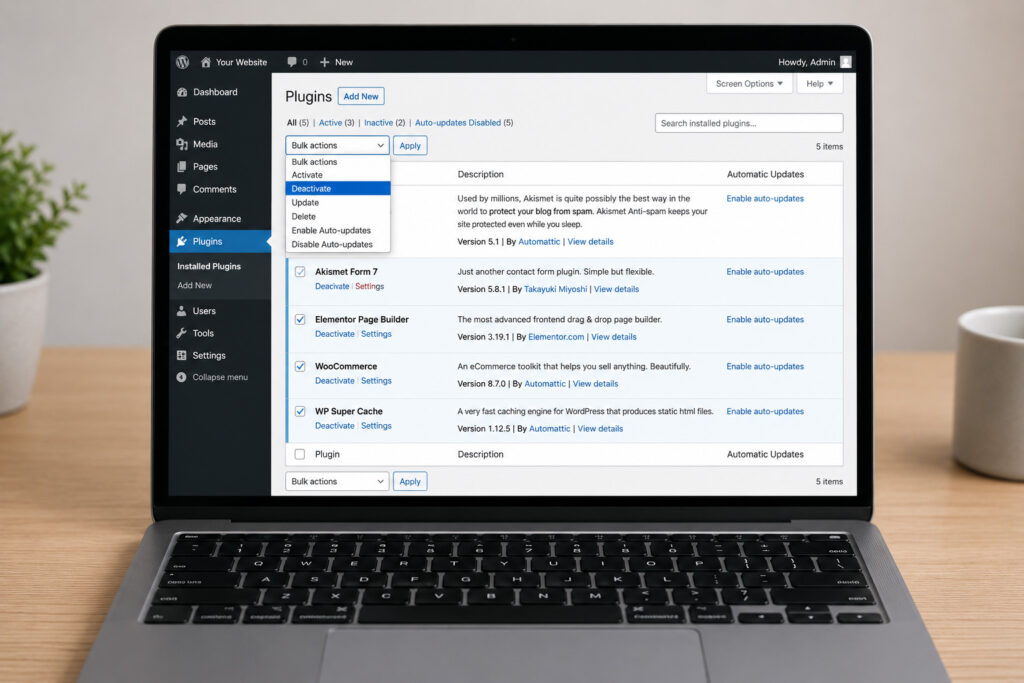
Start with your WordPress dashboard and make a list of every active and inactive plugin and theme. Then ask three simple questions:
Delete anything unused. Inactive plugins and themes can still contain vulnerabilities. Keep one current default WordPress theme as a fallback, but remove old themes you no longer use. Avoid nulled or pirated premium themes and plugins completely.
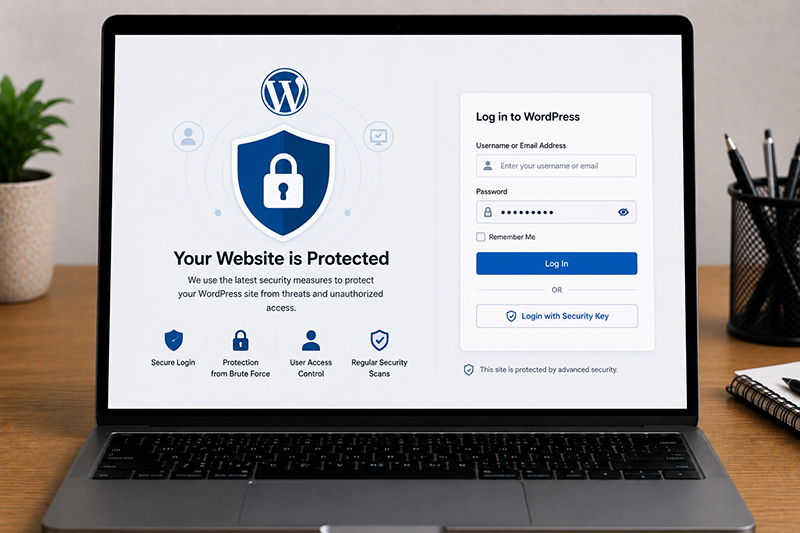
A strong website can still be compromised if login credentials are weak or exposed. Reused passwords are especially risky.
Your website security plan should include unique passwords for every WordPress administrator, hosting panel, FTP or SFTP account, database account, and business email account.
Turn on two-factor authentication for privileged users wherever possible.
Affordable hosting is not always a problem. Many small businesses do well on shared plans. However, a poorly maintained hosting environment can make repeat hacks more likely, particularly when accounts are not isolated correctly or the server runs outdated software.
Warning signs include frequent server-wide malware alerts, unsupported PHP versions, limited access logs, no malware scanning, unexplained file changes, and support teams that only recommend restoring a backup. Your host should help you understand whether the infection began inside your website or whether the server environment may have contributed.
Like business laptops, email accounts, and mobile apps, your website needs routine updates & monitoring. Leaving it untouched for six months is an invitation for security issues to build up. Hire a professional support provider for your website maintenance.
A practical WordPress maintenance plan should cover the following:
For businesses without an in-house technical team, a managed website support provider can handle the cleanup and the ongoing work that prevents repeat incidents. Web maintenance companies like Innomedia can help businesses assess compromised WordPress websites, remove malware, improve security, and maintain the site so it continues supporting growth instead of creating recurring emergencies.
A clean website is a good start. A maintained, monitored, and properly secured website is what keeps your sales pages, search traffic, and customer trust working when you need them most.


Get an affordable quote for services like website maintenance, website repair, website upgrade, & website malware removal.

WordPress website broken after a PHP upgrade? Learn how to fix critical errors, plugin conflicts and PHP compatibility issues. Get WordPress support in Singapore.
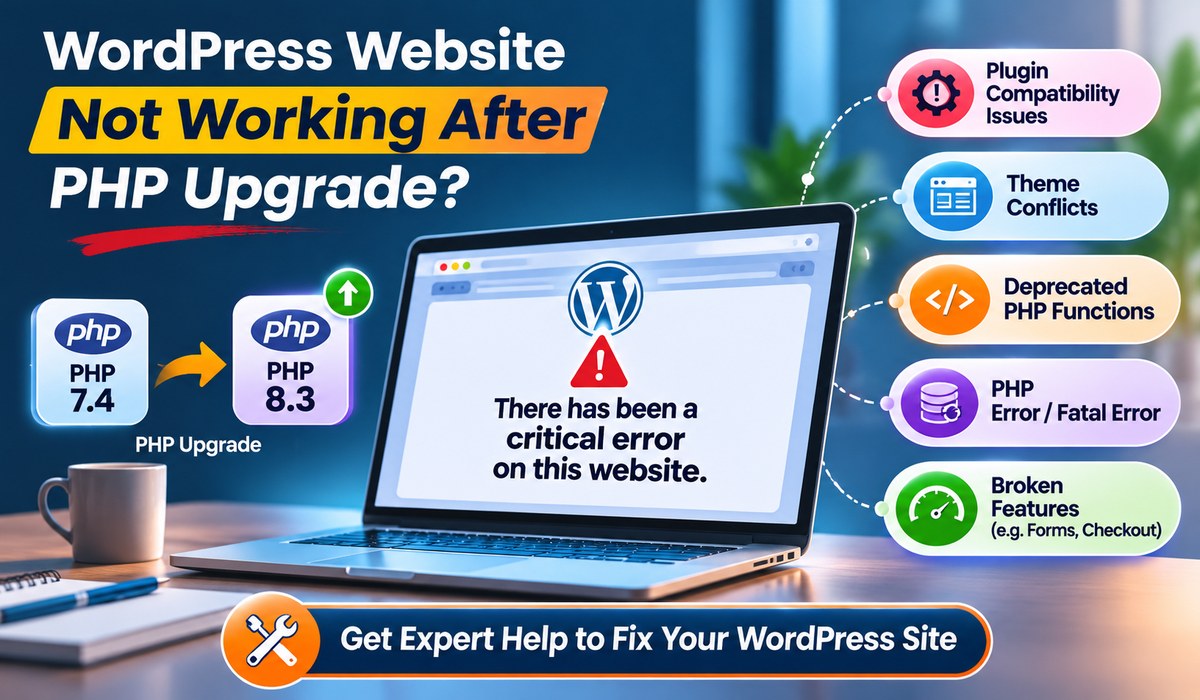
WordPress website broken after a PHP upgrade? Learn how to fix critical errors, plugin conflicts and PHP compatibility issues. Get WordPress support in Singapore.
Protect your business from cyberattacks with professional website maintenance, website support, malware removal, website security and website upgrade services in Singapore.
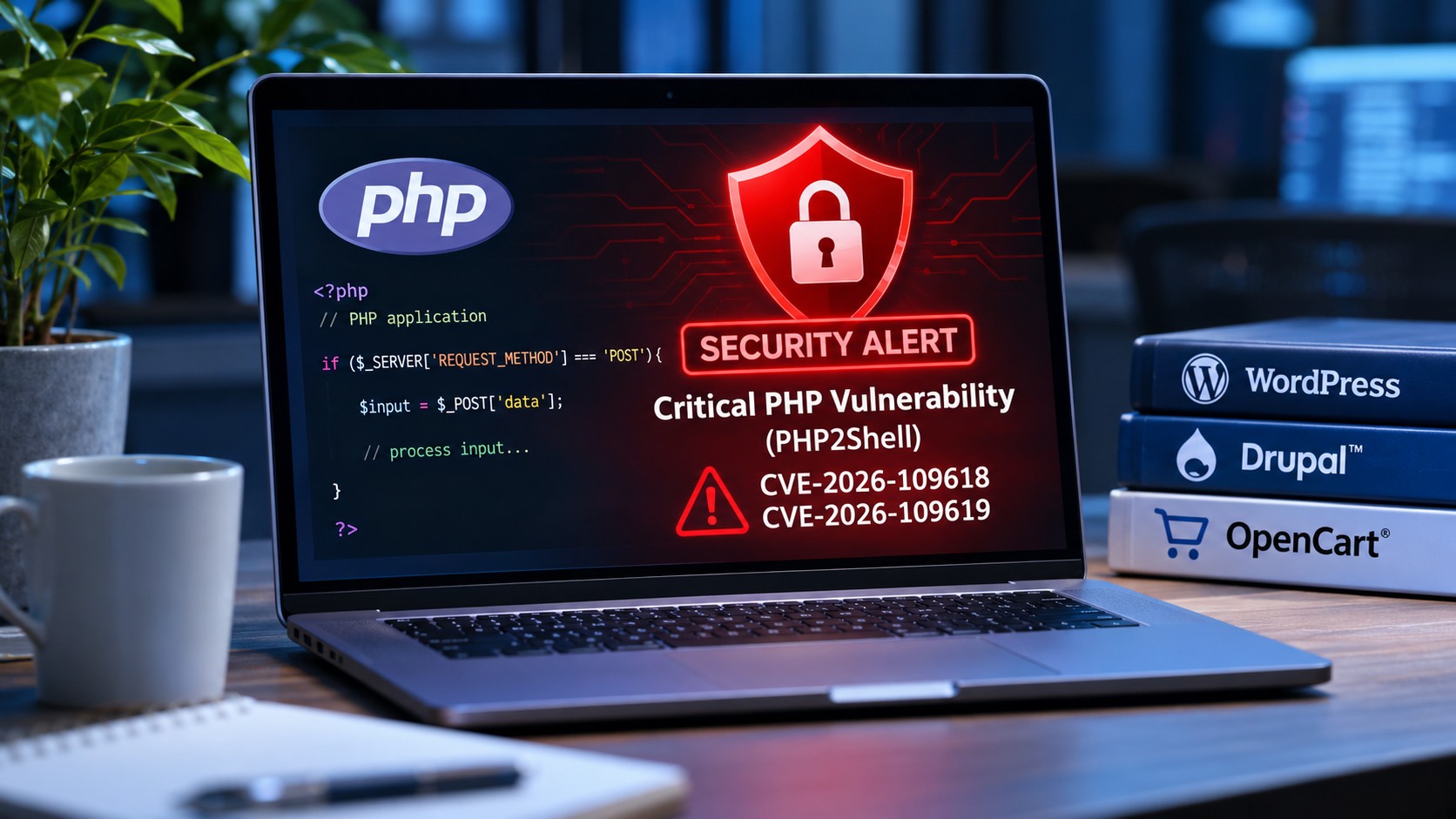
Discover how the latest PHP2Shell security vulnerabilities affect WordPress, Drupal and OpenCart websites, and what website owners should do to stay protected.
WhatsApp us