
Home > WordPress Repair > Why is Your WordPress Site Loading Slowly

Why is Your WordPress Site Loading Slowly

Visitors expect pages to respond quickly, especially on mobile connections. A delay of only a few seconds gives prospective customers time to return to Google, compare another provider, or abandon a shopping cart.

For small and mid-sized businesses, the impact can show up in several places:

  • Fewer contact form submissions and quote requests
  • Higher bounce rates from organic search and paid campaigns
  • Lower conversion rates on landing pages
  • Poorer mobile user experience
  • Reduced trust in your brand, products, or services
  • More abandoned WooCommerce carts
 

Google also considers page experience as part of its broader ranking systems. Speed alone will not place a site at the top of search results, but a slow site can make it harder for strong content, technical SEO, and advertising investments to perform as they should.

website support

Why is Your WordPress Site Loading Slowly?

Do not start by installing five speed plugins and hoping for magic. That approach often creates plugin conflicts, broken layouts, or no measurable improvement. A proper website speed audit should identify what is actually slowing the page down.

#1 Your Hosting Plan Cannot Handle the Website

Common signs of hosting-related issues include slow server response time, random downtime, a sluggish WordPress dashboard, and performance that worsens during busy periods. 

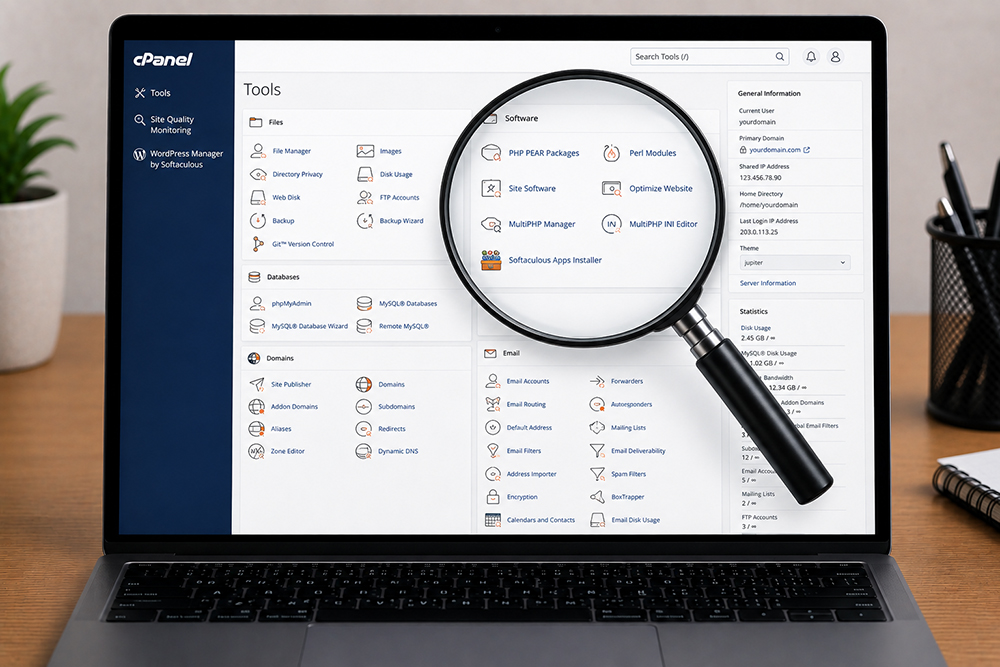
Review server location, PHP version, memory limits, database performance, backups, security, and available support before upgrading.

website hosting cpanel control panel
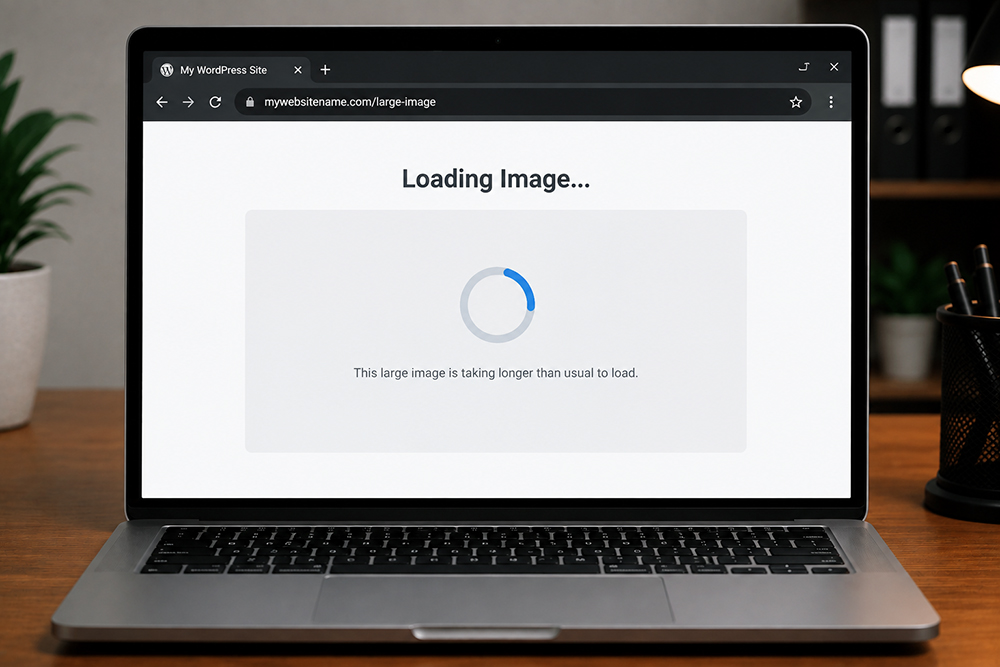
large images can cause website slowdown

#2 Images Are Too Large

Large image files are one of the most common reasons a WordPress site loads slowly. A beautiful banner image uploaded directly from a camera can be several megabytes. Multiply that by a few sliders, product galleries, and team photos, and the page becomes very heavy.

Use appropriately sized images for their display area. A 4,000-pixel-wide image is unnecessary for a 600-pixel content block. Modern image formats such as WebP can reduce file size while maintaining visual quality.

#3 Lack of Plugins Housekeeping

Review your active plugins and ask practical questions:

  • Is this plugin still serving a business purpose?
  • Does it duplicate a feature already included elsewhere?
  • Is it actively maintained and compatible with your WordPress version?
  • Does it load scripts on every page when it is only needed on one page?
  • Can the feature be handled with lighter code or a better alternative?
 

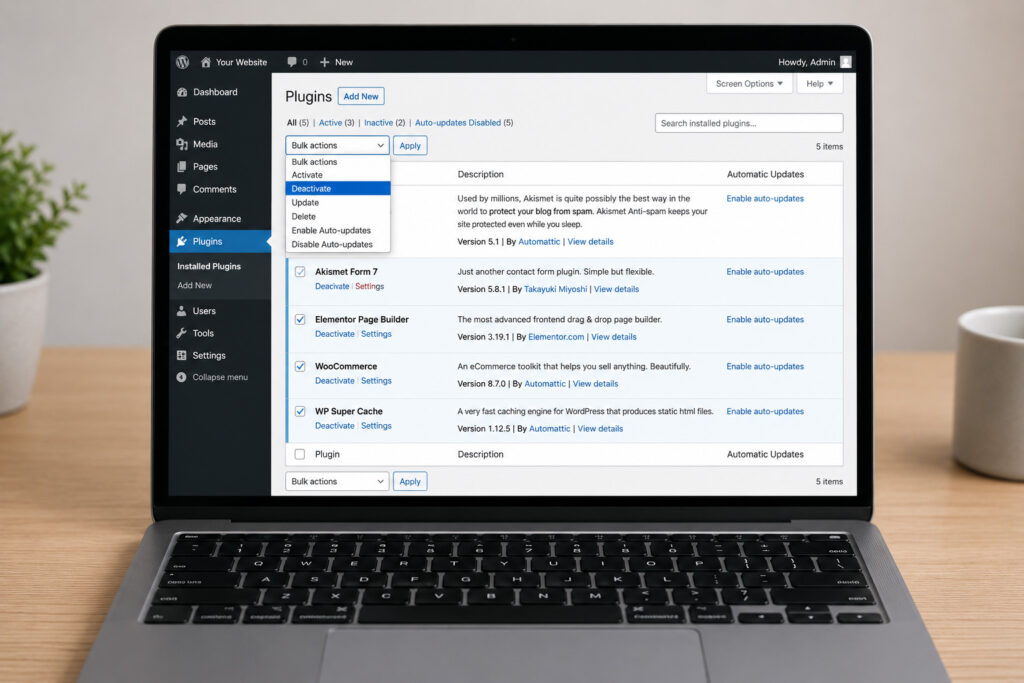
Remove inactive plugins instead of leaving them installed. They can create security risks and make future maintenance more difficult. Before deleting anything essential, take a backup and test changes on a staging site where possible.

disable wordpress plugins
wordpress themes

#4 Theme or Page Builder is Too Heavy

A feature-packed theme may promise dozens of layouts, animations, sliders, pop-ups, and templates. For a business trying to generate enquiries, that can become unnecessary baggage. Excessive animations and nested page-builder sections may look impressive during a design review but can make the live page slow, especially on mobile devices.

A redesign is not always required. Sometimes the solution is to simplify the heaviest pages, remove unused widgets, replace sliders with a single strong hero section, and reduce animation effects. The goal is not to make the site plain. The goal is to make every visual feature earn its place.

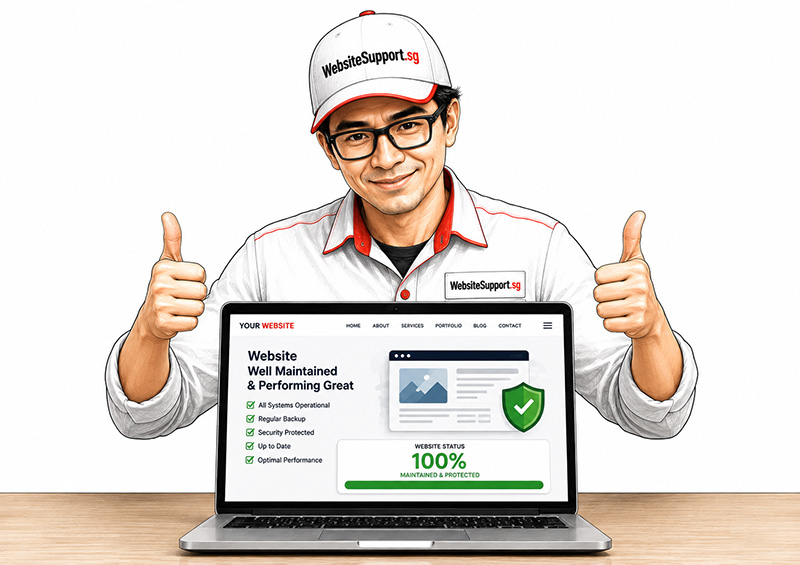
website maintenance in Singapore

How To Fix Slow-loading WordPress Website?

If your WordPress website is loading slowly, there are a few things that you can try yourself to resolve the issue. But we always recommend taking a full backup of your website before you apply any changes to your website. Also, it’s always good to hire a reliable WordPress developer who can upgrade & maintain your website regularly. 

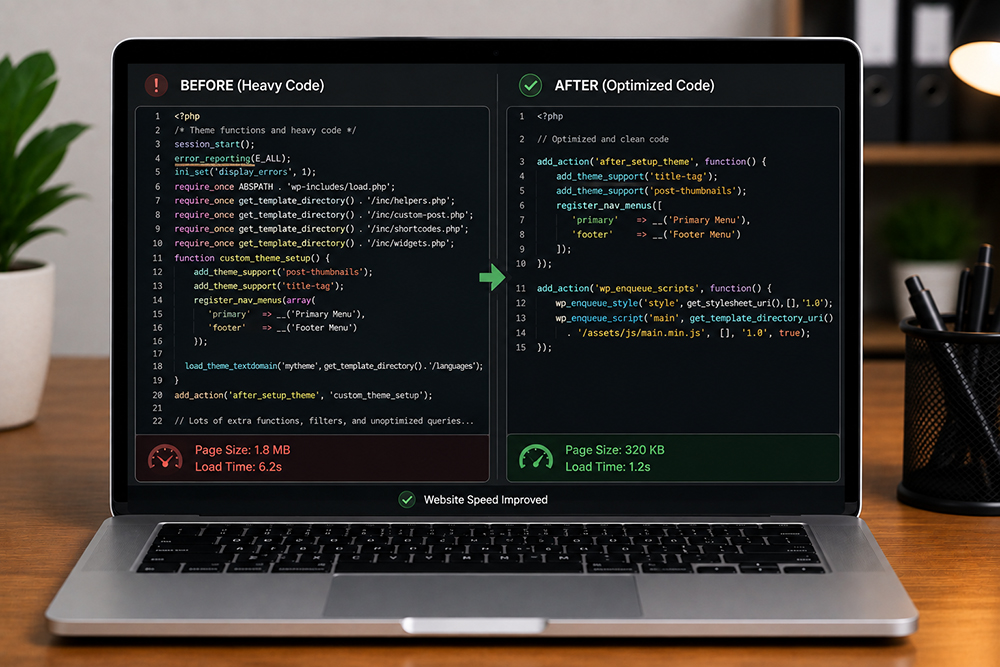
code optimization

#1 Reduce Scripts, Tracking Tags, and Third-Party Requests

Modern marketing websites often load more than WordPress itself. Chat widgets, heatmaps, retargeting pixels, social media feeds, cookie banners, embedded maps, video players, font libraries, and review widgets can all add requests.

Start with an inventory of third-party services. Remove abandoned tools, duplicate tracking tags, and unnecessary social embeds. Load chat tools after the main page content where appropriate. Consider using a static image preview for a map or video instead of loading an interactive embed immediately.

WordPress database cleaning

#2 Clean Up the WordPress Database

Over time, WordPress databases collect post revisions, spam comments, expired transients, unused plugin data, old form entries, and WooCommerce records. This buildup does not always cause an obvious slowdown on day one, but it can make backend tasks and dynamic pages less responsive.

Database optimization should be handled carefully. Deleting the wrong data can affect orders, customer records, forms, or scheduled content.

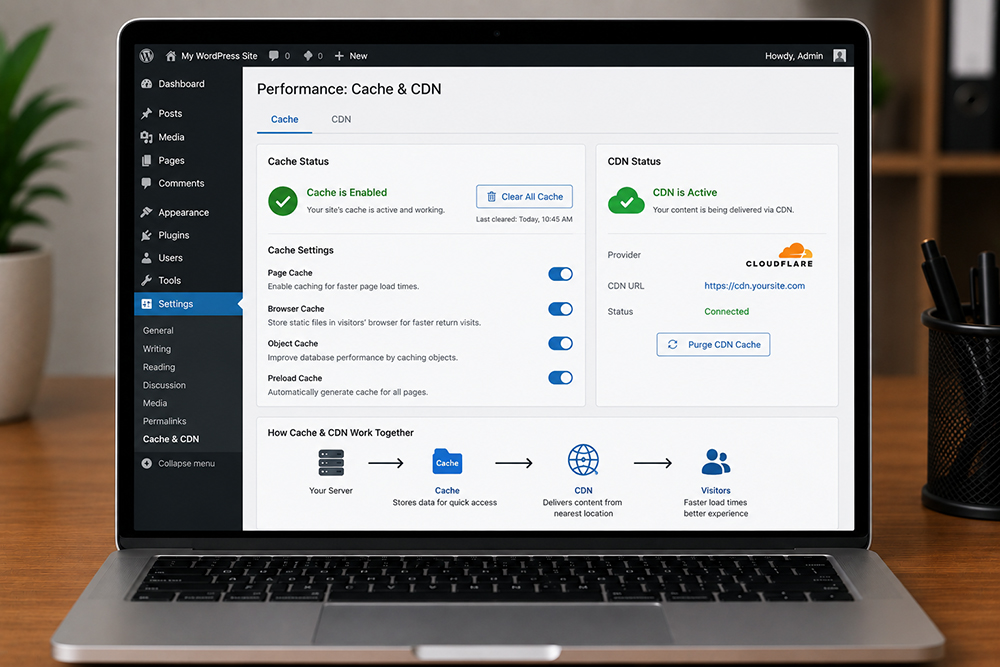
cache cdn wordpress website speed

#3 Use Cache & CDN Correctly

Caching creates stored versions of pages so the server does not need to rebuild everything for every visitor. For many WordPress sites, properly configured caching is one of the fastest ways to improve load times.

A content delivery network, or CDN, can also help by delivering static files such as images, stylesheets, and scripts from locations closer to visitors. This can be particularly useful for businesses serving customers in Singapore, across Southeast Asia, or internationally. 

When a Speed Fix Needs Professional Support

Some issues are straightforward, such as compressing oversized images or removing unused plugins. Others require technical investigation, particularly when the site has malware, database errors, recurring downtime, WooCommerce conflicts, custom code, or a history of multiple developers making changes.

A professional WordPress maintenance team can audit the hosting environment, plugin stack, theme code, database, caching configuration, security status, and marketing scripts. This approach helps avoid the common mistake of fixing one symptom while leaving the underlying problem untouched.

Most Popular

Need Website Help?

Get an affordable quote for services like website maintenance, website repair, website upgrade, & website malware removal. 

On Key

Related Posts