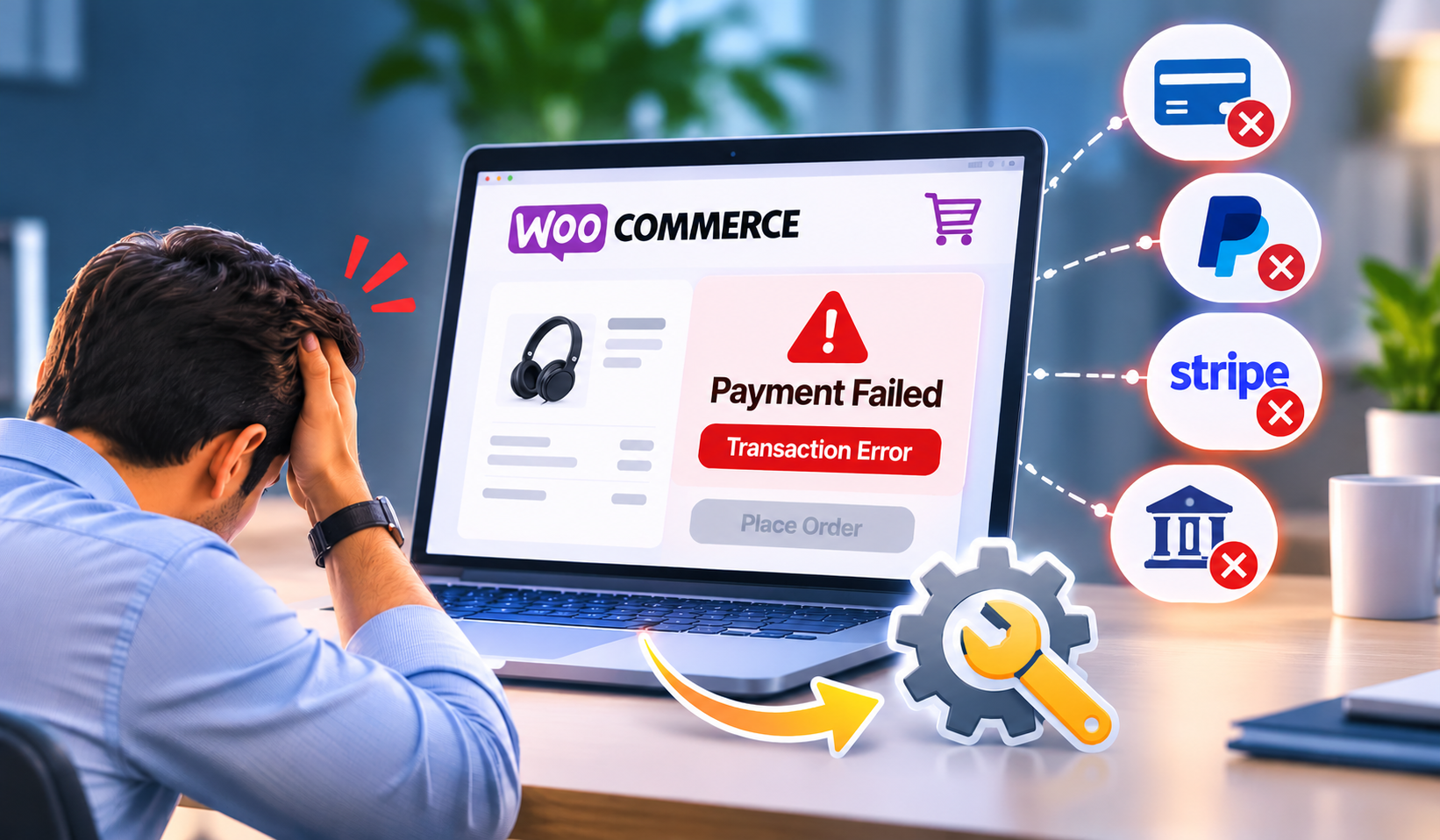

For Singapore business owners, a website crash can be an unexpected disruption with sizable consequences. When your site suddenly becomes unreachable or non-functional, it affects customer trust, sales, and your online reputation. Recognising the causes and warning signs early can be key in minimising downtime and damage.
Once your website goes down unexpectedly, swift action is necessary. Follow these initial steps to stabilise the situation:

While some issues can be resolved with basic troubleshooting, engaging experts in website troubleshooting services in Singapore brings knowledge of local hosting environments and common problems faced by businesses here. This professional assistance helps in:

Recovering a crashed website involves a sequence of critical actions, each ensuring stability and longer-term resilience.
Backups are your lifeline. Ideally, restore the latest clean backup that is closest to the crash time. This avoids loss of data and preserves your site’s functionality. If you do not have recent backups, it’s essential to start planning a regular backup strategy going forward.
If the crash was caused by suspicious behaviour or hacking, use professional website malware removal services. Malicious code can hide in files or databases and may not be visible without specialised tools. Removing these threats prevents further damage and protects visitors.
Conflicts or errors in website code, themes, or plugins are a frequent cause of downtime. An experienced technician can identify and resolve these issues carefully, testing fixes before applying them to live sites.
Check whether your existing hosting plan meets your site’s needs. Upgrading to a more robust plan or moving to a more reliable provider can reduce the risk of future crashes caused by overload or server instability.
Recovery is only part of the equation. Implementing proactive measures can avoid repeated disruptions:
For Singapore business owners interested in managing maintenance effectively, reading this guide on budgeting annual website maintenance can provide helpful insights.
Some warning signs should prompt immediate professional assistance:
WebsiteSupport.sg specialises in fast, reliable website troubleshooting services in Singapore for businesses facing these challenges. Their expert team supports recovery, security, and customised ongoing care.
WordPress website broken after a PHP upgrade? Learn how to fix critical errors, plugin conflicts and PHP compatibility issues. Get WordPress support in Singapore.
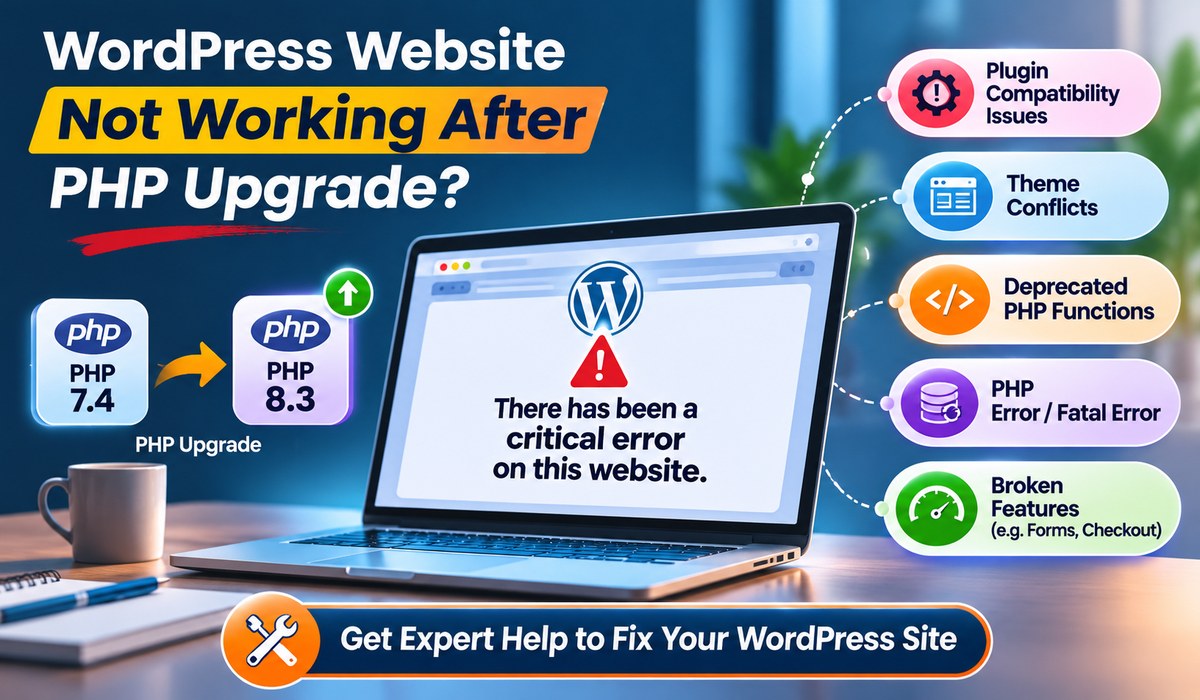
WordPress website broken after a PHP upgrade? Learn how to fix critical errors, plugin conflicts and PHP compatibility issues. Get WordPress support in Singapore.
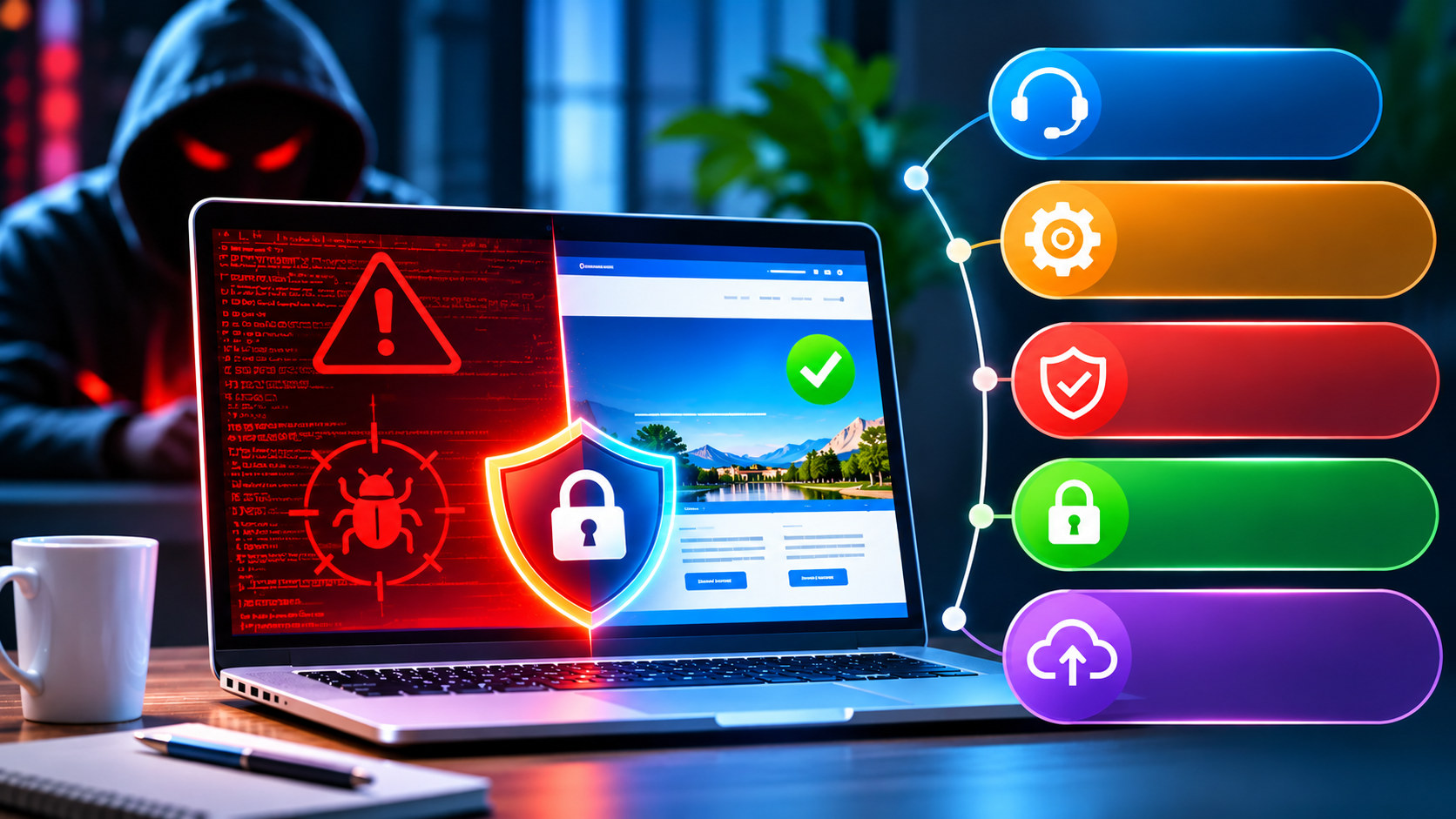
Protect your business from cyberattacks with professional website maintenance, website support, malware removal, website security and website upgrade services in Singapore.
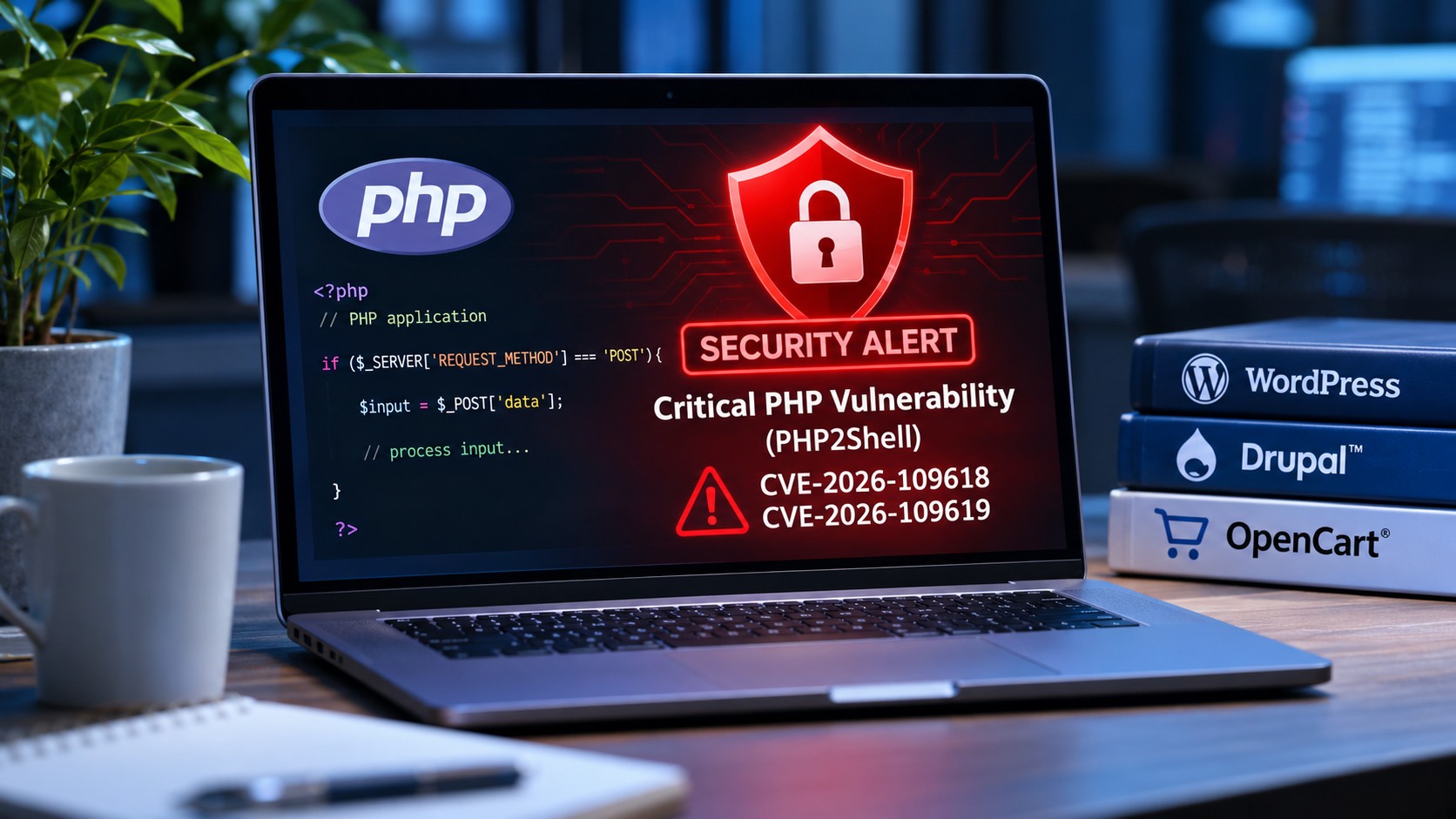
Discover how the latest PHP2Shell security vulnerabilities affect WordPress, Drupal and OpenCart websites, and what website owners should do to stay protected.