
For business owners in Singapore, WordPress security is a top priority. With increasing cyber threats, protecting your website and customer data isn’t optional—it’s essential. One powerful way to enhance security is by enabling two-factor authentication (2FA) on your WordPress login page.
What Is Two-Factor Authentication (2FA)?
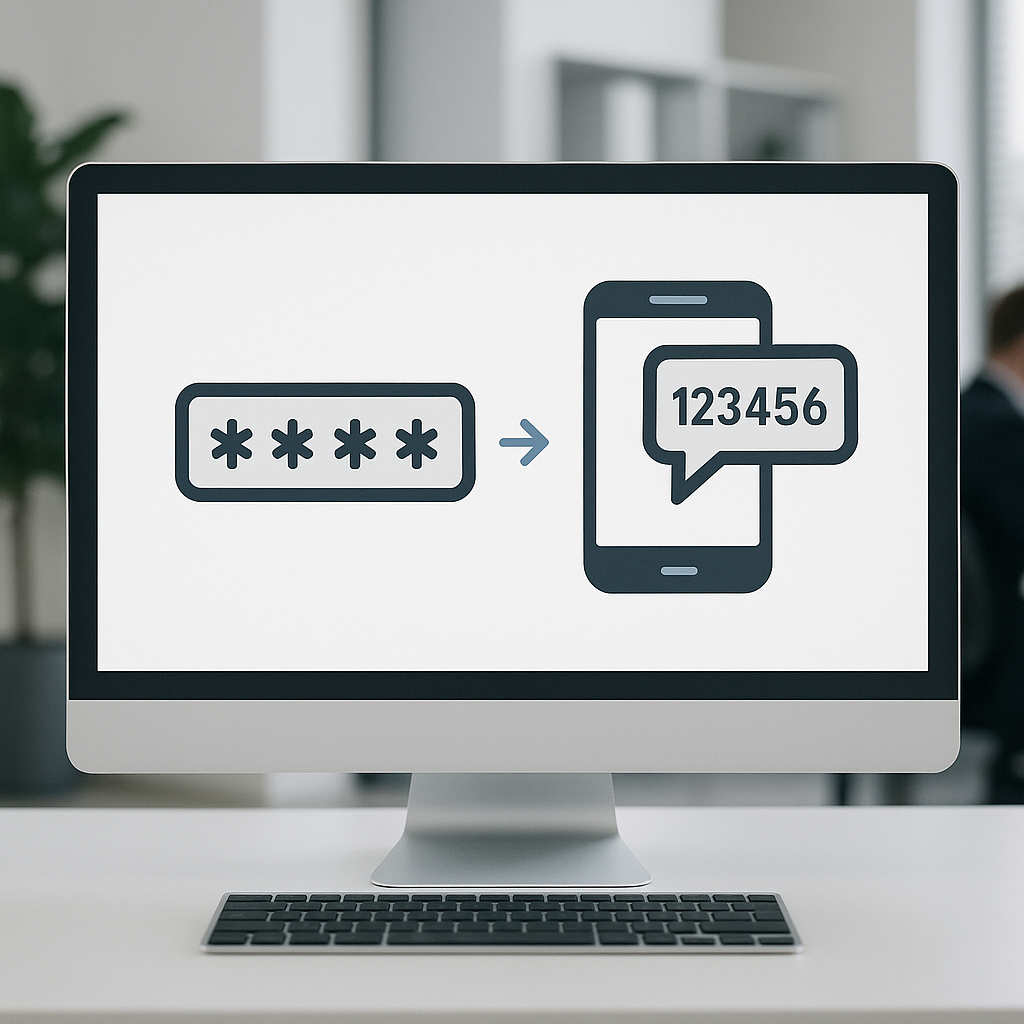
Two-factor authentication adds an extra layer of protection beyond the usual username and password. Instead of relying solely on a password—which can be guessed, stolen, or leaked—2FA requires a second form of verification.This could be a code sent to your phone, an authentication app, or a hardware token.
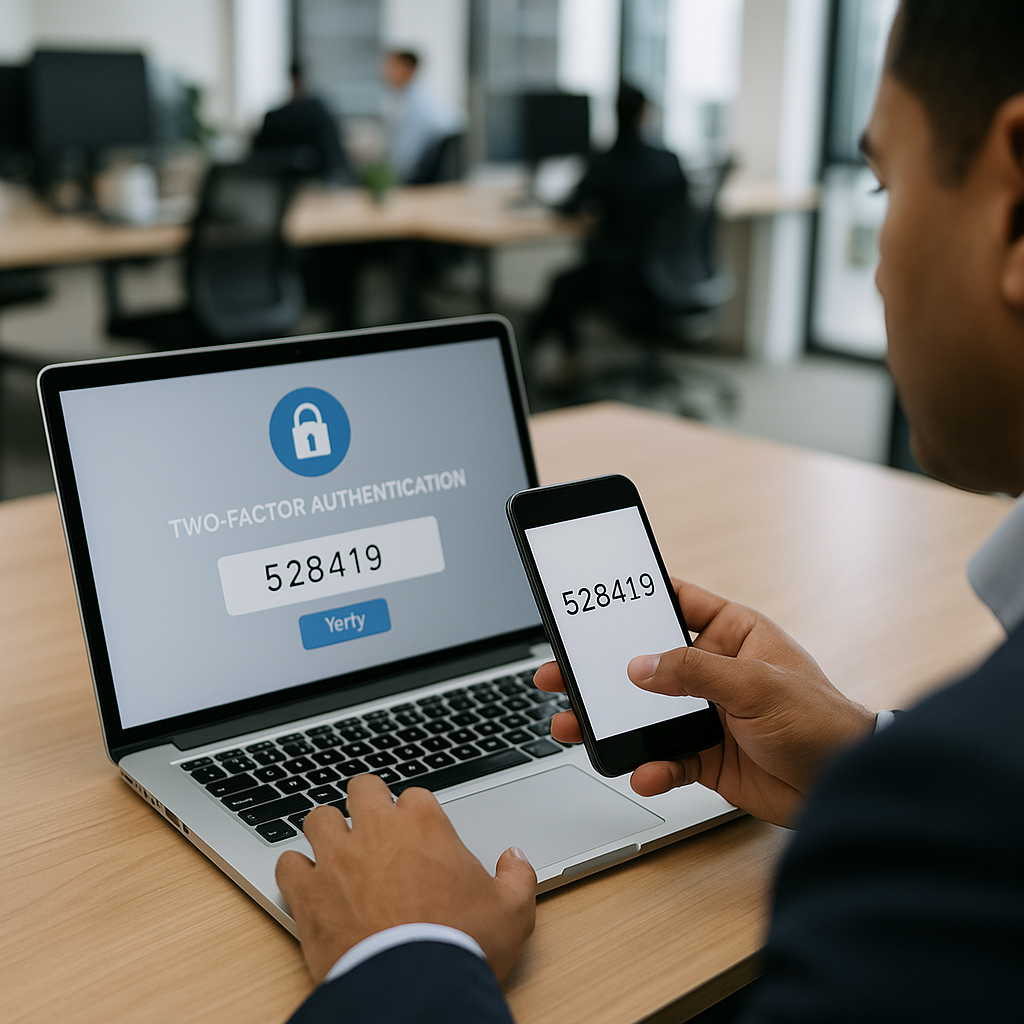
In practice, after you enter your password, you are prompted to provide a unique code (often time-sensitive) from a separate device. This means even if someone obtains your password, they won’t access your account without the second factor.
Common Methods of 2FA
- Authenticator apps: Such as Google Authenticator, Authy, or Microsoft Authenticator generate time-based one-time passwords (TOTPs).
- SMS codes: A code is sent via text message to your registered phone number.
- Hardware tokens: Physical devices like YubiKey that you plug in or tap.
Benefits of Using 2FA for Your WordPress Site
Implementing 2FA improves your website security in Singapore by:
- Reducing unauthorized logins: Prevent hackers from accessing your admin dashboard even if they have your password.
- Protecting sensitive data: Safeguard customer details, confidential business information, and payment data from breaches.
- Building customer trust: Visitors and clients feel more confident knowing your site uses advanced security measures.
- Complying with regulations: Some industries may have security standards recommending or requiring 2FA.
How to Set Up Two-Factor Authentication on WordPress
Enabling 2FA on your WordPress website is straightforward and can be done via plugins. Here’s a practical overview of the process:
- Choose a reliable 2FA plugin: Popular options include Two Factor Authentication, Google Authenticator, and Wordfence (which also provides firewalls and malware scanning).
- Install and activate the plugin: You can add plugins via your WordPress dashboard under ‘Plugins’ > ‘Add New.’
- Configure 2FA methods: Most plugins let you select the preferred authentication method (app-based, SMS, or hardware).
- Enroll user accounts: Particularly administrators and editors should enable 2FA to reduce risks.
- Test your setup: Log out and try logging in again to confirm the second authentication step works smoothly.
Remember, setting up 2FA may slightly lengthen the login process, but the security improvements far outweigh this minor inconvenience.
Warning Signs Your WordPress Login Security Could Be at Risk
Business owners should watch for indications that their login system may be compromised or vulnerable:
- Repeated failed login attempts: Numerous unsuccessful login tries can signal an automated attack.
- New or unknown admin accounts: Unexpected users with admin rights might indicate a breach.
- Unusual login times or locations: Logins from unfamiliar IP addresses or outside business hours.
- <strongSudden changes in login behaviour: Being locked out, unexpected password reset emails, or messages about changed account details.
If you notice any of these signs, enabling 2FA immediately and consulting experienced WordPress security professionals is advisable. WebsiteSupport.sg offers tailored website security services and support for Singapore businesses facing these challenges.
Additional Tips for WordPress Security in Singapore
Beyond 2FA, consider these best practices to enhance your WordPress site’s protection:
- Use strong, unique passwords for all user accounts.
- Keep WordPress core, themes, and plugins updated to fix security vulnerabilities.
- Limit login attempts to block brute force attacks.
- Regularly back up your website so you can restore quickly if problems arise.
- Monitor your website’s activity and logs to spot suspicious behaviour early.
For practical help, you can read our blog on how outdated plugins may compromise your site and how to prevent this.
Conclusion
Two-factor authentication is an effective and necessary step toward securing your WordPress website in Singapore. It helps protect against hacking attempts that could jeopardize your business’s online presence and reputation.
While 2FA significantly enhances login security, it should be part of a broader strategy including routine maintenance and security enhancements. If you need assistance implementing these measures or want to review your current security setup, WebsiteSupport.sg’s website maintenance services are equipped to help Singapore businesses stay secure and operational.