
Contact forms are a primary way for customers and clients to get in touch with your business online. When these forms break, you risk losing inquiries, leads, and orders. For Singapore business owners, a malfunctioning contact form means missed opportunities in a competitive market. This guide helps you understand the common issues behind broken contact forms and how to fix them efficiently.
Common Signs Your Contact Form Is Broken
- Form submissions don’t reach your email or CRM system.
- No confirmation message appears after the form is submitted.
- Encountering error messages such as “Submission failed” or “Something went wrong”.
- Form fields are missing or don’t respond as expected.
- Spam submissions flooding your inbox through the form.
Step-by-Step Website Troubleshooting Singapore: Fix Broken Contact Forms
1. Verify Email Configuration
The most common issue is the form not delivering emails. Check that the email address configured in your form is correct and active. If you’re using WordPress or similar CMS plugins, confirm that the SMTP server settings are properly set. Sometimes web hosts block default mail functions, so using SMTP authentication can improve reliability.
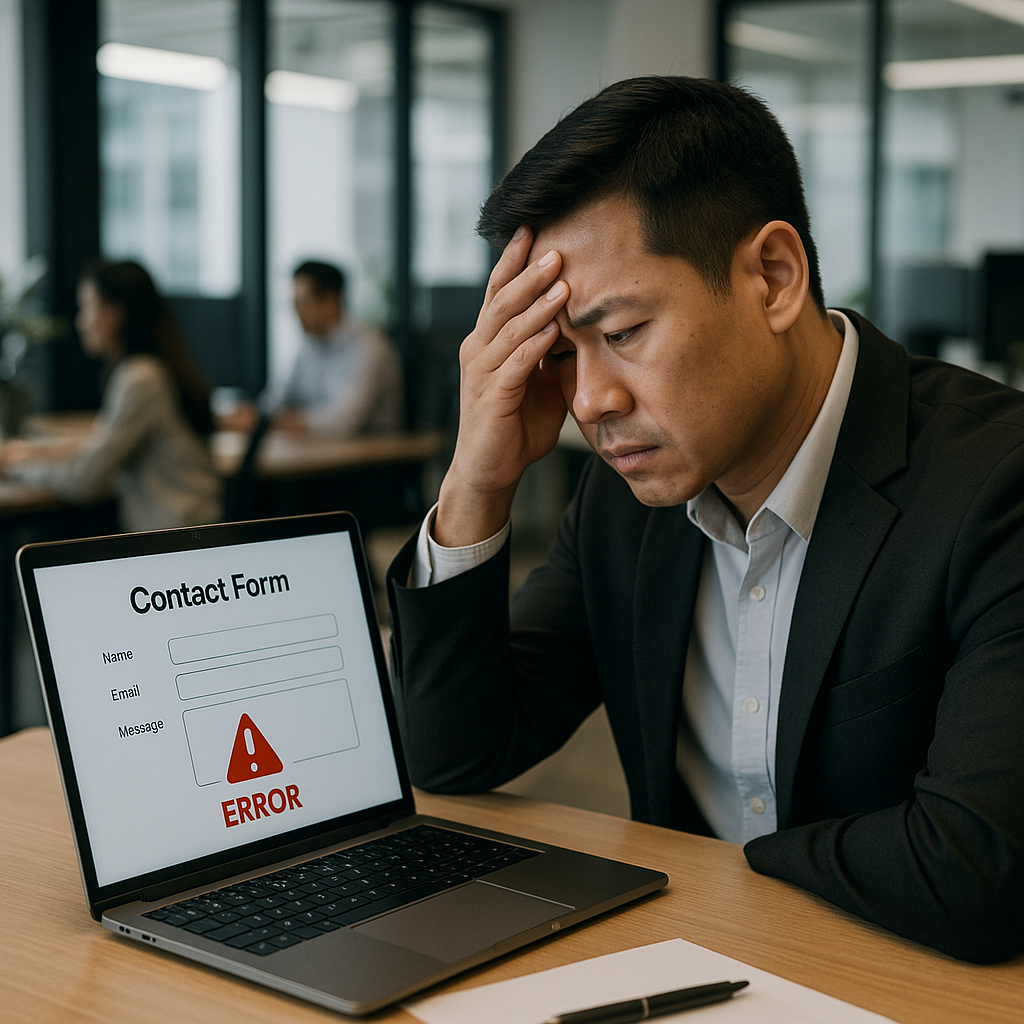
2. Test Form Submission Process
Perform a submission yourself and observe feedback:
- Does the form give a success message or redirect properly?
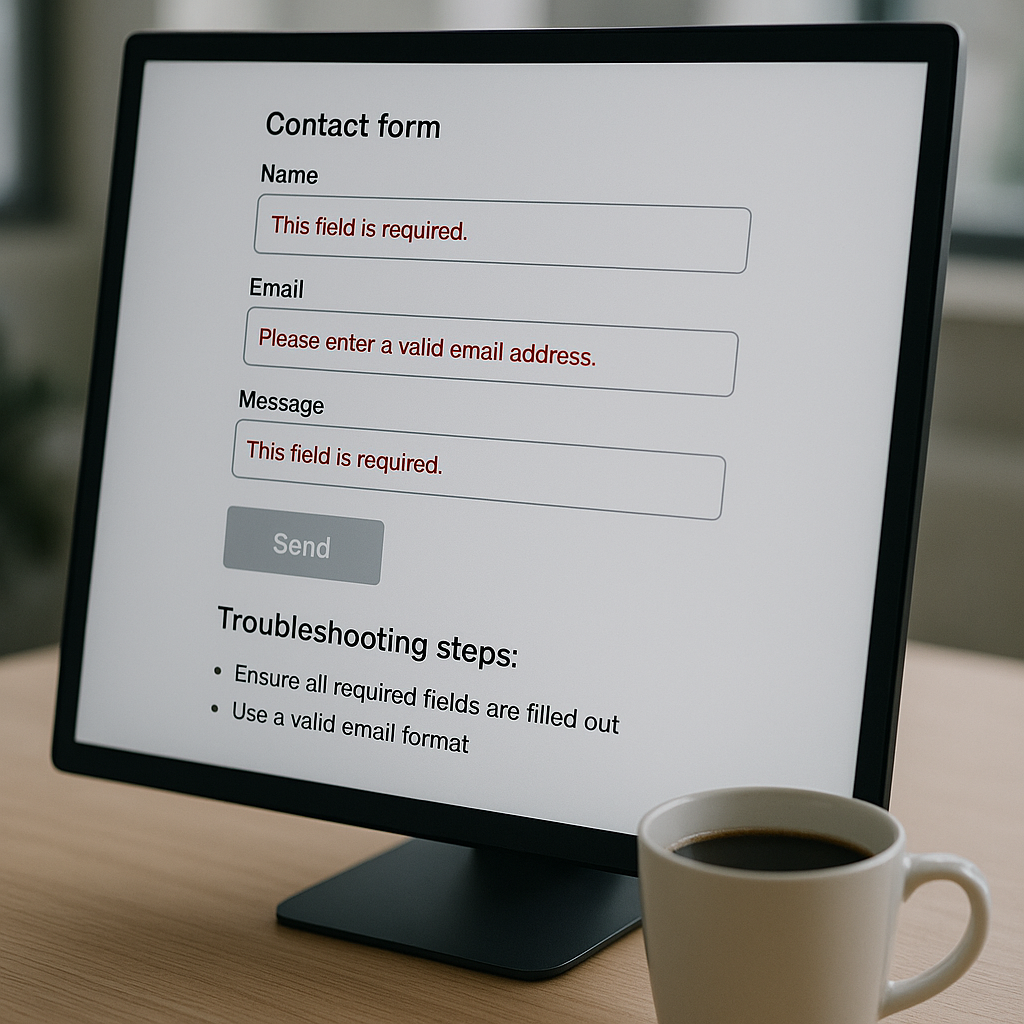
- Are errors shown if required fields are empty?
This check helps identify frontend issues, such as JavaScript conflicts or validation errors.
3. Check for Plugin or Theme Conflicts (For WordPress Sites)
Many Singapore business websites run on WordPress with contact form plugins like Contact Form 7 or WPForms. An update or installation of another plugin might conflict.
- Temporarily disable all plugins except the contact form plugin.
- Switch to a default theme (e.g., Twenty Twenty-Two) and test the form.
- If this fixes it, re-enable each plugin one by one to find the culprit.
This diagnostic helps isolate recent changes that may have caused the problem.
4. Investigate Spam Protection Settings
Improper spam filters like reCAPTCHA or honeypot fields can block legitimate submissions.
- Verify that your captcha keys are correct and valid for your domain.
- Try temporarily disabling spam filters to see if forms submit normally.
Adjust or update spam protection according to your needs.
5. Review Server or Hosting Issues
Your web hosting environment can also cause form failures.
- Check your web server’s PHP error logs for clues.
- Confirm that necessary PHP mail functions or SMTP ports aren’t blocked.
- Look for resource limits or temporary hosting outages.
If unsure, consult your hosting provider or website support team.
6. Examine Code or Customisation Errors
Custom-coded forms require thorough review. Look for:
- Syntax errors in the PHP or JavaScript responsible for form handling.
- Missing or incorrect form action URLs.
- Unescaped input or improper sanitisation functions causing validation failure.
If you lack coding experience, it’s best to seek professional help to avoid breaking other website functions.
Preventive Tips to Avoid Form Breakage
- Keep plugins, themes, and CMS up to date to maintain compatibility and security.
- Regularly test your contact form after website updates or changes.
- Use a reputable SMTP service for reliable email delivery.
- Maintain backups so you can restore a working contact form quickly.
- Consider professional website maintenance services to monitor and fix issues proactively.
When to Seek Professional Website Troubleshooting Singapore Assistance
If your contact form remains broken after these troubleshooting steps, it may involve advanced server settings, programming issues, or security concerns such as malware affecting form functionality.
WebsiteSupport.sg specialises in comprehensive website repair services tailored to Singapore businesses. Our experts can diagnose and repair contact form issues efficiently, helping you start receiving inquiries again without hassle.

Learning More: Fix a WordPress Contact Form Not Sending Email
For WordPress users facing email delivery problems specifically, explore our detailed insights on this topic in the blog WordPress Contact Form Not Sending Email? Fix It. This resource offers additional technical checks and fixes.